Getting started
Support Portal
Access Rencore Suport Portal
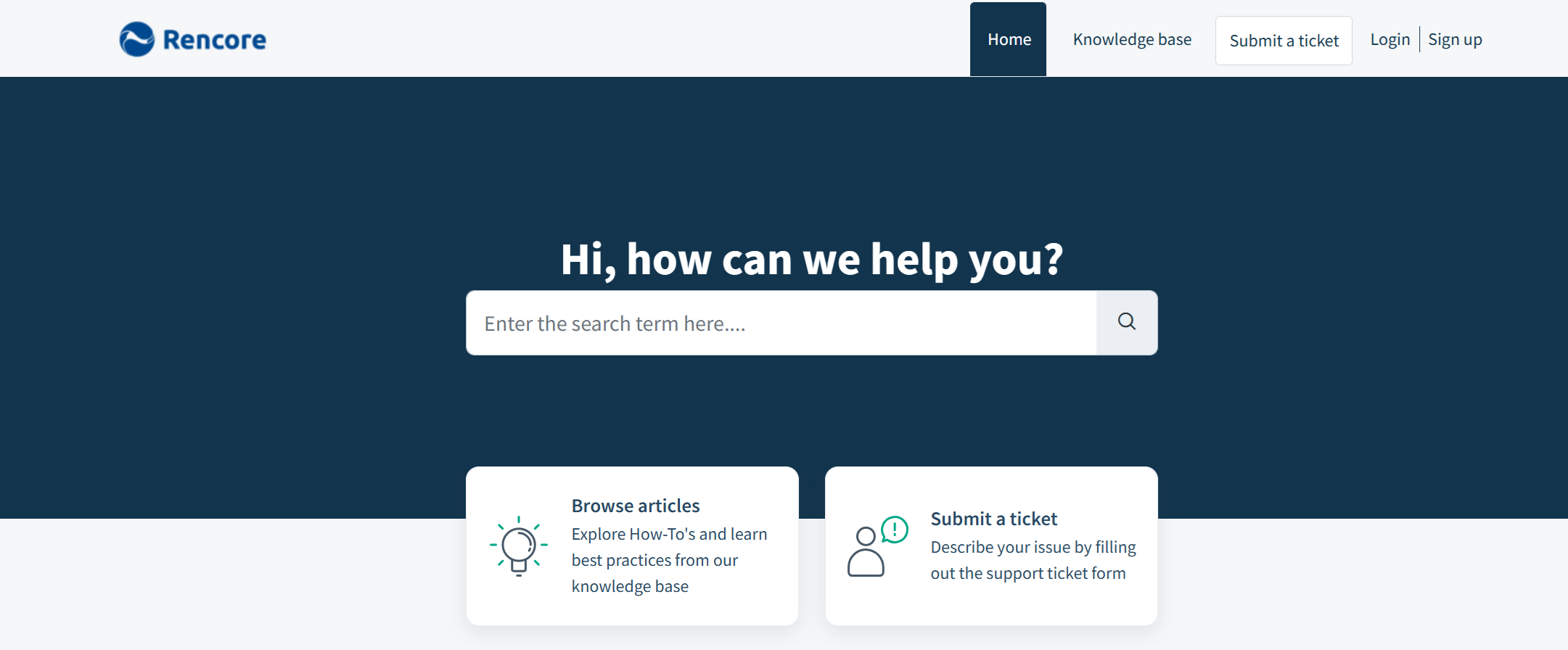
The Rencore Support Portal provides customers with a central location to create, manage, and track support requests related to Rencore products and services.
Create a Support Portal Account
To create a support portal account so that you can access the support portal, navigate to the following address:
Resetting Support Portal Account Password
If you have forgotten your password to your Rencore Support Portal Account, or if you have sent an email to support but have not yet signed in, you will need to reset your password.
Create a Support Conversation
To create a support conversation, when you need to reach out to our support team.
Accessing and Updating Support Tickets
To add information to a support ticket you've already submitted, you will need to reply either from the customer portal or from the ticket notification email:
Request the ability to view all Support Conversations for your Company
By default, you are only able to view the Support Conversations that you create. Our support team can allow specific users from your company to see any support conversations created by anyone from your company (providing the registered Support Account email is in the…