Guide
Disable a Service
Note: All previously configured dashboards, tiles, policies, and automations using the service(s) will stop working.
You might periodically choose to change the services you’ve enabled. To do this, you will need to manage the enabled services.
To disable a service:
-
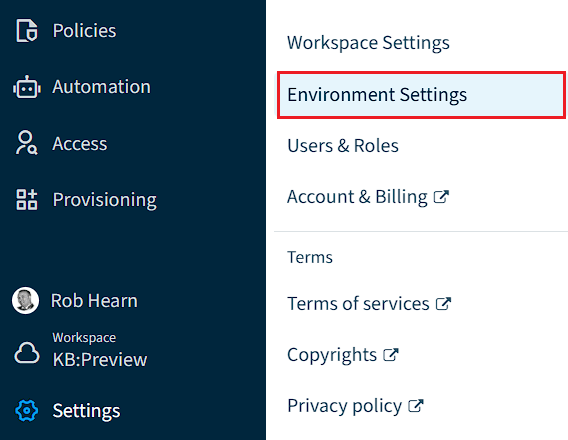
Click on “Settings”.
-
Click on “Environment Settings”.
-
Click on “Manage Service”.
-
Click the toggle against the desired Service to be disabled.

-
Once all desired services are disabled, click “Save” at the top of the page.
-
A dialogue will list the services to be disabled. Click “Continue”.