Guide
Rencore Teams App
Sub-categories 5
Pages in this category 9
Rencore Teams App
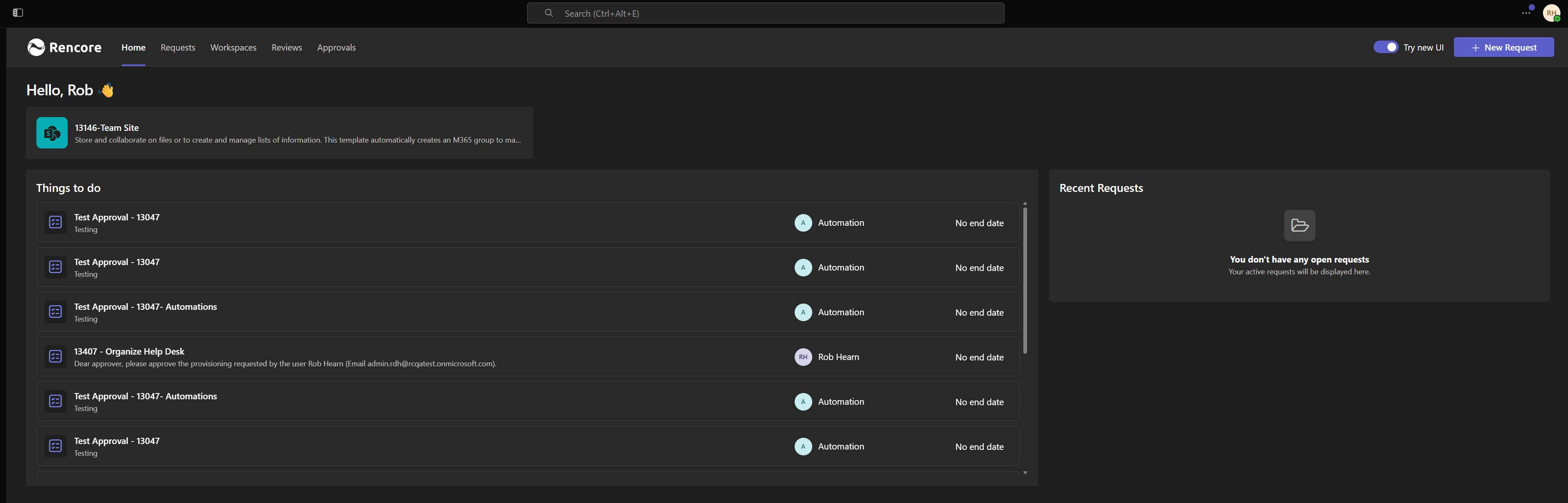
The Rencore Teams App brings Microsoft 365 governance directly into Microsoft Teams - where your people already work. Instead of switching between admin centers, you can manage workspaces, handle approvals, complete access reviews, and request new workspaces all from a…
Installing Rencore Teams App
Note: To install Rencore Nova in MS Teams, you must be a Workspace Owner.
Change the Appearance of the Rencore Teams App
Info: All images other than "Colour icon" need to have a transparent background.
Change Language and Date Format
Rencore Teams App does not have its own language switch. It displays content in the default language of the browser you use to access it, and formats dates, times, and numbers according to the setting saved in your profile. To switch, you will need to:
Update Rencore Teams App
To update the Rencore Teams App, you will need to:
Configuring Rencore Teams App
To use the Rencore Teams app instead of Rencore Nova.
Creating Explore & Learn Links
Explorer & Learn provides administrators with the ability to link to external (outside of Rencore) sources, such as an internal SharePoint site with guidance on company Governance Guidelines, Documents, or YouTube videos. To create a link:
Updating Explore & Learn Links
Info: Rencore Teams App is currently in a Closed Preview. If you are not currently part of the closed preview and are interested, please reach out to your Customer Success Manager to be kept informed when it moves to open preview.
Troubleshooting (Duplicate)
This message will be displayed in the Rencore Teams App for users of the given tenant if the "Environment Connected to Rencore Nova" feature is not enabled.