Guide
Add Report as Tile to Dashboard
To add a report as a tile to a Dashboard, you will need to:
-
Click on “Reports”.
-
Navigate to the report you want to create as a tile.
-
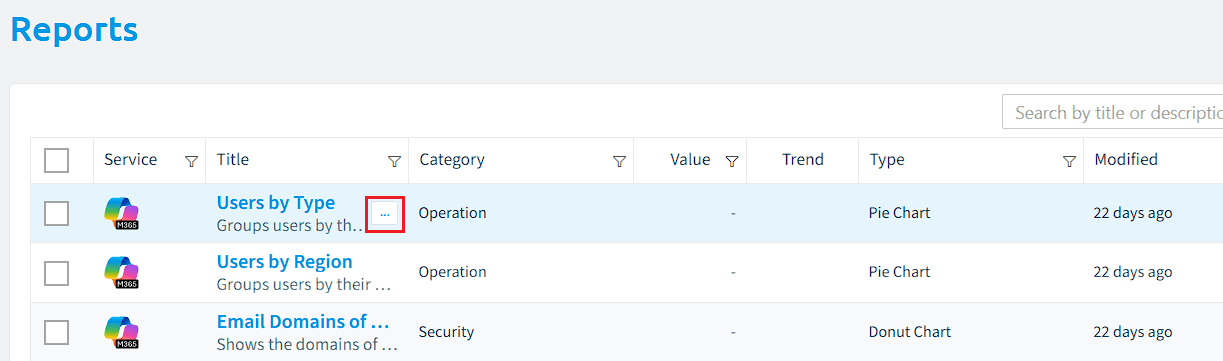
When hovering over the desired check, click on the action menu to the right of the title.
-
Click “Add as tile to dashboard”.
-
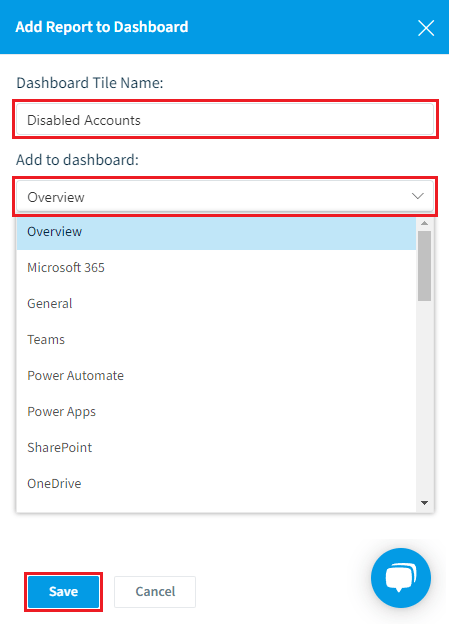
In the dialogue box, enter a name for the tile (by default, this will take the name of the report).
-
Select the desired Dashboard from the drop-down, and once done, click “Save”.