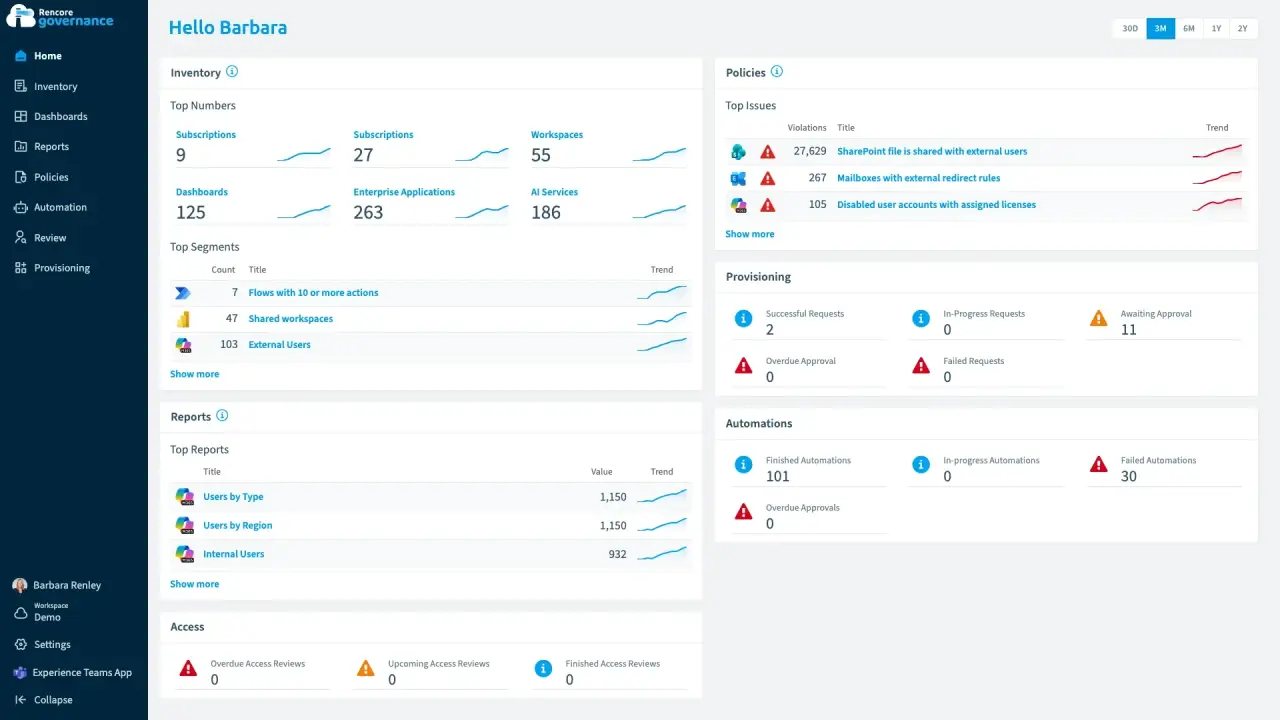
How to set up and use Rencore Governance: connecting your tenant, the inventory, dashboards, policies,
automation, reviews, provisioning and reports. Reference, role and connector pages are generated from the
product and updated with every release.
Rencore Governance and the Rencore Teams App
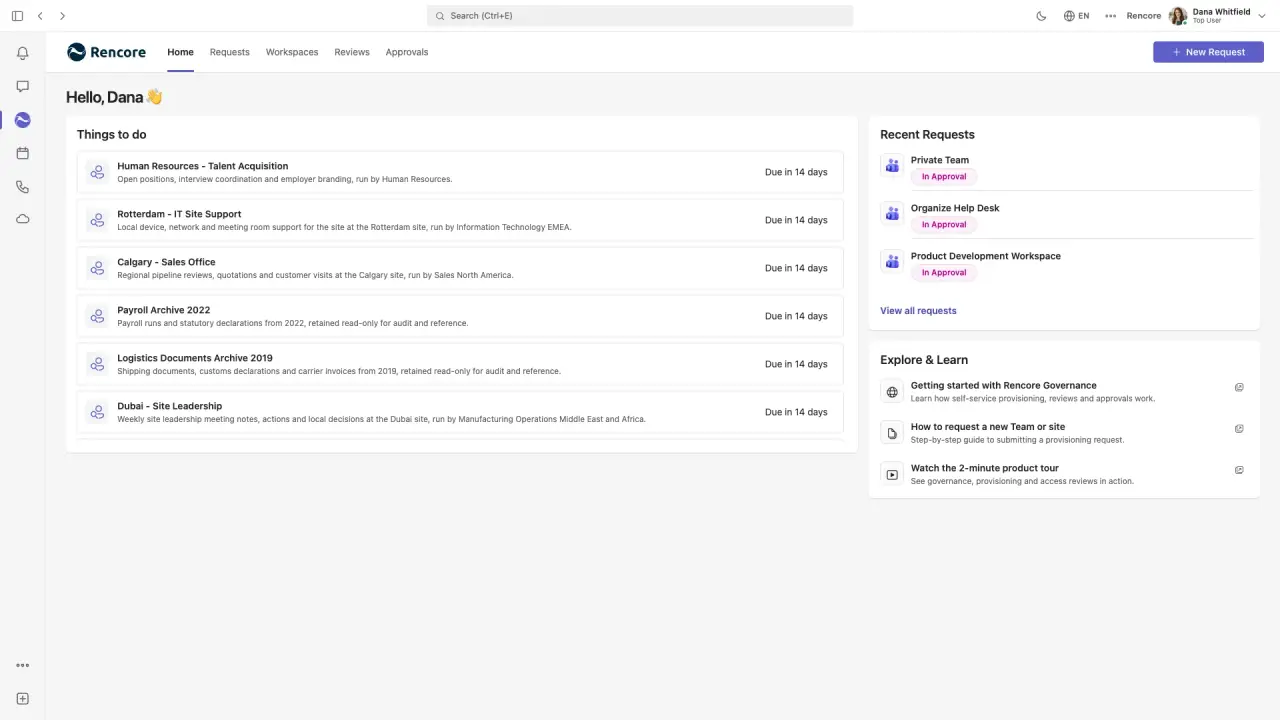
Administrators work in the Rencore Governance web app. Workspace owners and members work in the Rencore
Teams App in Microsoft Teams. Each has a short guide recorded in the demo environment.
Everything a Contributor can do, plus managing users, teams, API keys and mail settings, and Environment settings such as connectors, consent and scan intervals.
Rencore Governance is organized in three modules. Each module covers a set of connectors, and each connector
page lists what Rencore Governance inventories, checks and automates for it.