Change the appearance of the Rencore Teams App
AI summary
Customize the Rencore Teams App name, icons, and logo to match your organization's branding by uploading SVG or PNG image files. Users will see the changes the next time they log in.
Change the name, icons and in-app logo of the Rencore Teams AppRencore Teams AppThe Rencore Teams App (formerly Rencore Nova) brings Rencore Governance into Microsoft Teams for the people who own and use workspaces.Read more so it matches your organization’s branding. Users see the new logo the next time they log in.
Before you begin
- Your Rencore Governance role needs the Manage Teams App settings permission. The Admin and Owner roles have it.
- All images other than the Color icon need a transparent background.
Steps
-
Go to Settings > Teams App Settings > Setup.
-
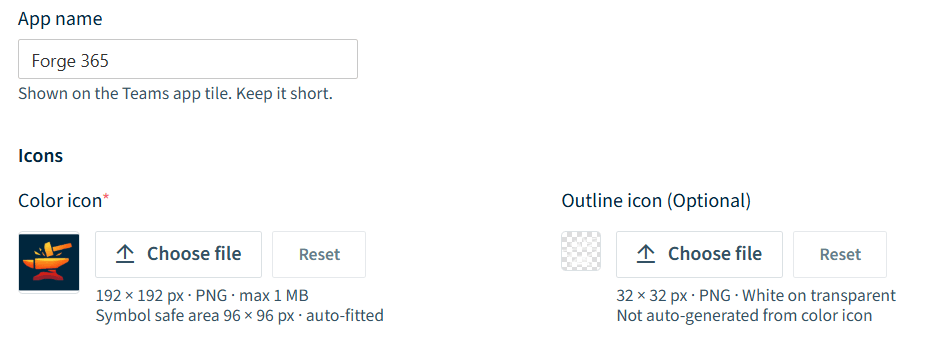
Under Deployment branding, enter the name for the app in App name.
-
To change the icon shown in the Teams Admin CenterAdmin centerAn admin center is the web portal where administrators manage one Microsoft service, such as the Microsoft 365 admin center, the Teams admin center or the Microsoft Entra admin center.Read more and when selecting the app in TeamsMicrosoft TeamsMicrosoft Teams is the Microsoft 365 app for chat, meetings and team collaboration.Read more, click Choose file under Color icon, select the image file (SVG or a 192px x 192px .png, max 1MB, with a safe area of 96px x 96px) and click Open. The uploaded image is shown.
-
To change the logo of the Rencore Teams App in the Teams app navigation, click Choose file under Outline icon (Optional), select the image file (SVG or 32px x 32px .png) and click Open.
-
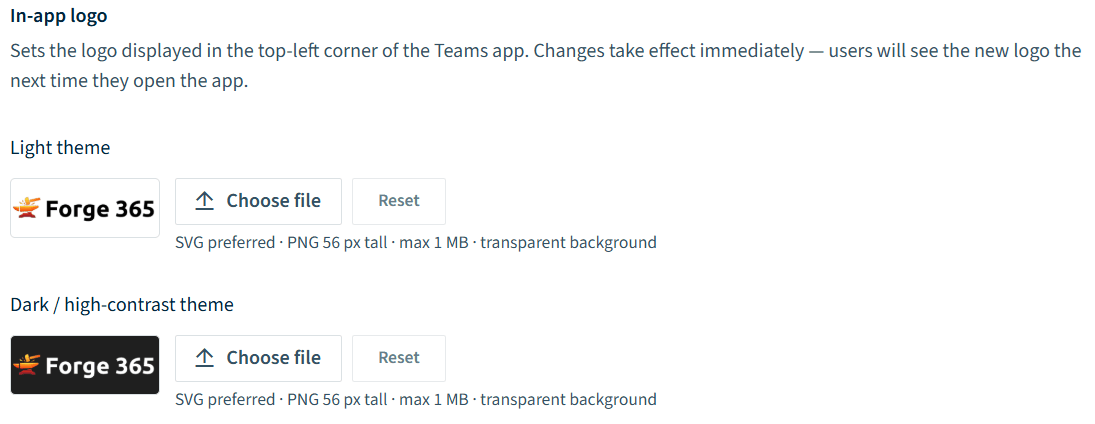
To change the logo shown in the top-left of the Teams app, click Choose file under Light theme or Dark/high-contrast theme under In-app logo, select the image file (SVG or a .png file with a maximum height of 56px, max 1MB) and click Open. The process is the same for both themes.
-
Click Save at the top of the page.
What you see
The changes take effect immediately. Users see the change the next time they log in.
Frequently asked questions
Which permission do I need to change the Rencore Teams App branding?
You need the Manage Teams App settings permission in your Rencore Governance role. The Admin and Owner roles have this permission.
What image formats and sizes does the color icon of the Rencore Teams App accept?
The Color icon must be an SVG or a 192px x 192px .png file, with a maximum size of 1MB and a safe area of 96px x 96px. It is the icon shown in the Teams Admin Center and when selecting the app in Teams.
When do users see the new logo after I save the Teams App appearance changes?
The changes take effect immediately, and users see the new logo the next time they log in. Click Save at the top of the page to apply your changes.
Was this page helpful?
Thanks for the feedback.
Thanks. What was wrong?