All interactive product guides
AI summary
Find interactive walkthroughs solving real Rencore Governance problems. Search and filter by service, capability, or use case without signing in.
Each guide is a short, narrated walkthrough of one real problem in Rencore Governance, from finding it to fixing it. Guides play on this page with no sign-in. Filter by service, use case, capability or solution, or search by title.
44 guides
-
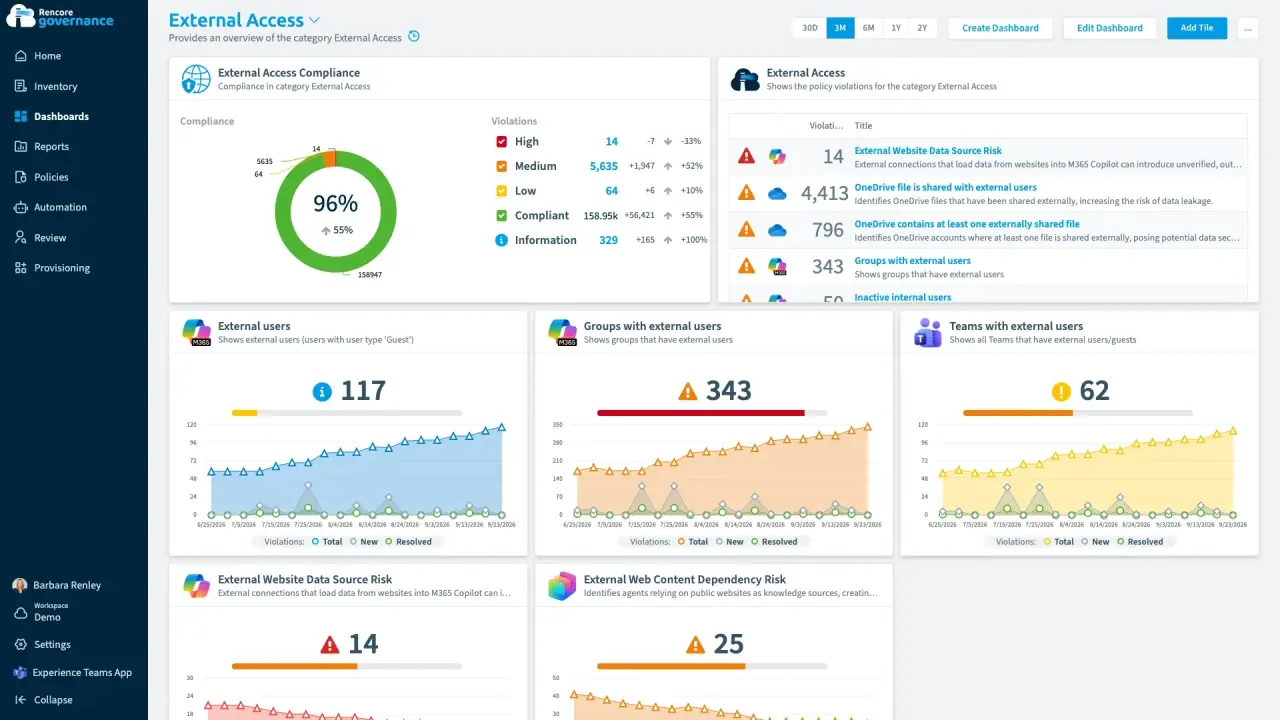
Recertify guest and external access
Length: 4 minGuests and external usersExternal userAn external user is an account whose home tenant belongs to another organization, invited into your tenant to work with you.Read more keep their access long after the work ends, and nobody confirms whether each one still needs it.
 Teams
Teams SharePoint
 Entra ID
- Reviews
- Access & Sharing
-
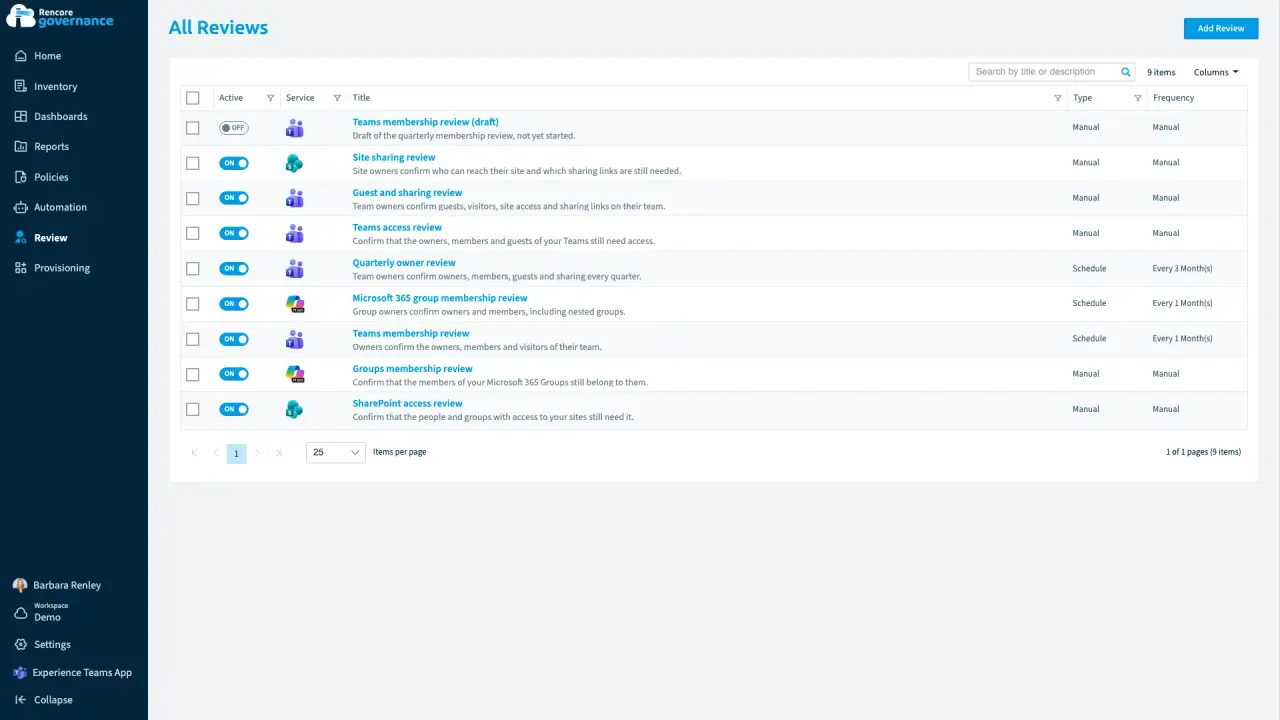
Escalate unanswered reviews
Length: 5 minAccess reviewsAccess reviewAn access review is a report in the deprecated Access feature that shows who has access to content, for owners to approve.Read more stall when owners ignore them, and every unanswered review leaves the access in place.
- Teams
- Reviews
- Automation
-
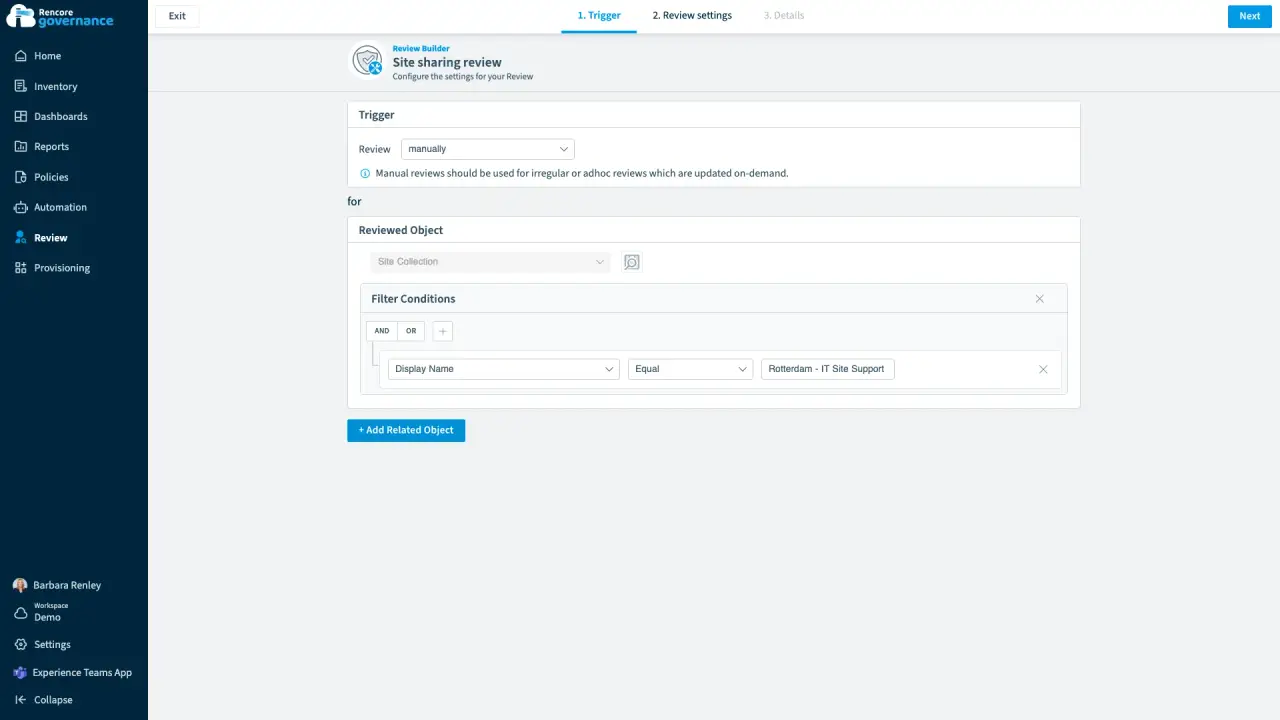
Review site access and sharing links
Length: 4 minSite ownersWorkspace ownerA workspace owner is an owner of a Microsoft 365 workspace, such as a Team, a SharePoint site or a group.Read more rarely check who can reach their SharePoint site or which of its sharing linksSharing linkA sharing link is a link in SharePoint or OneDrive that grants access to a file or folder, sometimes to people outside your organization.Read more are still open.
- SharePoint
- Teams
- Reviews
- Access & Sharing
-
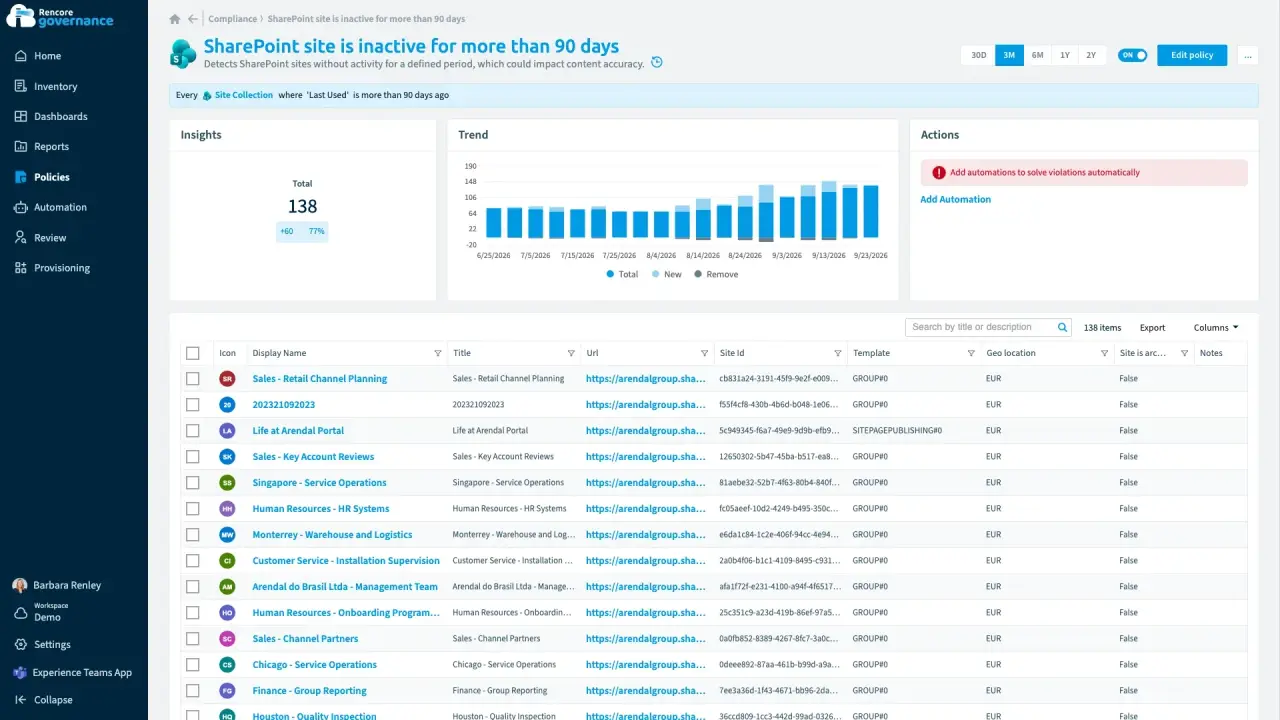
Archive inactive workspaces
Length: 5 minUnused teams and sites pile up because nobody decides whether to keep or archive them.
- Teams
- SharePoint
- Sprawl & Lifecycle
- Reviews
- Policies
- Automation
-
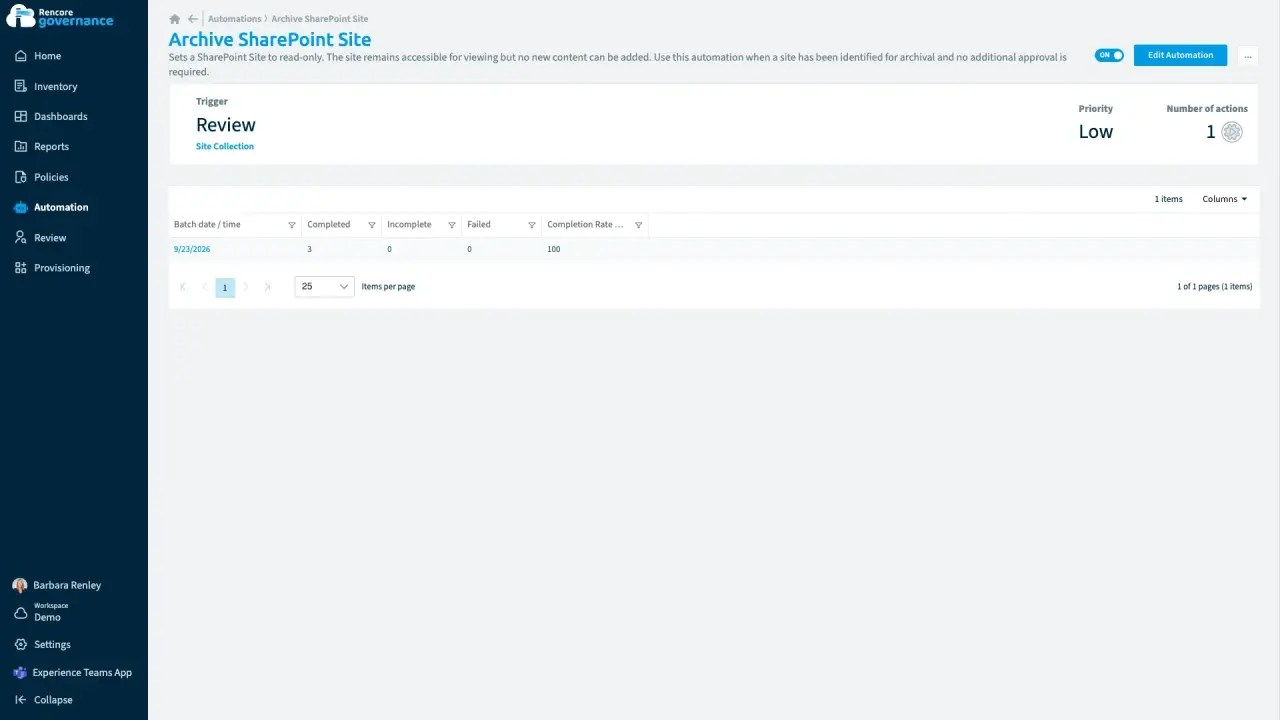
Length: 4 minArchive and unarchive SharePoint sitesInactive SharePoint sites clutter search and storage, but archiving feels risky when you cannot bring a site back.
- SharePoint
- Sprawl & Lifecycle
- Policies
- Automation
-
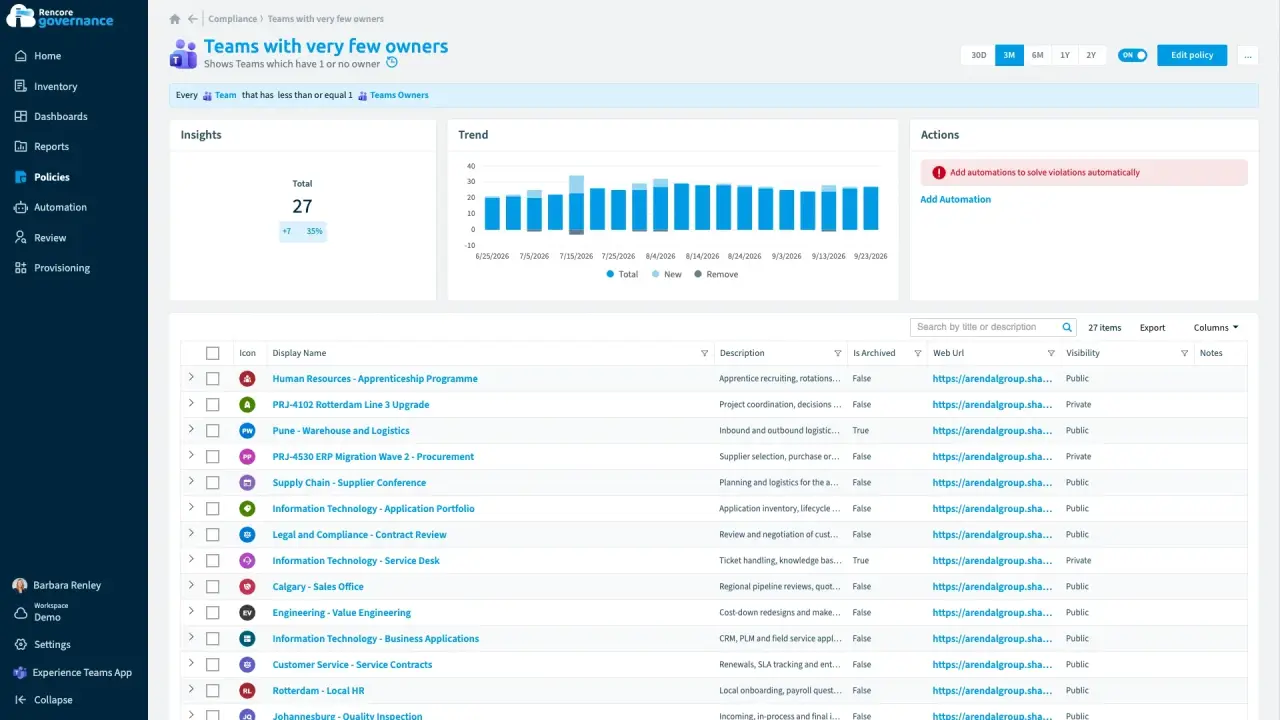
Fix ownerless workspaces with manager escalation
Length: 6 minTeamsMicrosoft TeamsMicrosoft Teams is the Microsoft 365 app for chat, meetings and team collaboration.Read more lose their owners when people leave or change roles, and nobody is left to decide what happens to them.
- Teams
- Entra ID
- Sprawl & Lifecycle
- Policies
- Automation
-
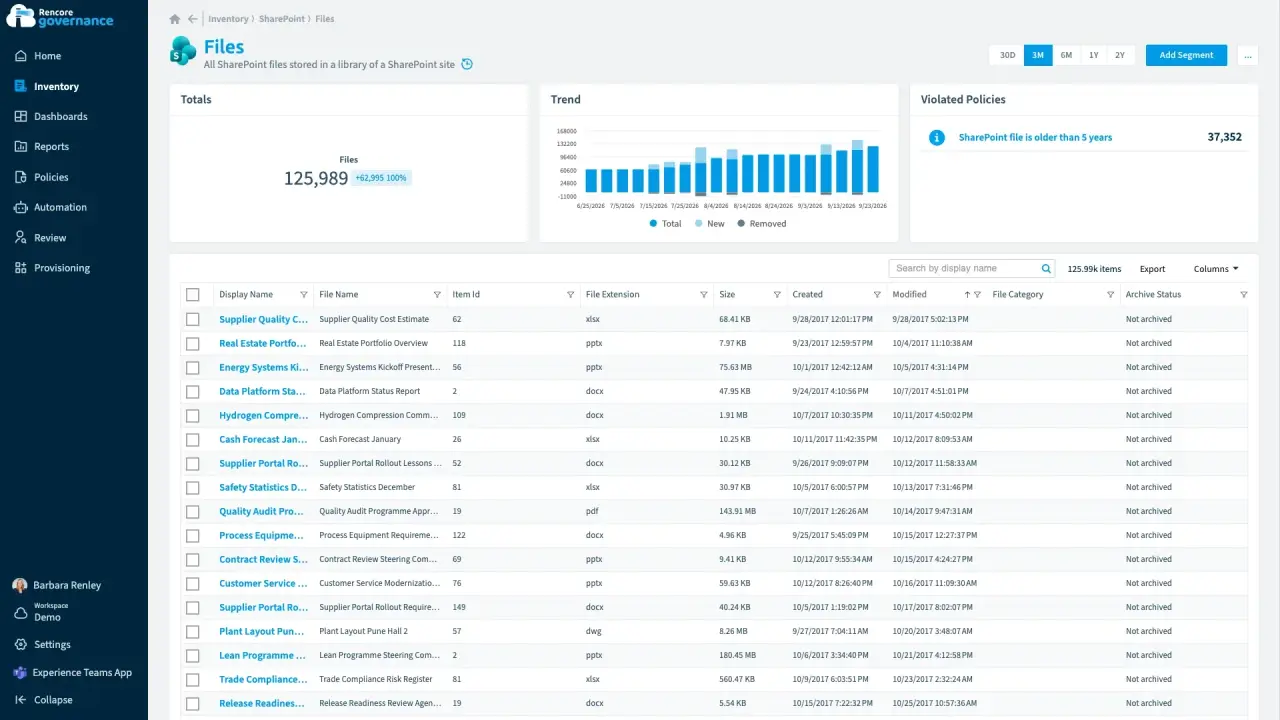
Clean up old file versions
Length: 4 minOld file versionsVersion historyVersion history keeps earlier versions of each file in a SharePoint or OneDrive library.Read more quietly fill your SharePoint storage, and you pay for space that holds files nobody opens.
- SharePoint
- Licences & Costs
- Policies
- Automation
-
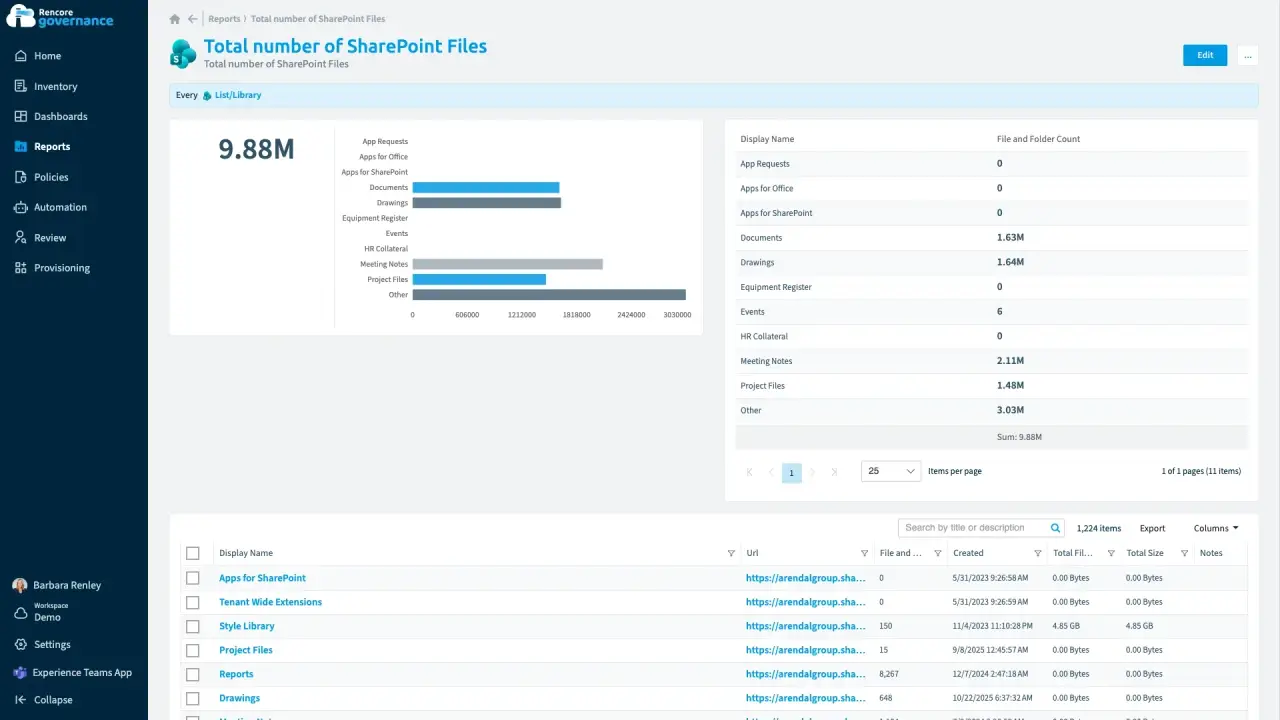
Clean up redundant, obsolete and trivial content
Length: 4 minOutdated files and unused sites stay searchable, so CopilotMicrosoft 365 CopilotMicrosoft 365 Copilot is the AI assistant in the Microsoft 365 apps. Rencore Governance covers it with the Copilot connector, part of the AI & Agents module.Read more can answer from content nobody should rely on.
- SharePoint
 Copilot
- Sprawl & Lifecycle
- AI Governance
- Policies
- Automation
-
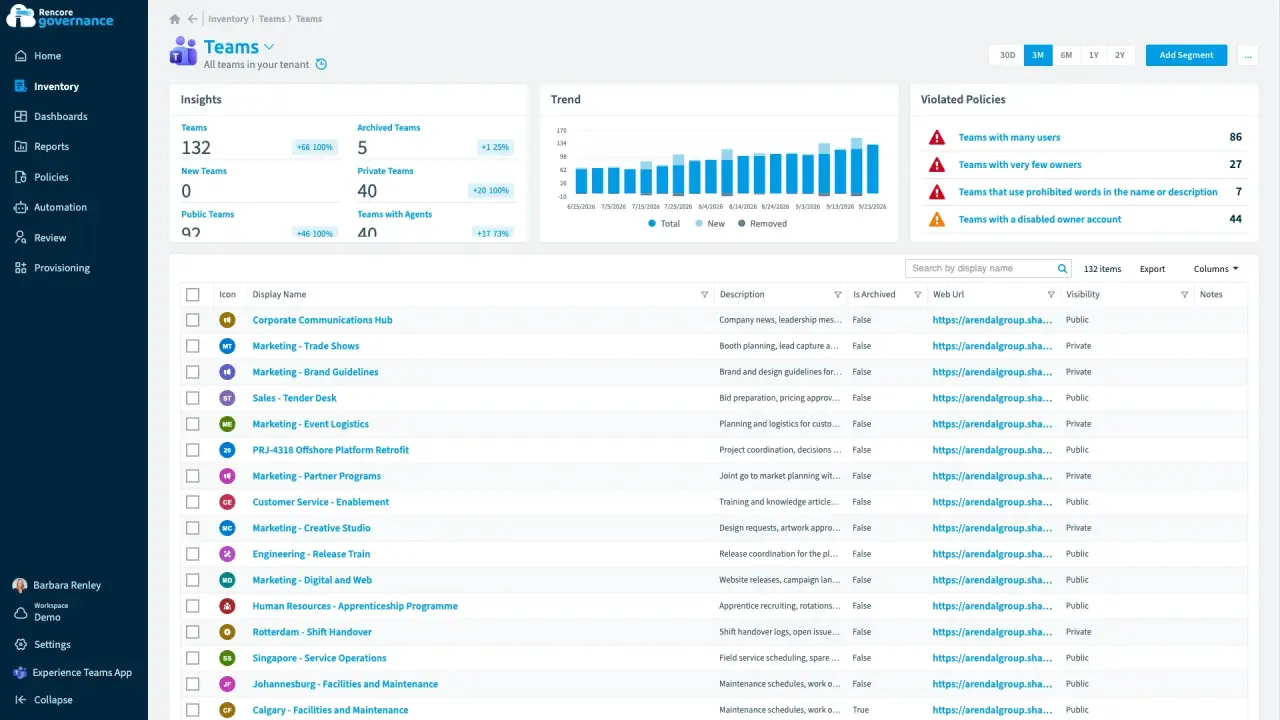
Bulk actions from the inventory
Length: 3 minThe same change is due on dozens of teams or sites at once, and doing it one workspace at a time takes days.
- Teams
- SharePoint
- Automation
-
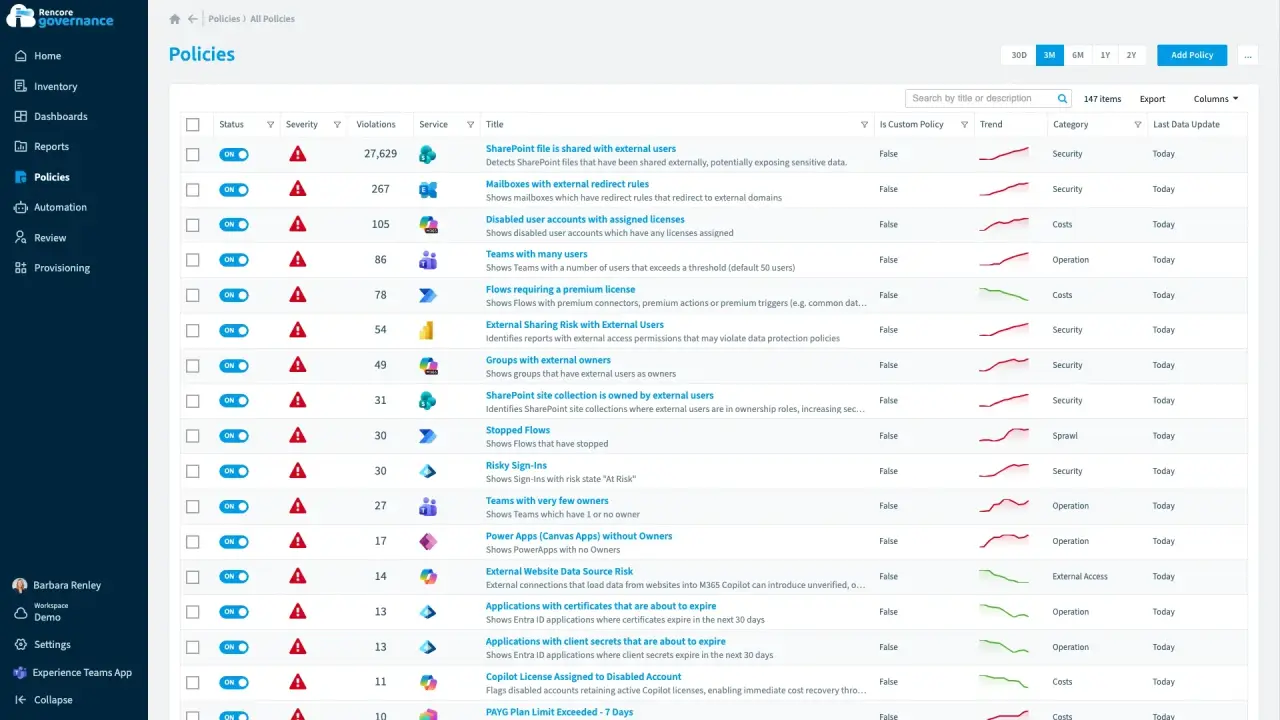
Roll out a governance policy change
Length: 4 minTightening a rule across the tenant is risky when you cannot see which teams it affects or switch it back.
- Teams
- Policies
- Automation
-
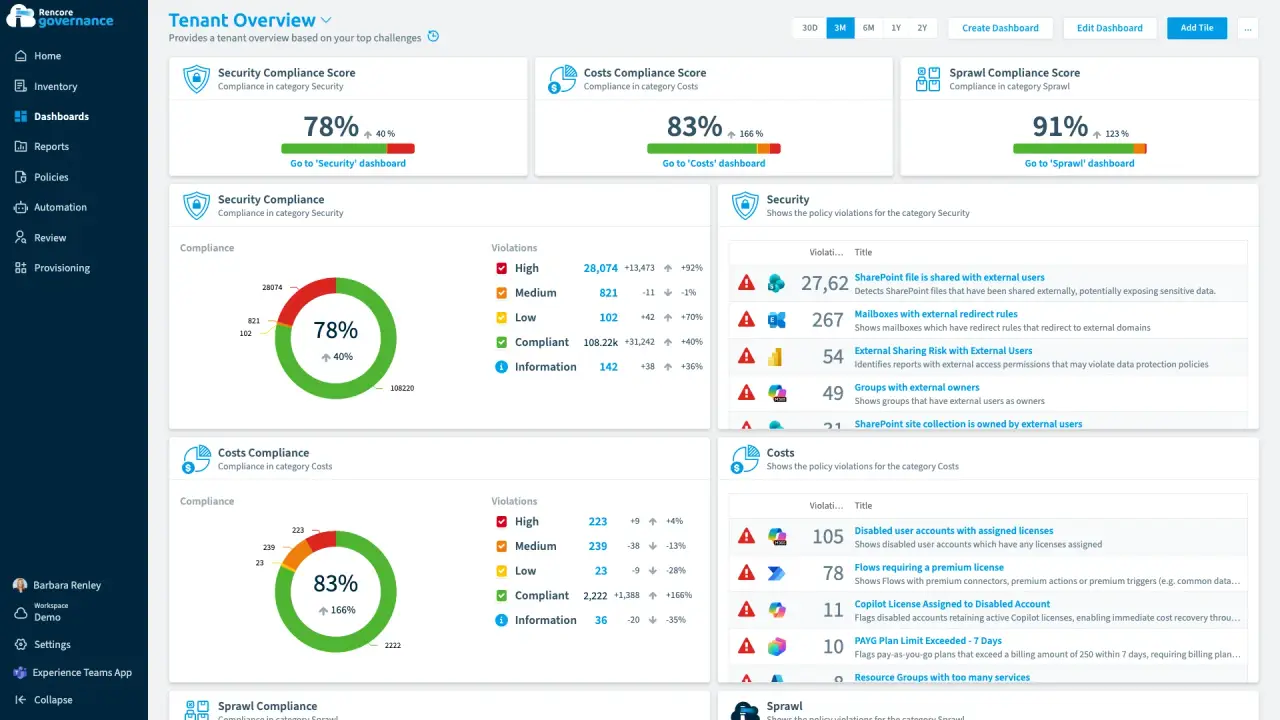
Build a governance dashboard
Length: 4 minLeadership, security and service owners each want their own view of the estate, and building every one by hand takes days.
- Teams
- SharePoint
 Power Platform
- Copilot
- Dashboards
-
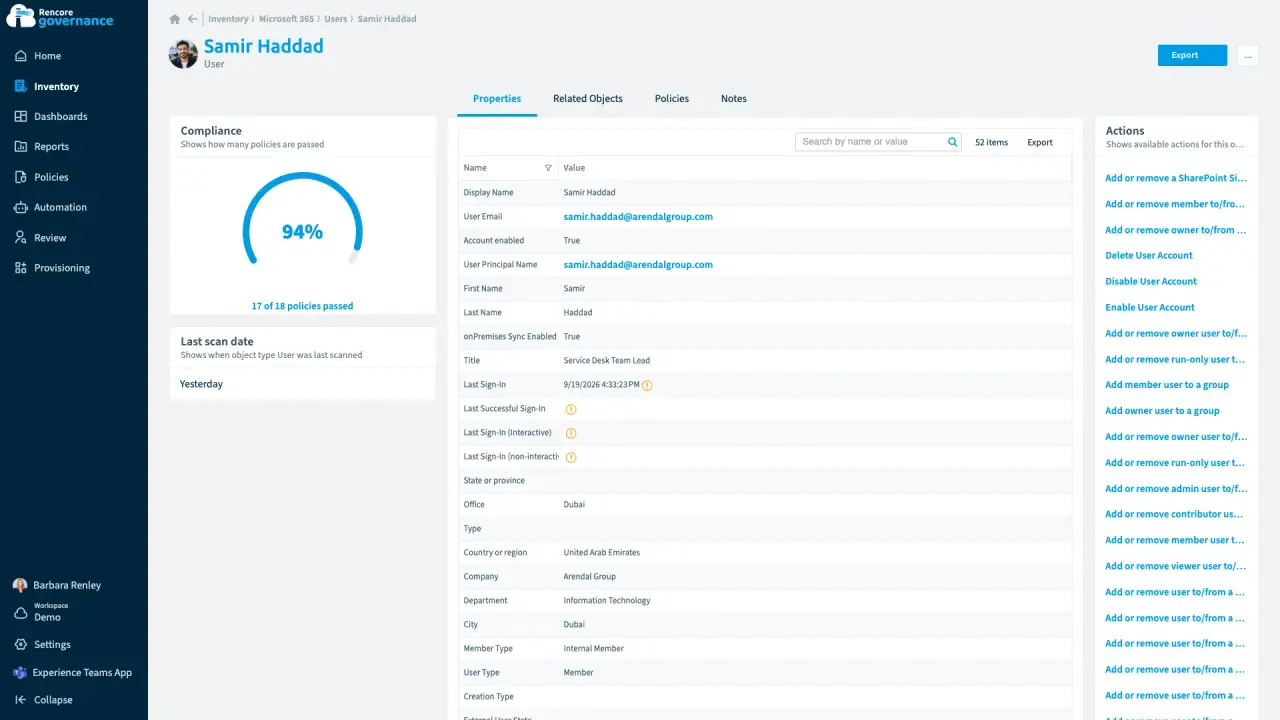
Who has access to what for one user
Length: 3 minWhen someone leaves or an auditor asks, nobody can say quickly which teams, sites, licences and shared files one person can reach.
 Microsoft 365
- Teams
- SharePoint
 OneDrive
- Entra ID
- Access & Sharing
- Reports
-
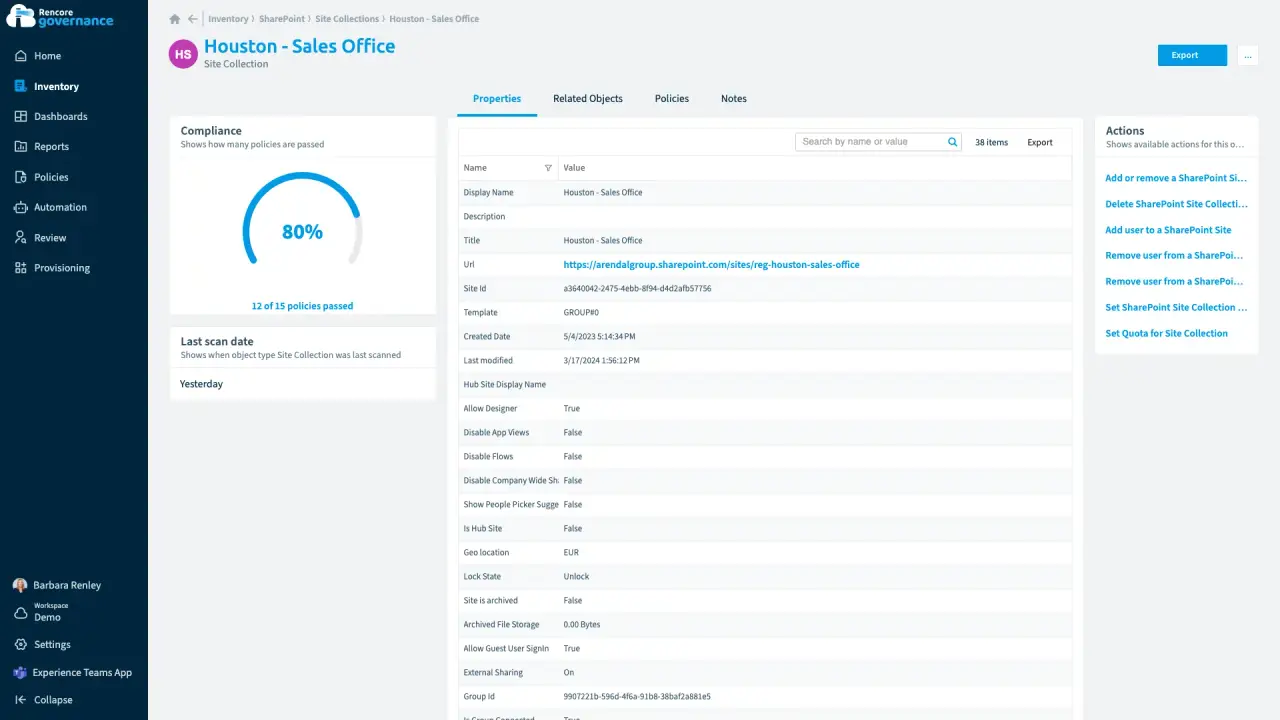
Who has access to which folder
Length: 4 minShared folders reach people nobody intended, and auditors want proof of who can open them.
- SharePoint
- OneDrive
- Access & Sharing
- Reports
-
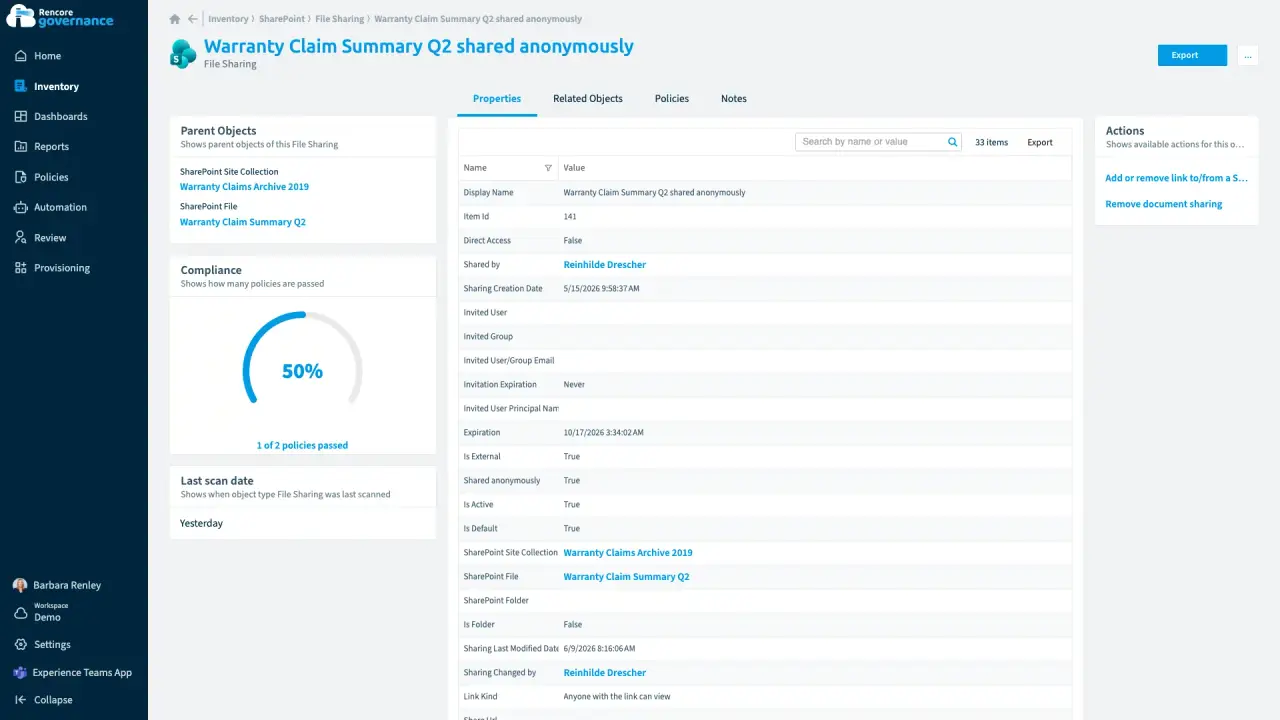
Every file and every sharing link
Length: 4 minA sensitive file shared with anyone who has the link can travel anywhere, and nobody owns the fix.
- SharePoint
- OneDrive
- Access & Sharing
- Policies
- Automation
-
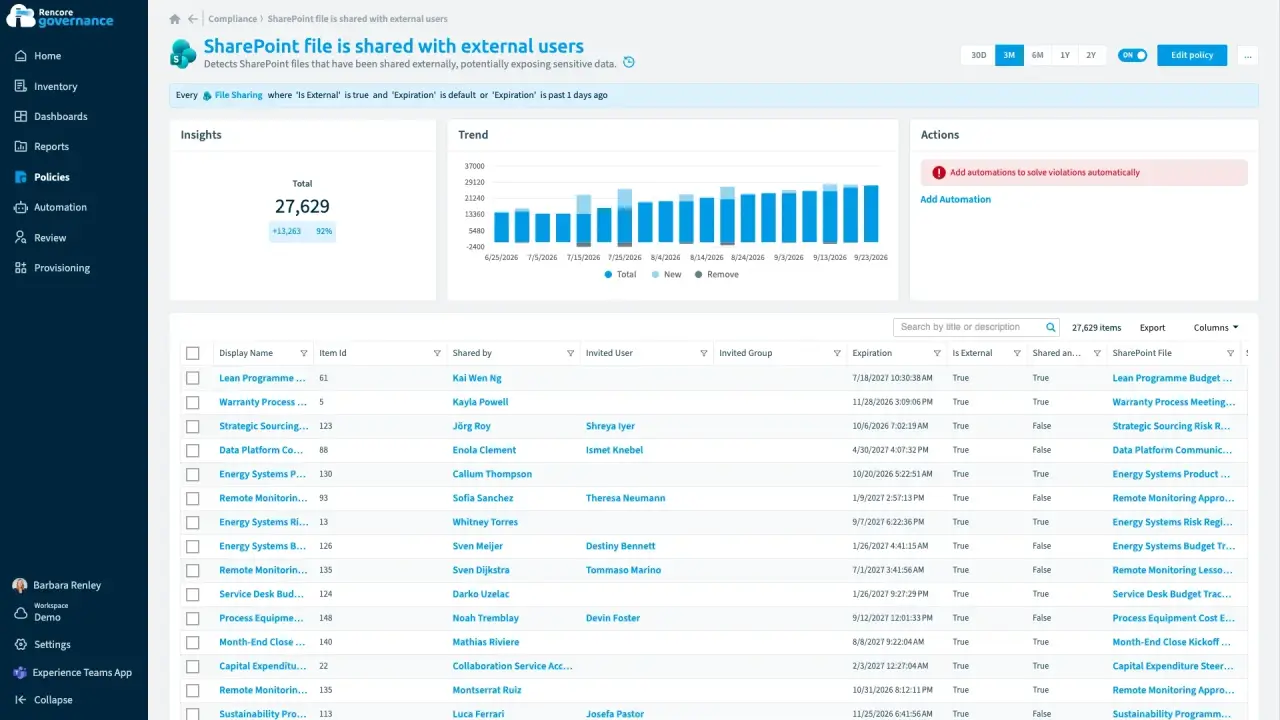
Find and fix oversharing
Length: 4 minGuests and sharing links reach further into your content than anyone intended, and nobody removes the ones that are no longer needed.
- Teams
- SharePoint
- Entra ID
- Access & Sharing
- Reviews
-
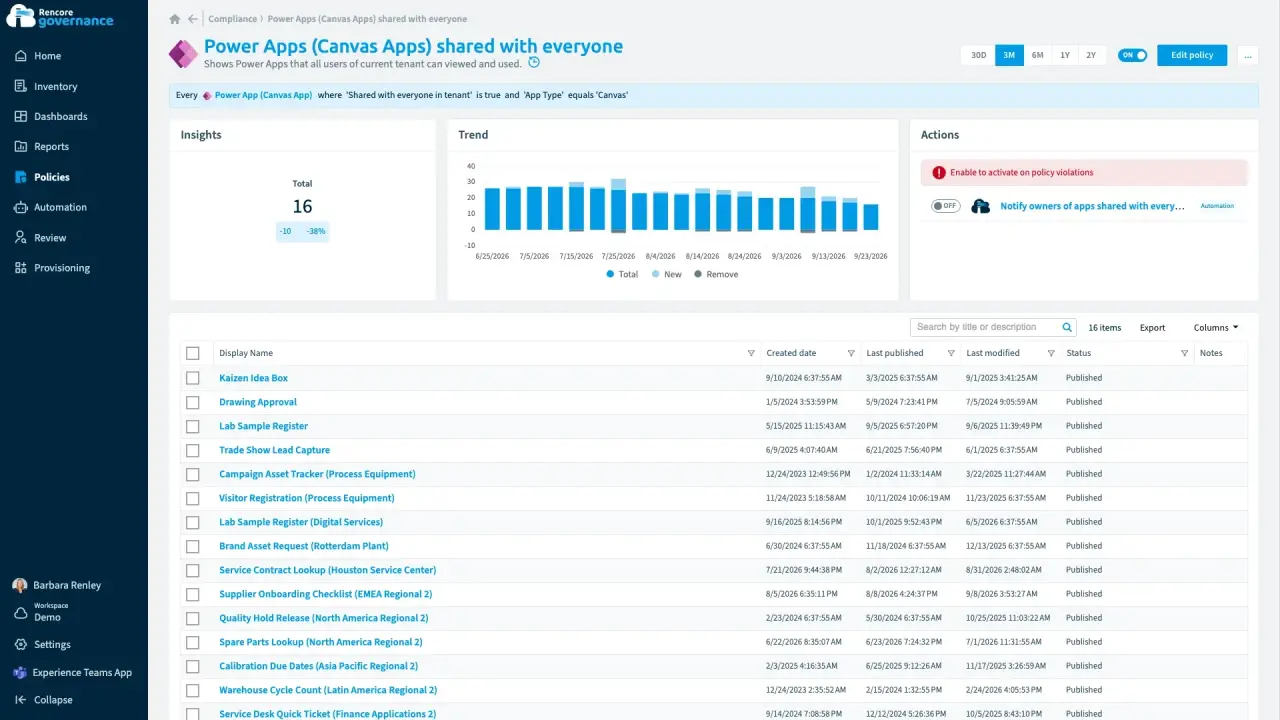
Apps and flows shared broadly
Length: 3 minPower AppsPower AppsPower Apps is the Microsoft low-code tool for building business apps. Rencore Governance covers it with the Power Apps connector, part of the Apps, Automation & BI module.Read more shared with the whole organization expose their data to people who never needed it.
 Power Apps
- Access & Sharing
-
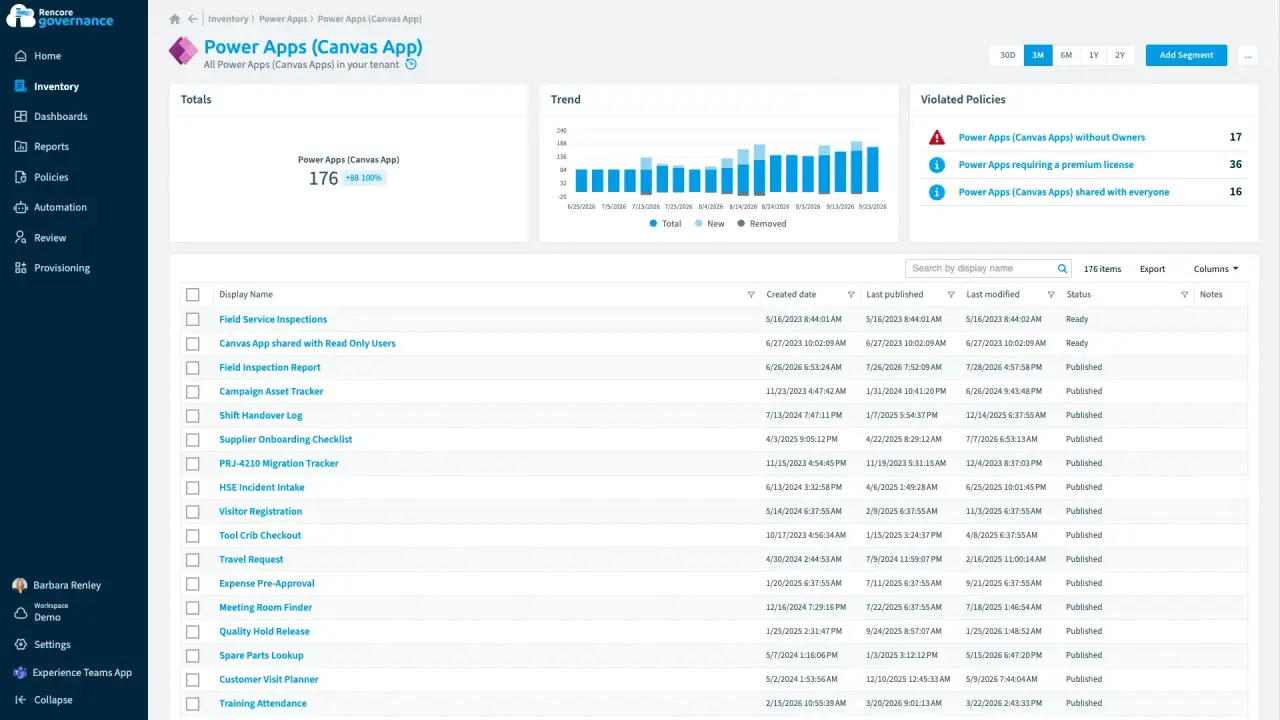
Length: 5 minPower Apps and flows without ownersApps and flows keep running after their makers leave, and nobody is accountable for them.
- Power Apps
 Power Automate
- Sprawl & Lifecycle
- Policies
- Automation
-
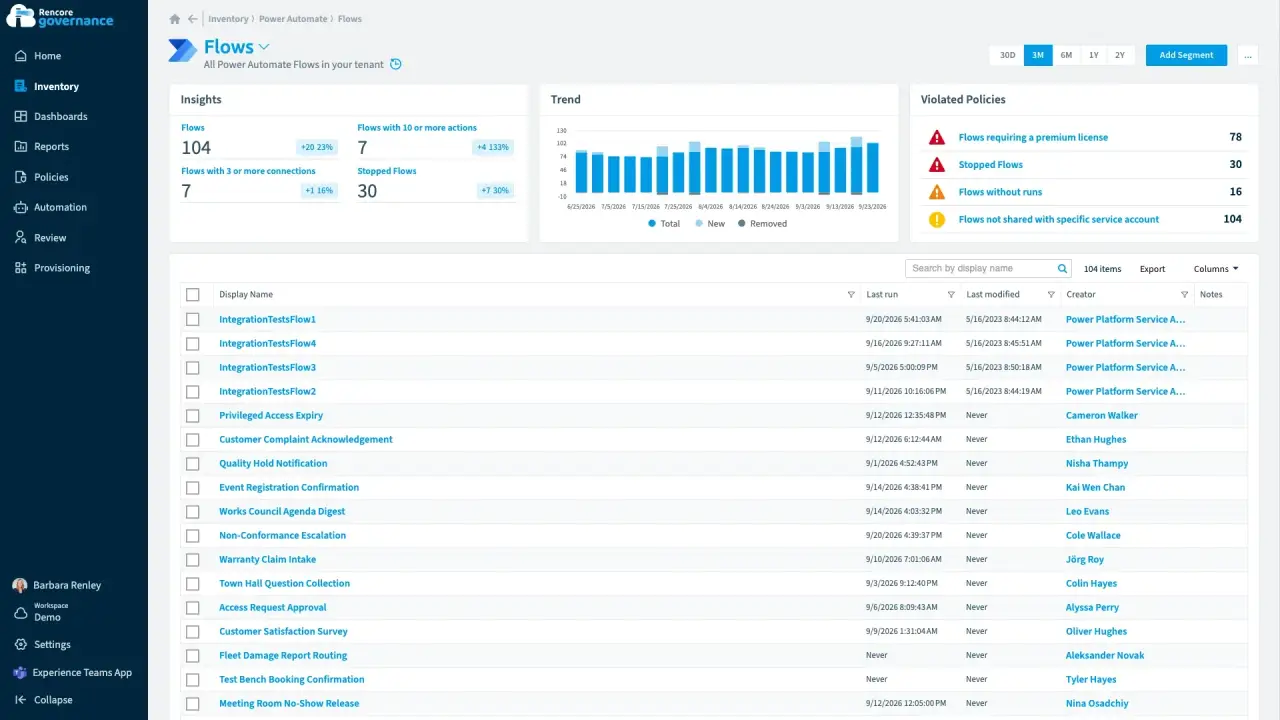
Unused and stopped flows
Length: 4 minFlowsFlowA flow is a Power Automate workflow, made of a trigger and actions, that runs a task automatically across apps and services.Read more that never ran or quietly stopped clutter your environments, and nobody knows whether they still matter.
- Power Automate
- Sprawl & Lifecycle
- Policies
- Automation
-
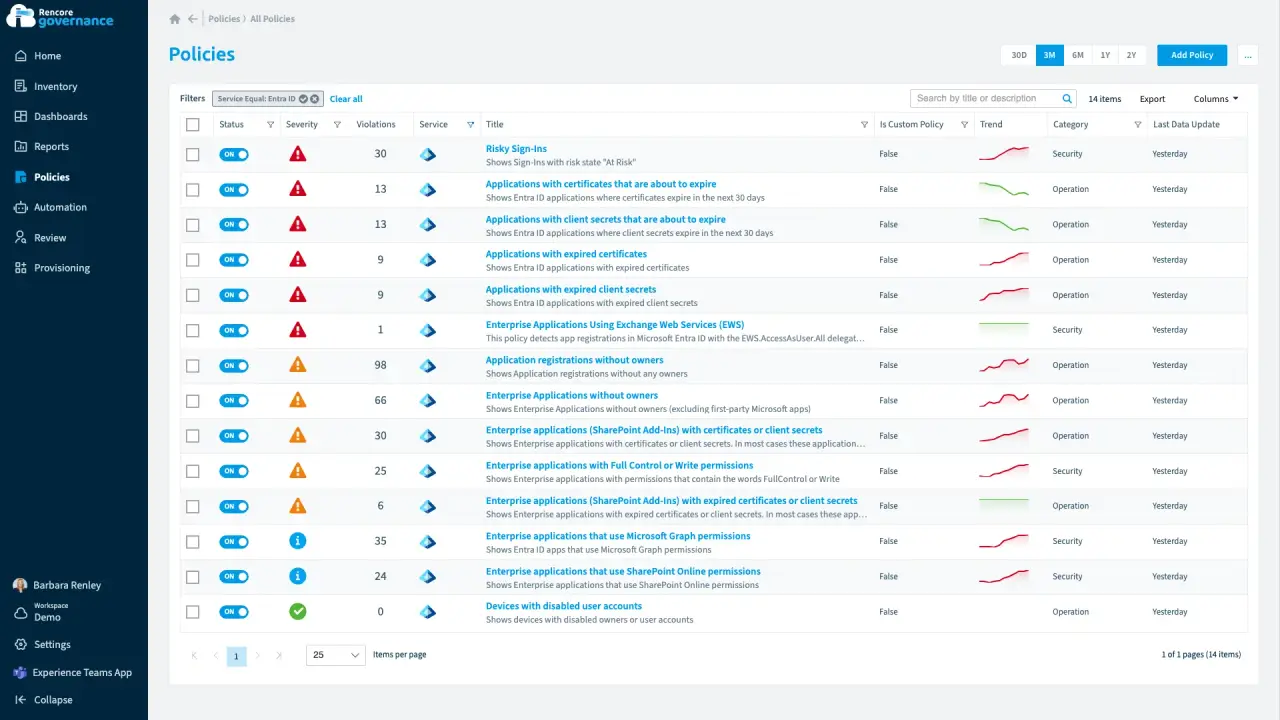
Length: 6 minEntra ID and app registrations under controlAn app that can read every mailbox has no owner, and an expiring secret can stop an integration without warning.
- Entra ID
 Exchange
- Access & Sharing
- Policies
- Automation
-
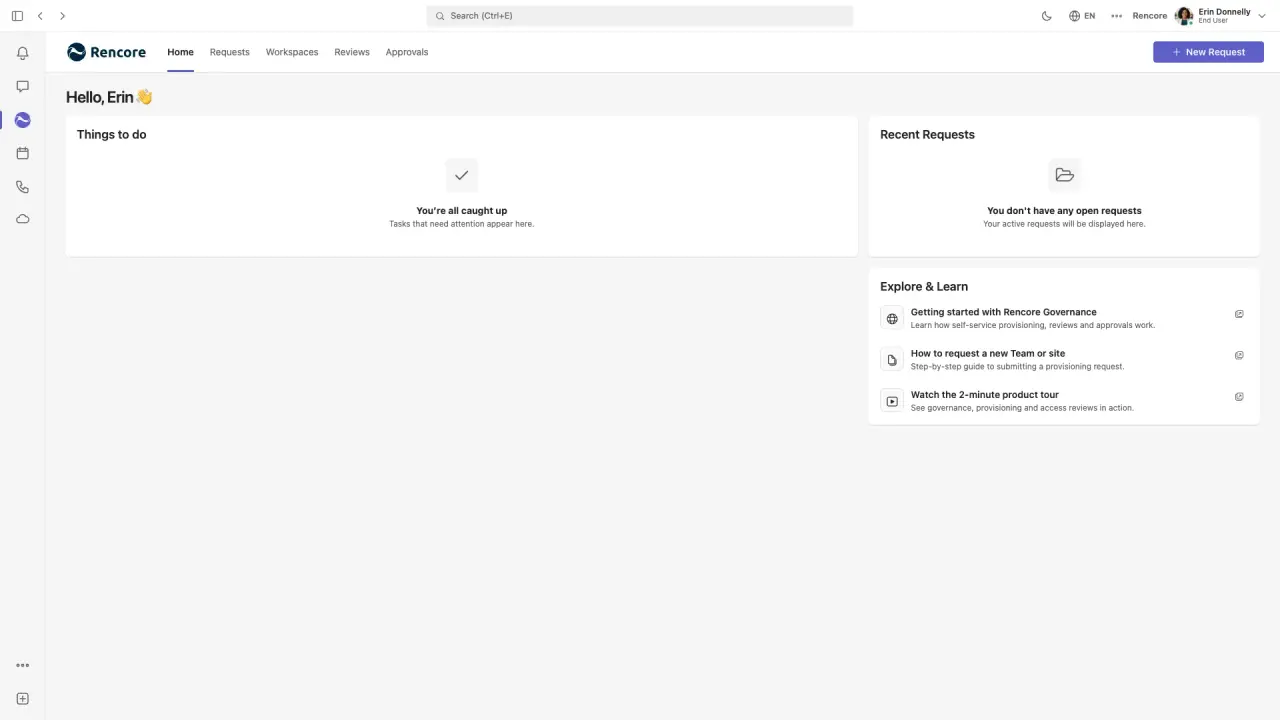
Length: 4 minRequest a governed workspace in Microsoft TeamsTeams created without rules arrive with a single owner, no naming convention and no label, and fixing them afterwards is slow.
- Teams
- Provisioning
-
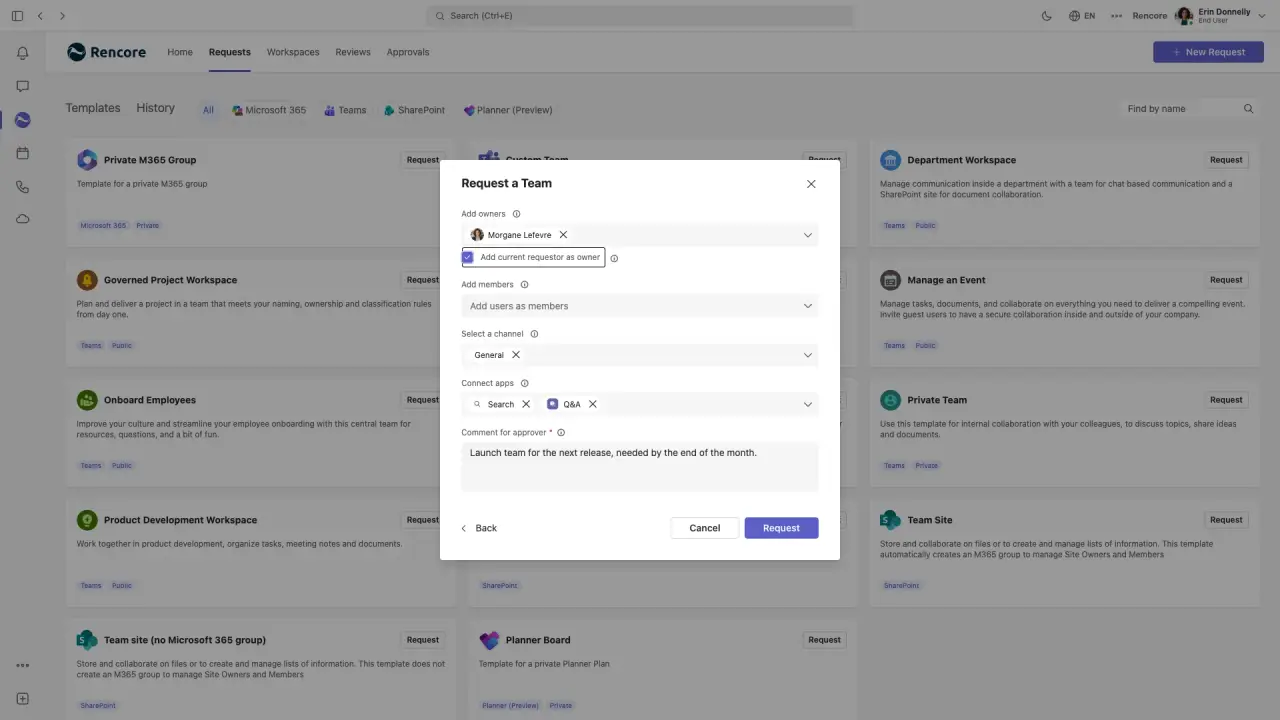
Approve and provision a governed workspace
Length: 5 minApproving new workspaces over email leaves no record and lets teams go live without the right owners, naming or label.
- Teams
- Provisioning
-
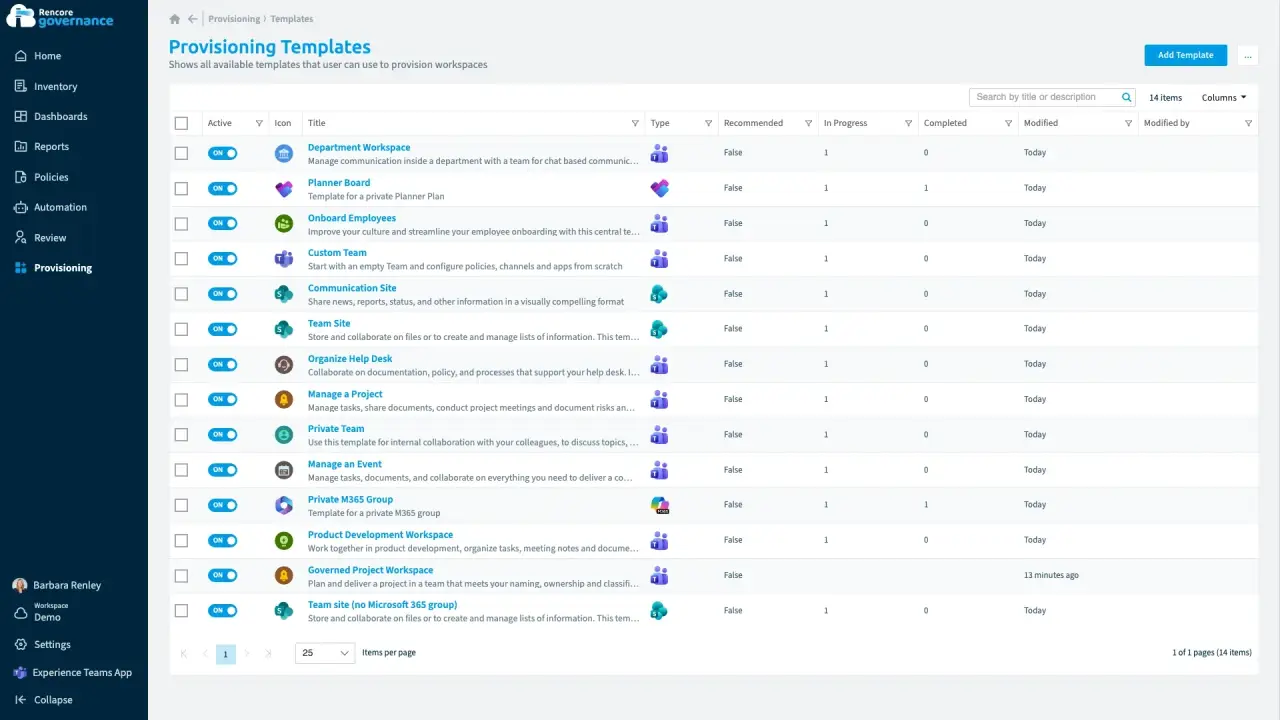
Configure a governed provisioning template
Length: 5 minRules for new workspaces live in documents nobody reads, so every team is set up differently and drifts over time.
- Teams
- SharePoint
 Planner
- Provisioning
- Policies
- Automation
-
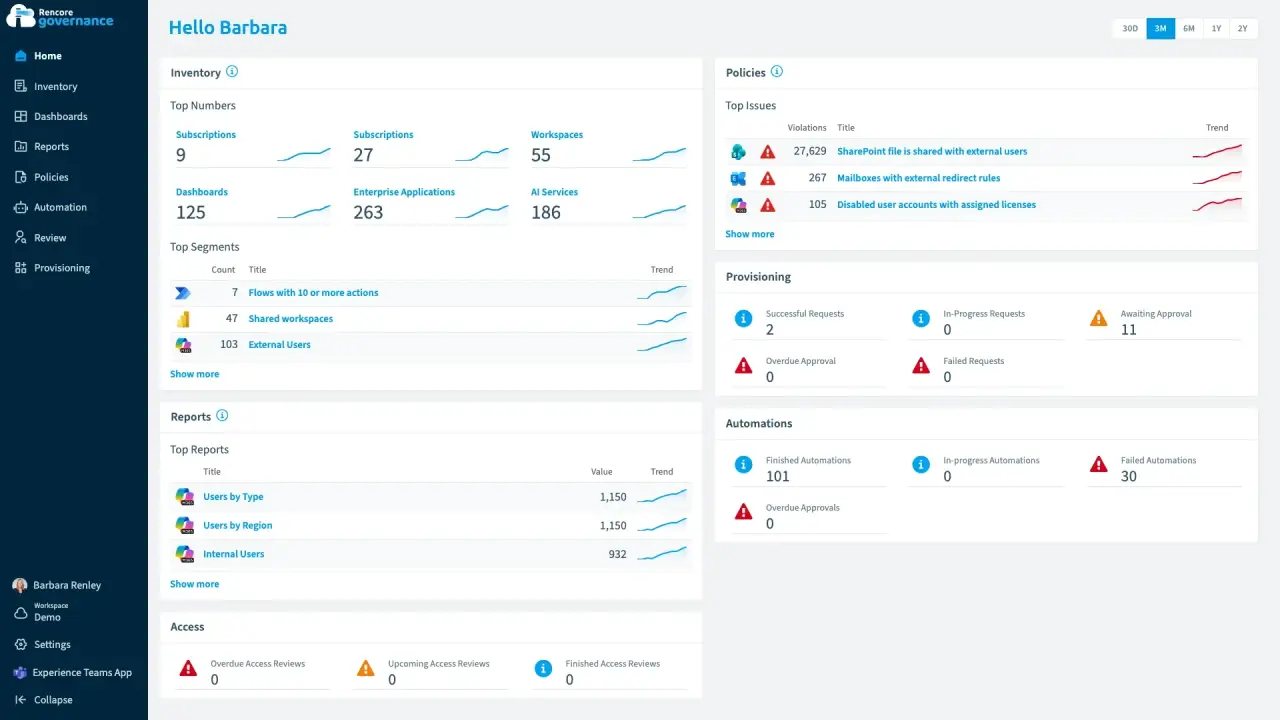
Rencore Governance 101: the admin view
Length: 5 minAdmins juggle separate admin centersAdmin centerAn admin center is the web portal where administrators manage one Microsoft service, such as the Microsoft 365 admin center, the Teams admin center or the Microsoft Entra admin center.Read more, reports and scripts to see what exists across Microsoft 365Microsoft 365Microsoft 365 is the Microsoft cloud suite of Teams, SharePoint, OneDrive, Exchange and the Office apps.Read more, Power PlatformPower PlatformPower Platform is the Microsoft low-code platform where users build their own apps, flows, reports, agents and websites.Read more and Copilot and keep it in line.
- Teams
- SharePoint
- Exchange
- Entra ID
- Power Apps
- Power Automate
- Copilot
 Copilot Studio
- Reports
- Dashboards
- Policies
- Automation
- Reviews
- Provisioning
-
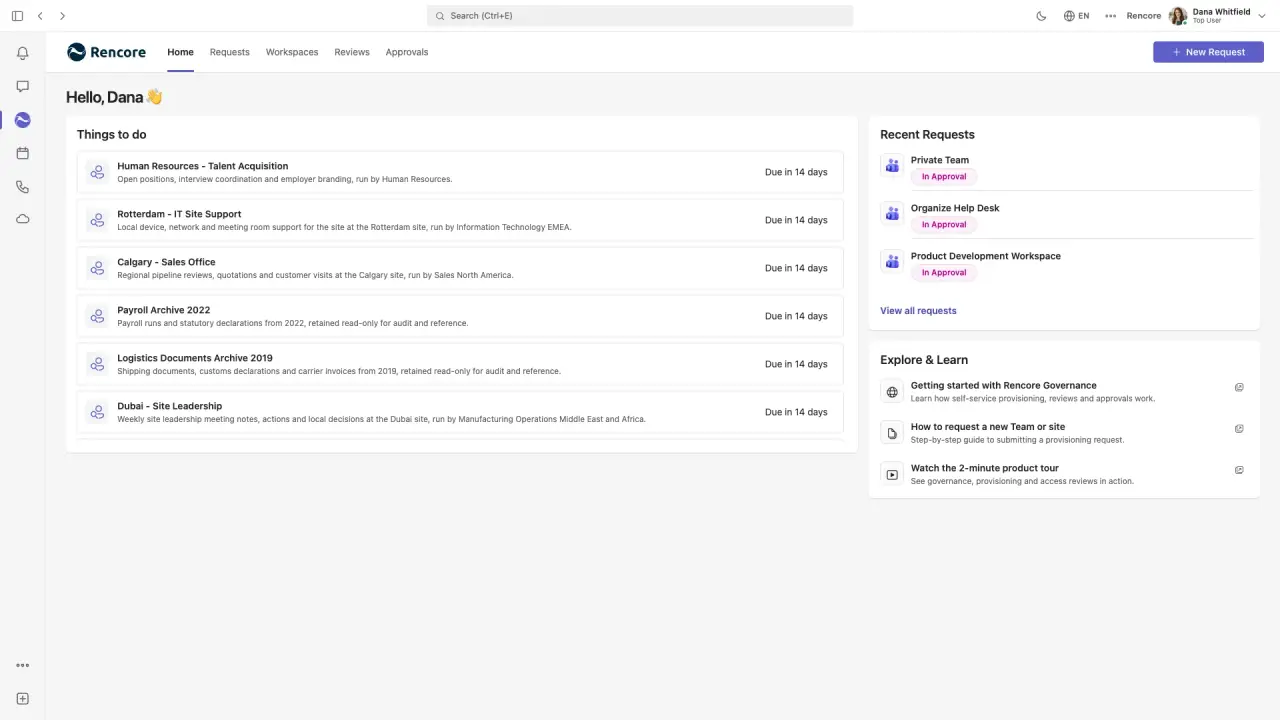
Rencore Teams App 101
Length: 4 minOwners and employees wait on IT tickets to request workspaces and confirm access, and IT still cannot see what they decided.
- Teams
- Provisioning
- Reviews
-
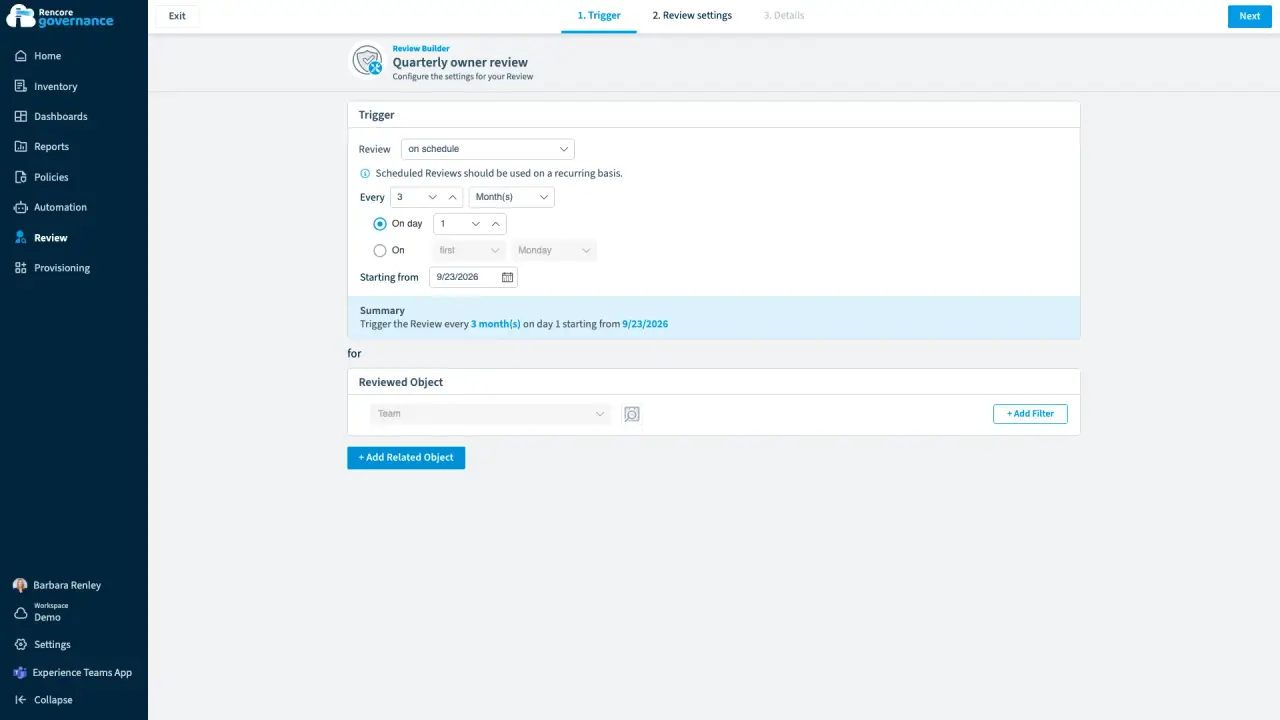
Scheduled owner review
Length: 5 minMembers and guests drift out of date every week, and nobody checks them unless a review makes them.
- Teams
- Reviews
-
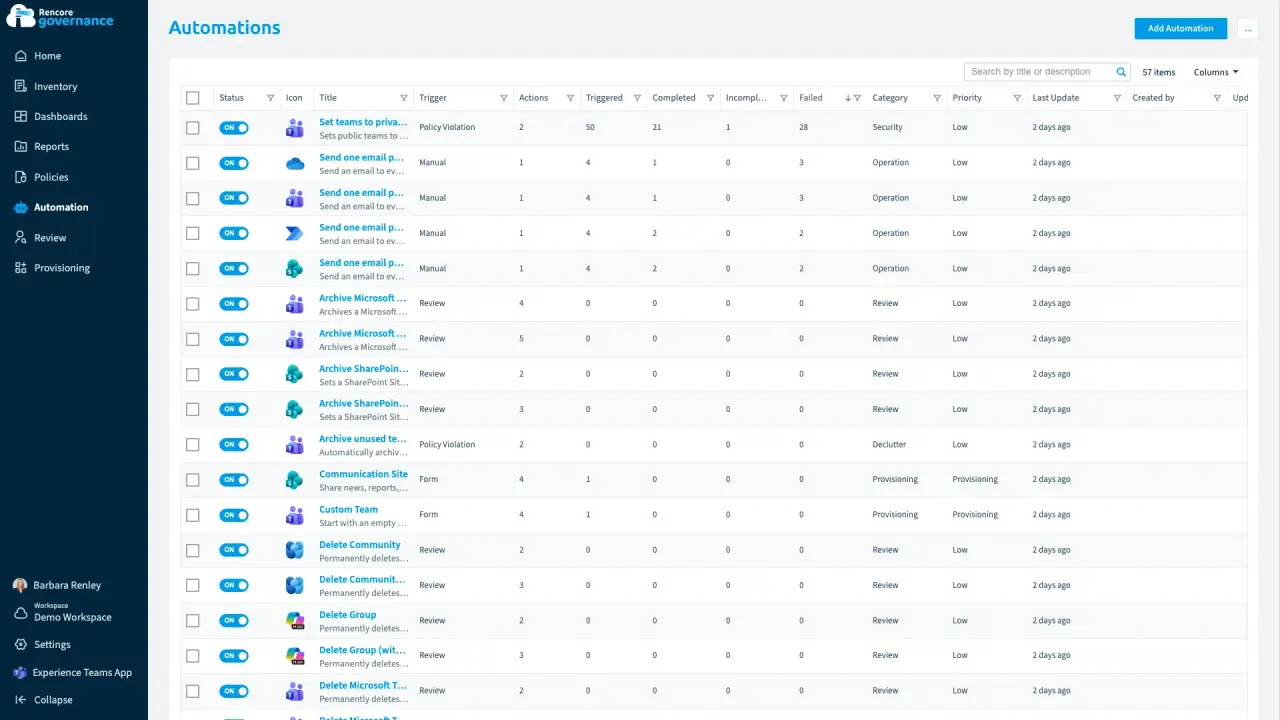
The automation that failed on half its teams
Length: 4 minAn automation reports that it ran while it failed on half its teams, and nobody looks until an owner complains.
- Teams
- Automation
-
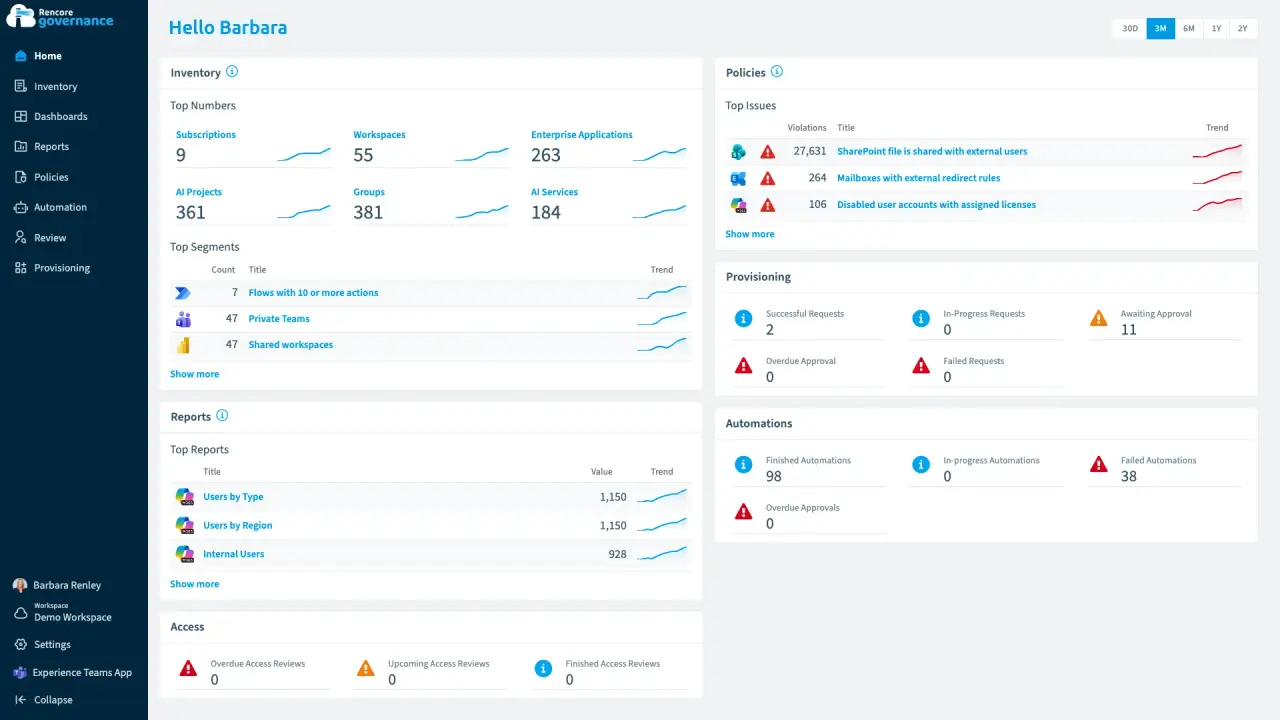
Licences on people who stopped working here
Length: 4 minLicences stay assigned to disabled accounts and keep landing on the invoice every month.
- Microsoft 365
- Entra ID
- Copilot
 Power BI
- Licences & Costs
-
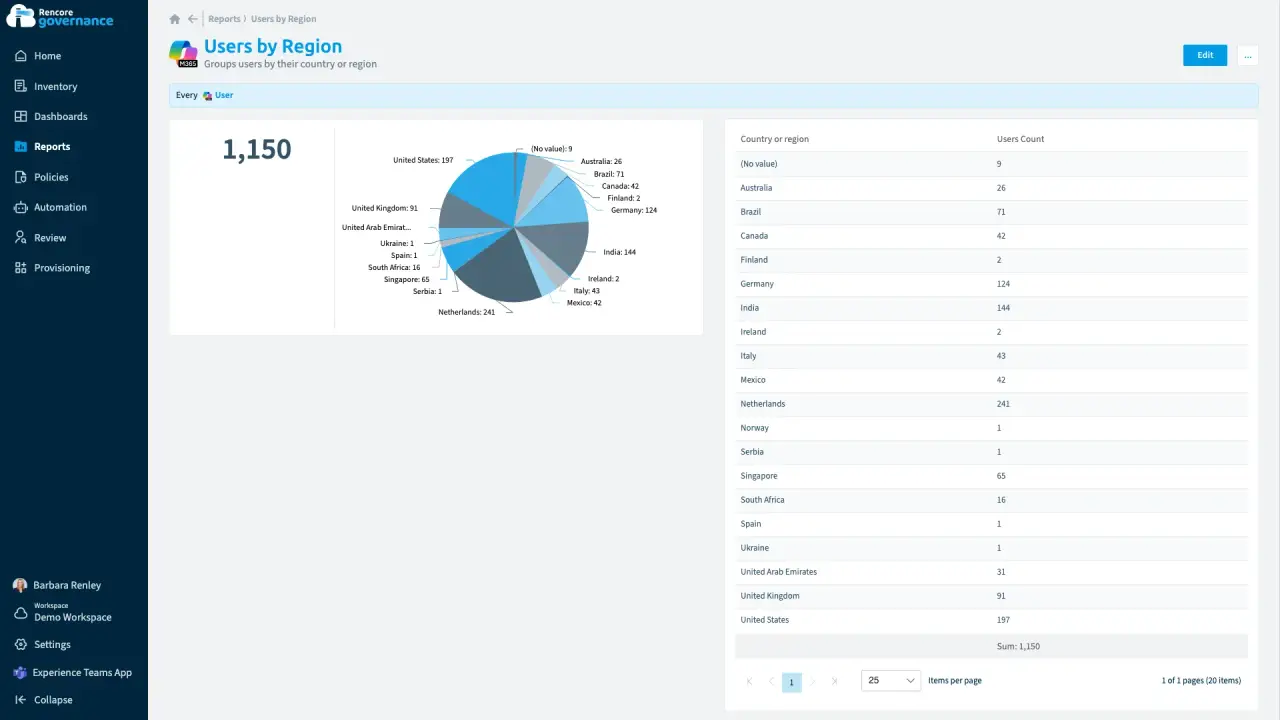
Give one country its own governance
Length: 4 minOne country needs its own admin for its own people and teams, but central IT cannot hand over the whole tenant.
- Microsoft 365
- Teams
- Entra ID
- Policies
- Reports
-
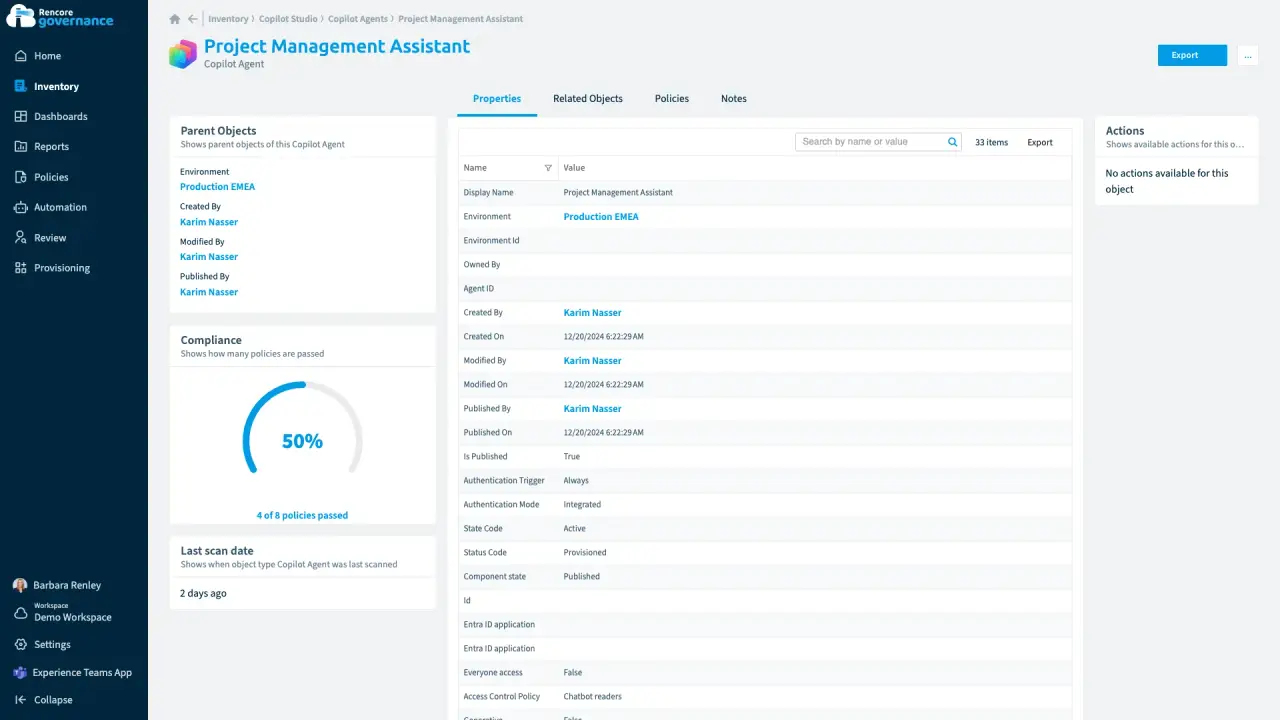
An agent nobody owns anymore
Length: 4 minA Copilot agentCopilot Studio agentA Copilot Studio agent is an AI agent someone built in Microsoft Copilot Studio.Read more keeps running on its own after its maker leaves, and nobody answers for what it can reach.
- Copilot Studio
- AI Governance
- Sprawl & Lifecycle
-
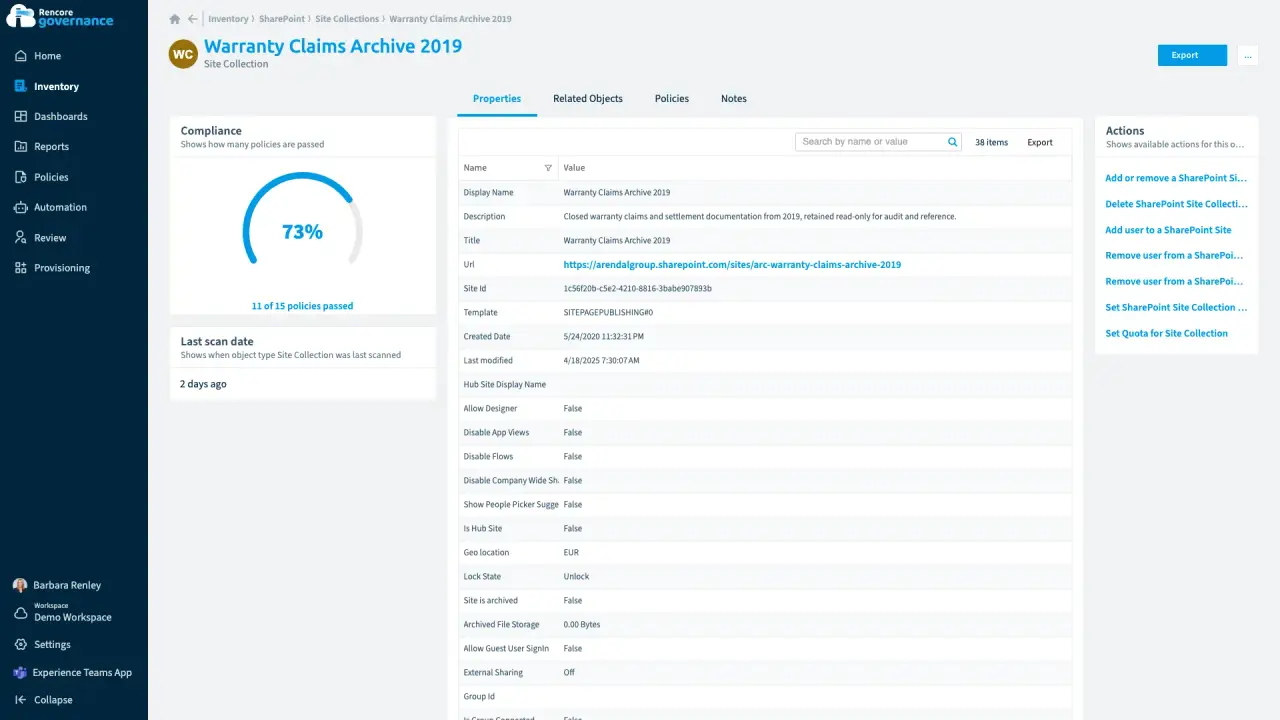
Length: 4 minLabel the sites Copilot should not read freelySites without a sensitivity labelSensitivity labelA sensitivity label is a Microsoft Purview classification, such as Confidential or Internal, that an organization applies to content and to containers such as Teams and SharePoint sites.Read more slip past your Copilot checks, so Copilot can read content it should not read freely.
- SharePoint
- Copilot
- AI Governance
- Policies
- Automation
-
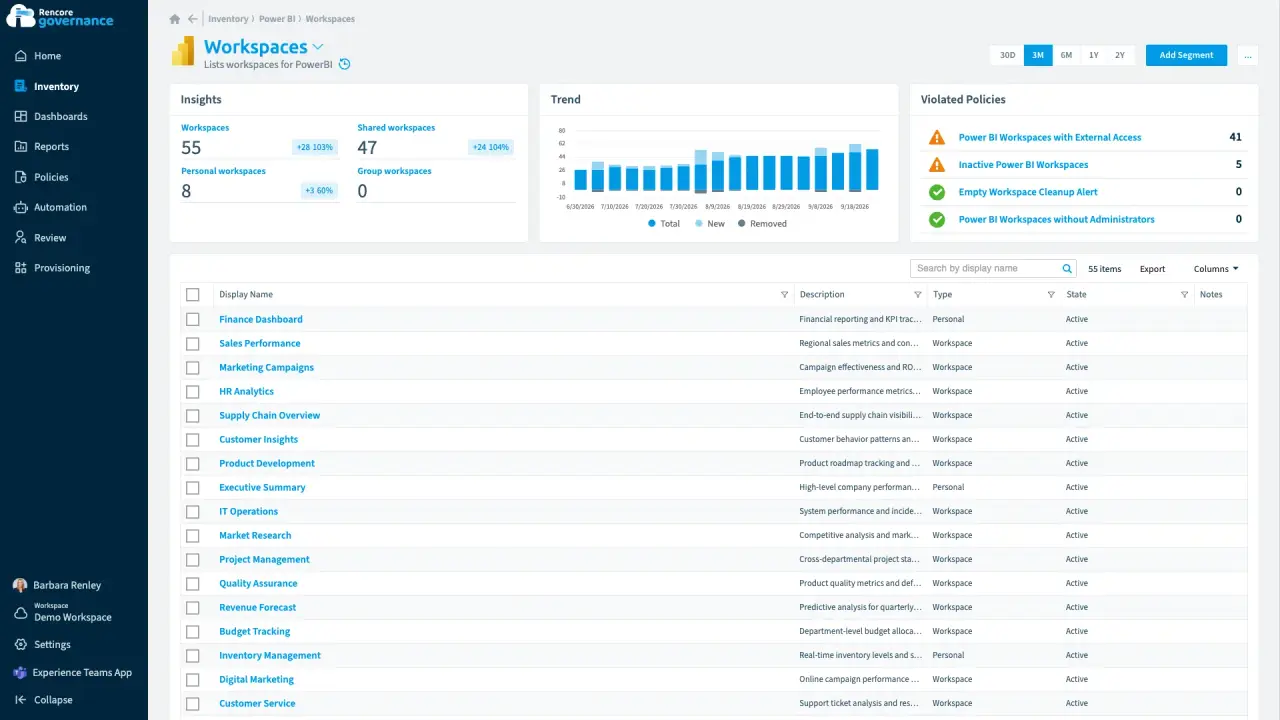
A partner guest in the HR analytics workspace
Length: 4 minAn external guest in an HR Power BI workspace can still see sensitive reports long after the work ended.
- Power BI
- Access & Sharing
- Reviews
- Policies
- Automation
-
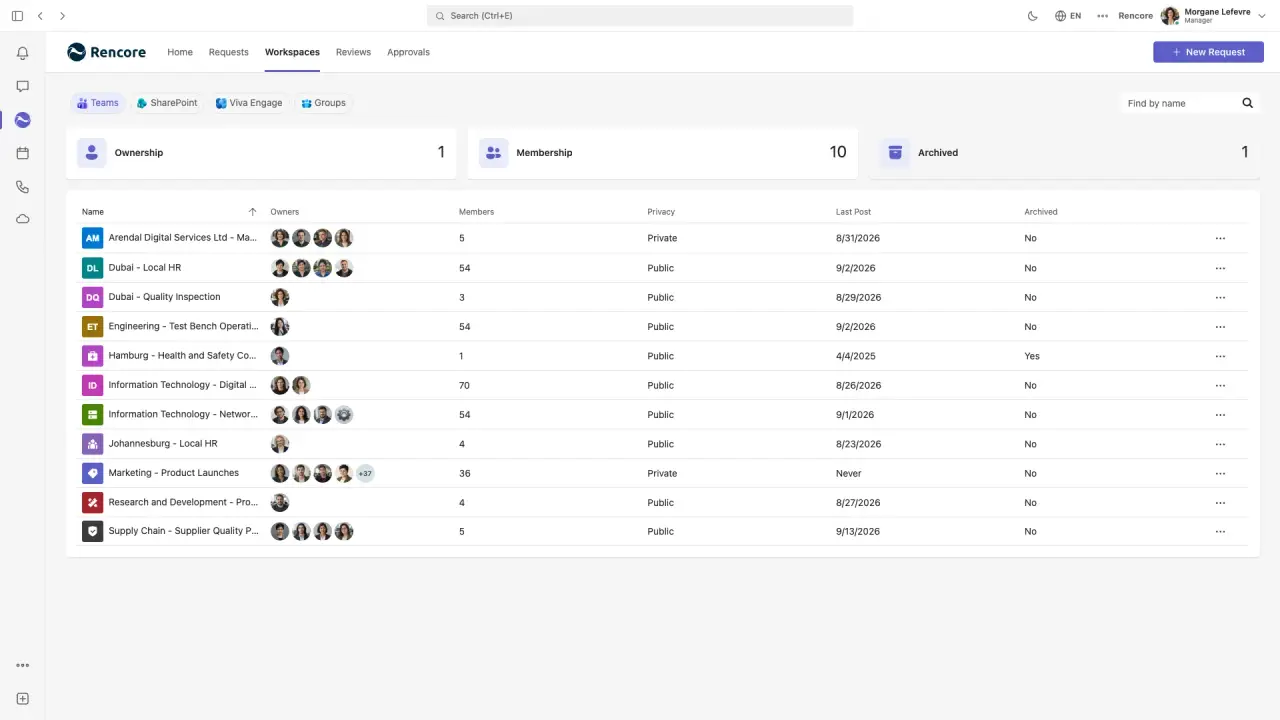
The owner who adds a second owner herself
Length: 4 minA team with a single owner is one departure away from having no owner at all.
- Teams
- Sprawl & Lifecycle
-
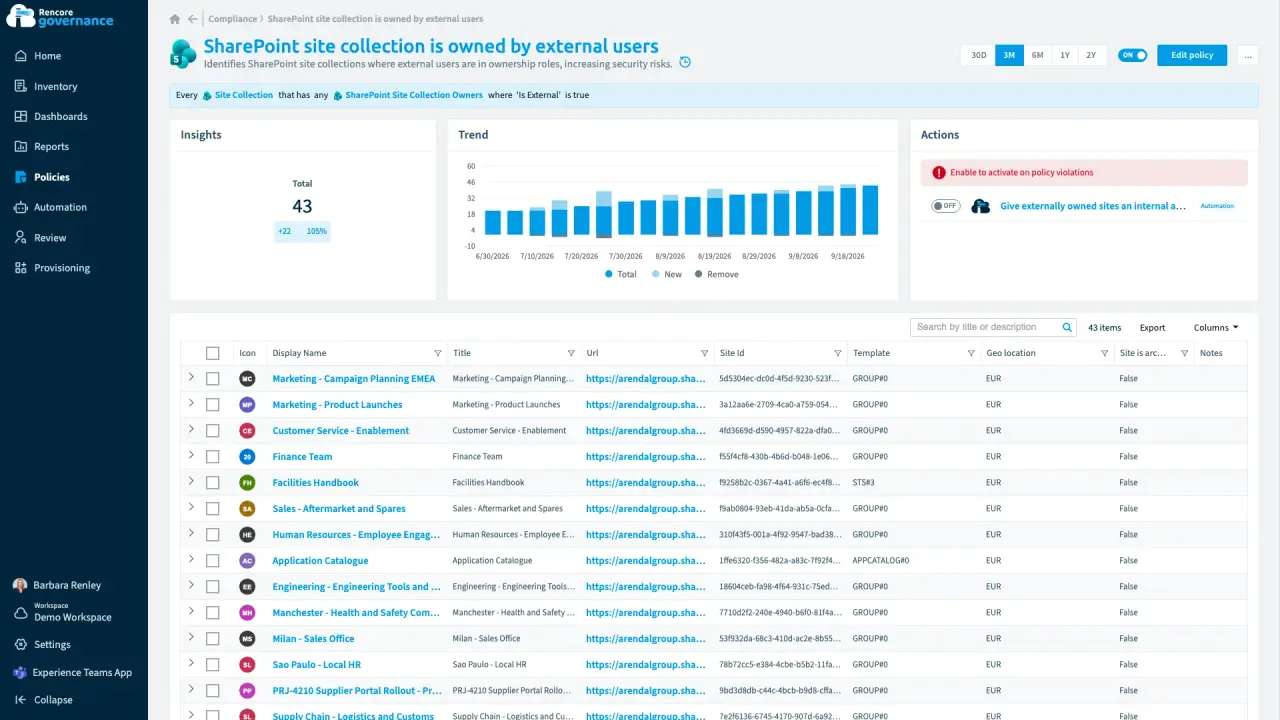
A partner in charge of an internal site
Length: 4 minAn outside guest owns an internal SharePoint site, so someone outside the company decides who gets in.
- SharePoint
- Microsoft 365
- Entra ID
- Access & Sharing
- Policies
- Automation
-
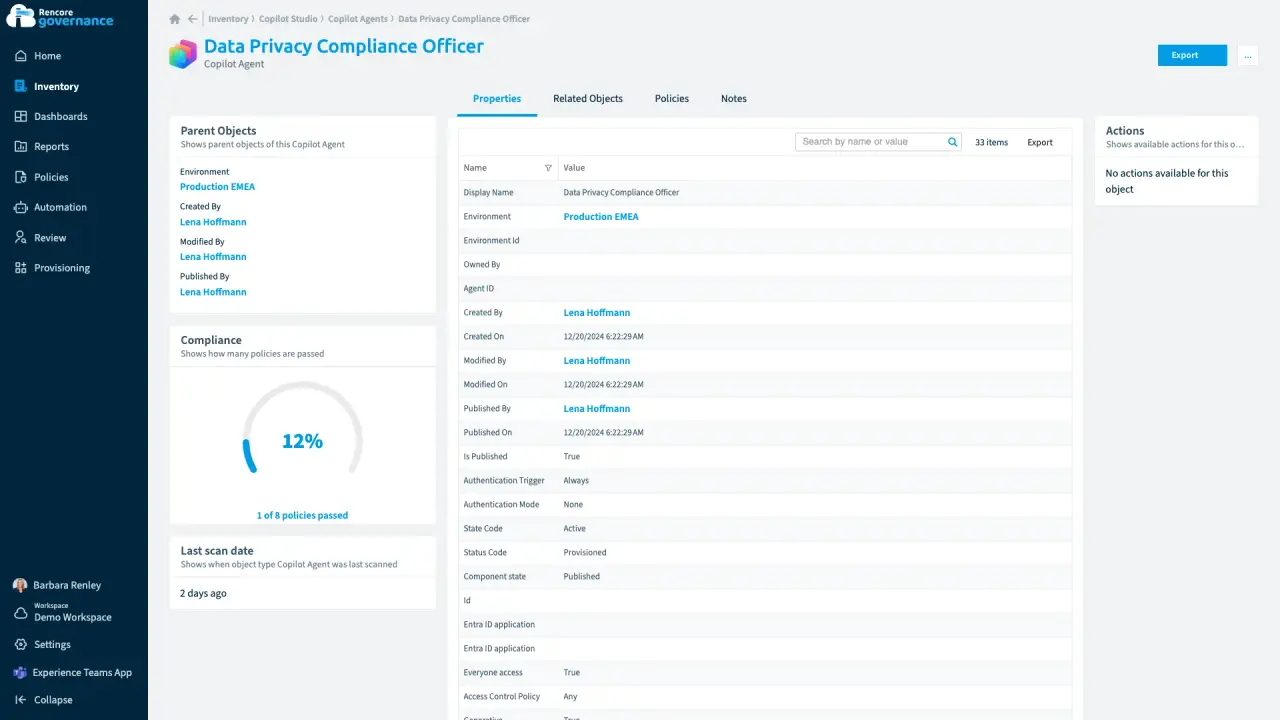
A public agent anyone can talk to
Length: 4 minA Copilot agent published without sign-in lets anyone talk to it, and nobody knows why it is public.
- Copilot Studio
- AI Governance
- Access & Sharing
-
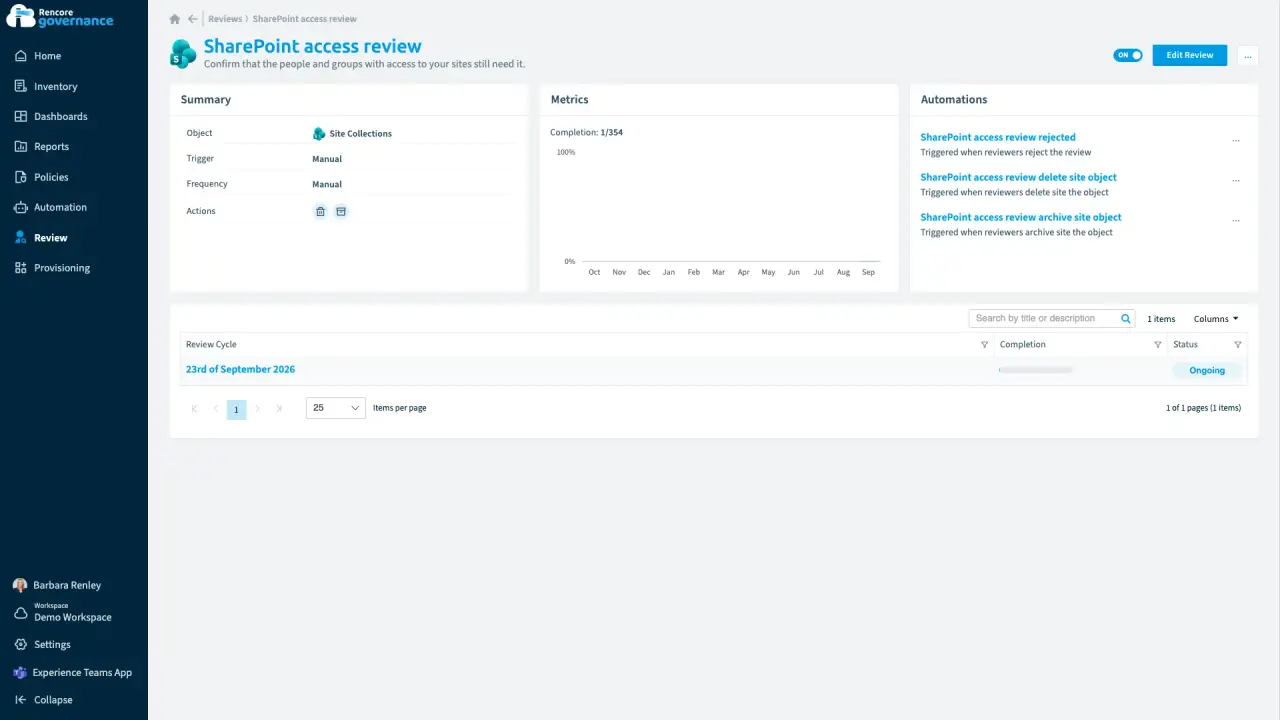
Keep a workspace with a business justification
Length: 4 minAn old workspace survives every cleanup, but nobody recorded why it is still needed when the auditor asks.
- SharePoint
- Teams
- Reviews
- Sprawl & Lifecycle
-
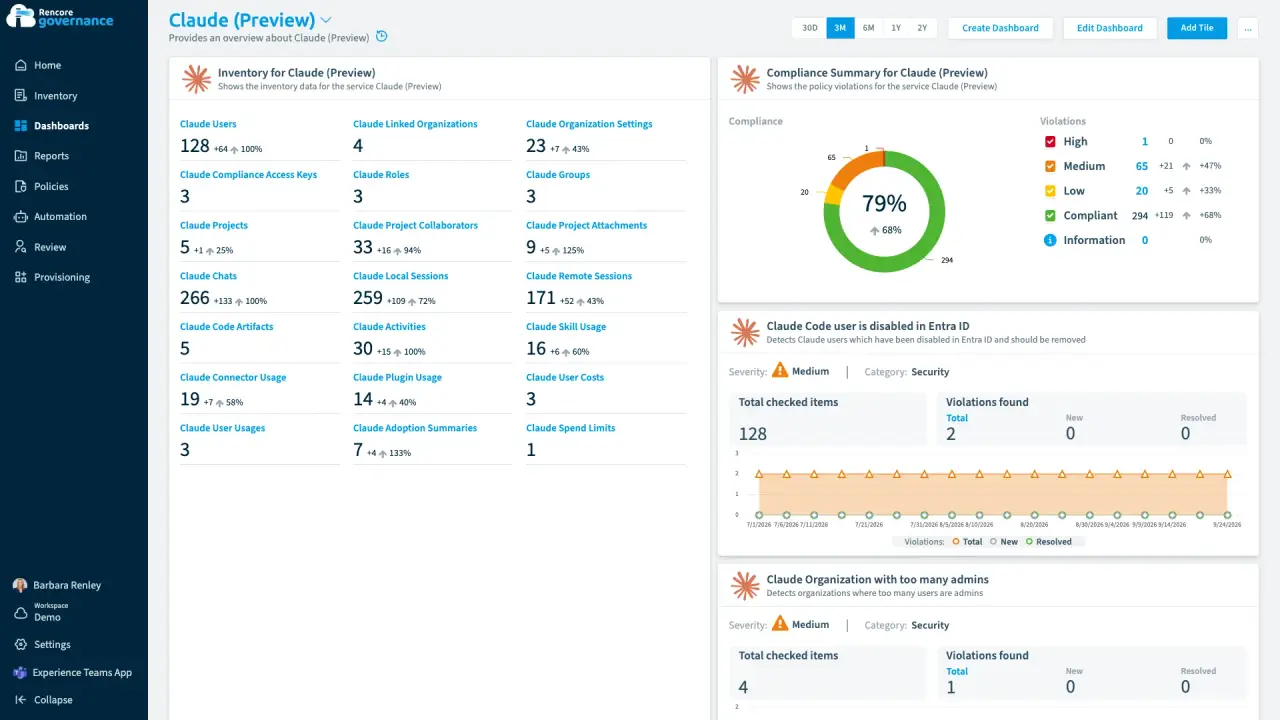
Length: 4 min Abandoned Claude projects, cleaned up
Claude projects nobody has touched in months keep their files and shared context, and nobody decides whether they can go.
- Claude Enterprise Preview
- Sprawl & Lifecycle
- AI Governance
-
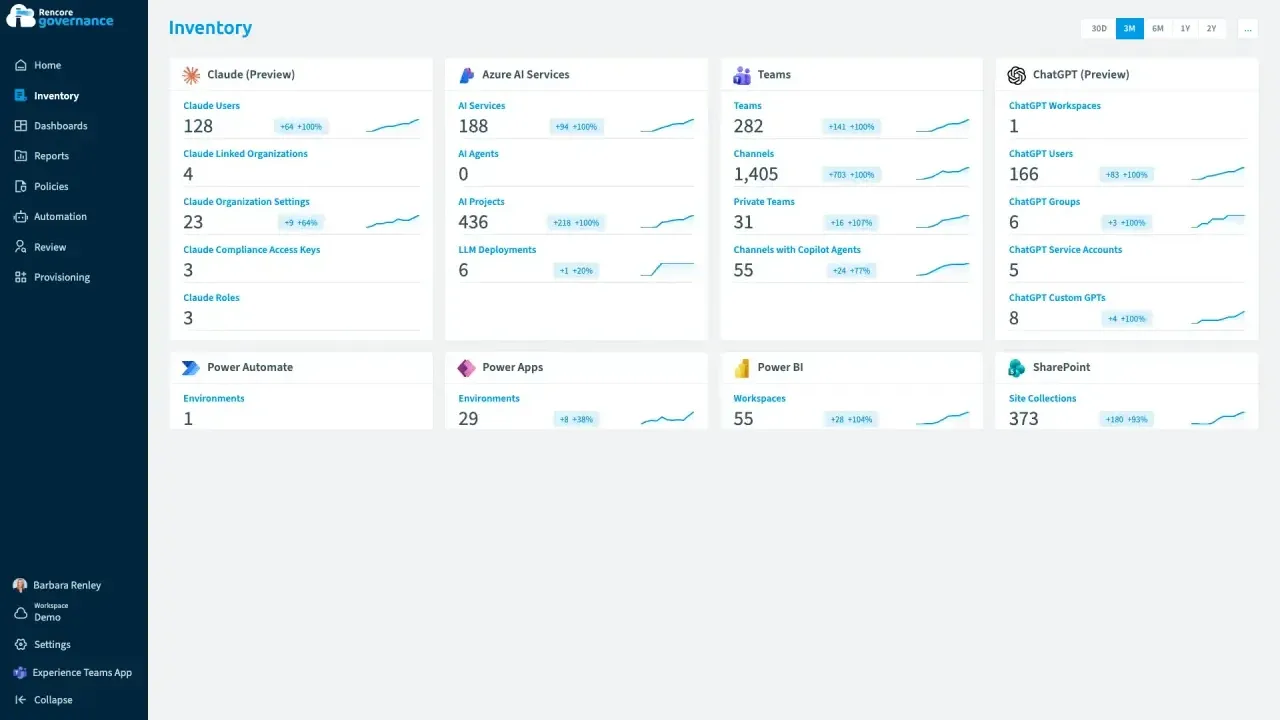
Length: 5 min One outside account in Claude and ChatGPT
An account that is in Claude and ChatGPTChatGPT EnterpriseChatGPT Enterprise is the business plan of the ChatGPT AI assistant by OpenAI.Read more but not in your Entra IDMicrosoft Entra IDMicrosoft Entra ID, formerly Azure Active Directory, is the Microsoft identity service behind every Microsoft 365 tenant.Read more keeps access to company AI work that nobody inside can vouch for.
- Claude Enterprise Preview
- ChatGPT Enterprise Preview
- Entra ID
- Access & Sharing
- AI Governance
-
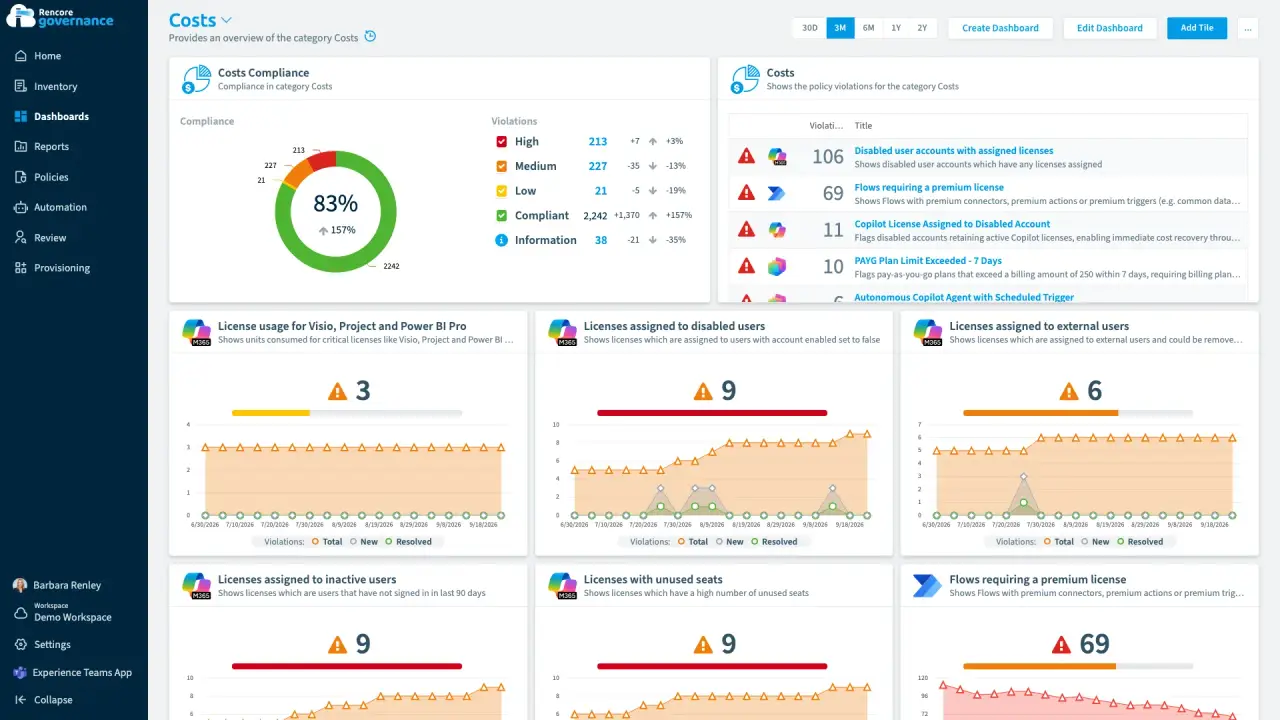
The agent bill nobody forecast
Length: 4 minCopilot Studio agents bill by consumption, so the spend lands as one invoice nobody forecast and no budget owner hears about an overrun.
- Copilot Studio
- Copilot
- Licences & Costs
- AI Governance
- Policies
- Automation
-
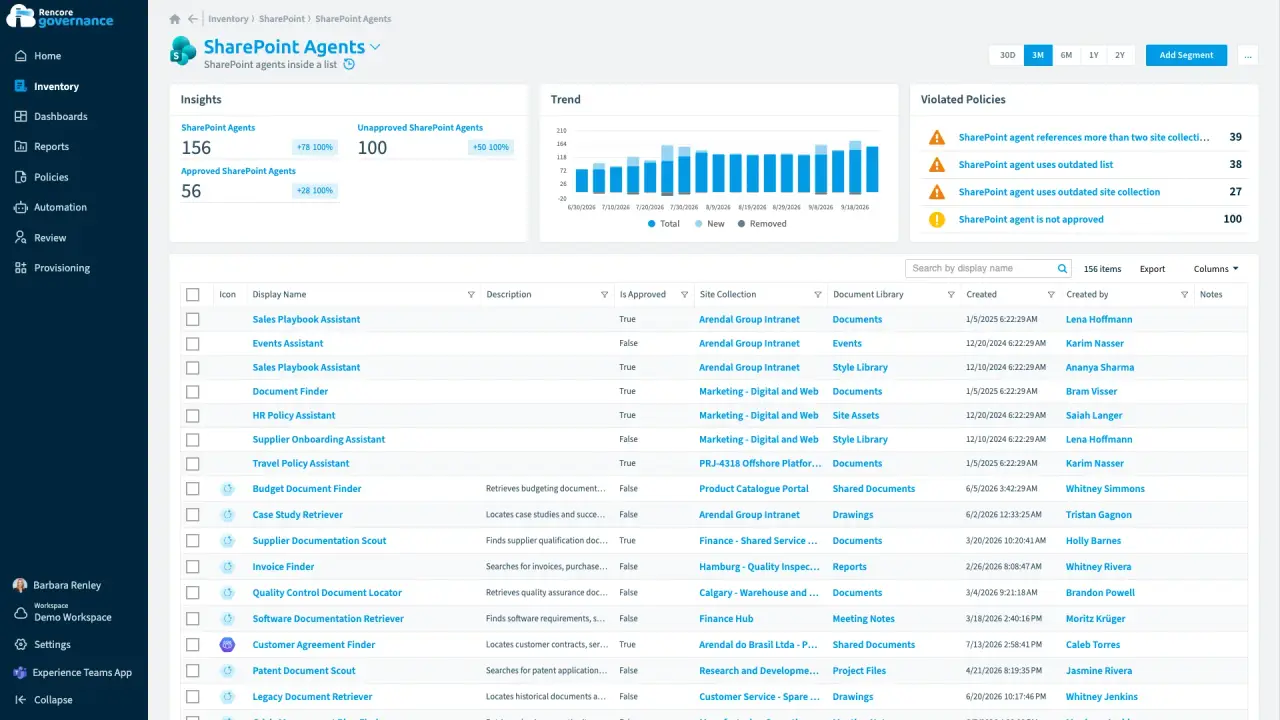
An agent nobody approved, answering from old files
Length: 4 minAnyone can build a SharePoint agent, so one nobody approved answers from other teams' sites and from sources nobody has updated in a year.
- SharePoint Agents
- SharePoint
- AI Governance
- Access & Sharing
- Policies
- Automation
-
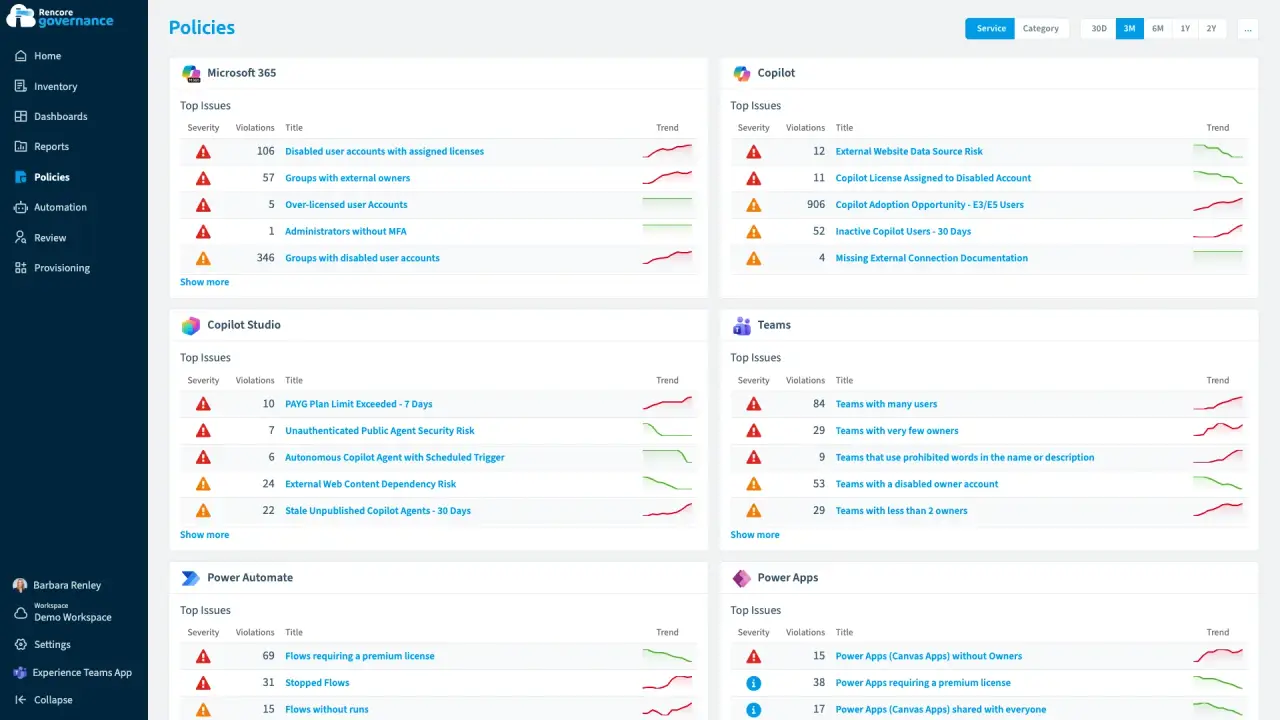
Length: 4 minCopilot seats back from people who stopped using themCopilot licences stay on people who still work here but never open Copilot, and every idle seat is billed again each month.
- Copilot
- Microsoft 365
- Entra ID
- Licences & Costs
- AI Governance
- Policies
- Automation
-
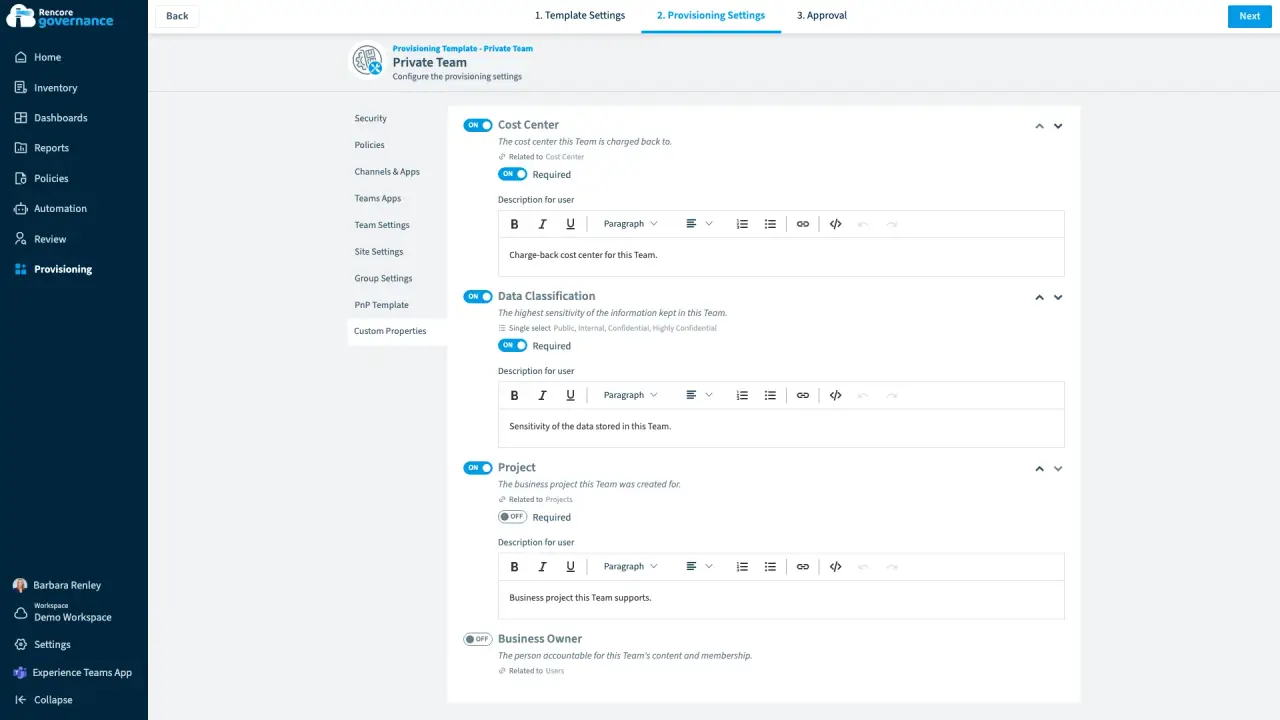
Business metadata, captured at request
Length: 4 minOnce a team exists nobody remembers which cost center pays for it or how sensitive its data is, so chargeback and reviews start from a guess.
- Teams
- Provisioning
-
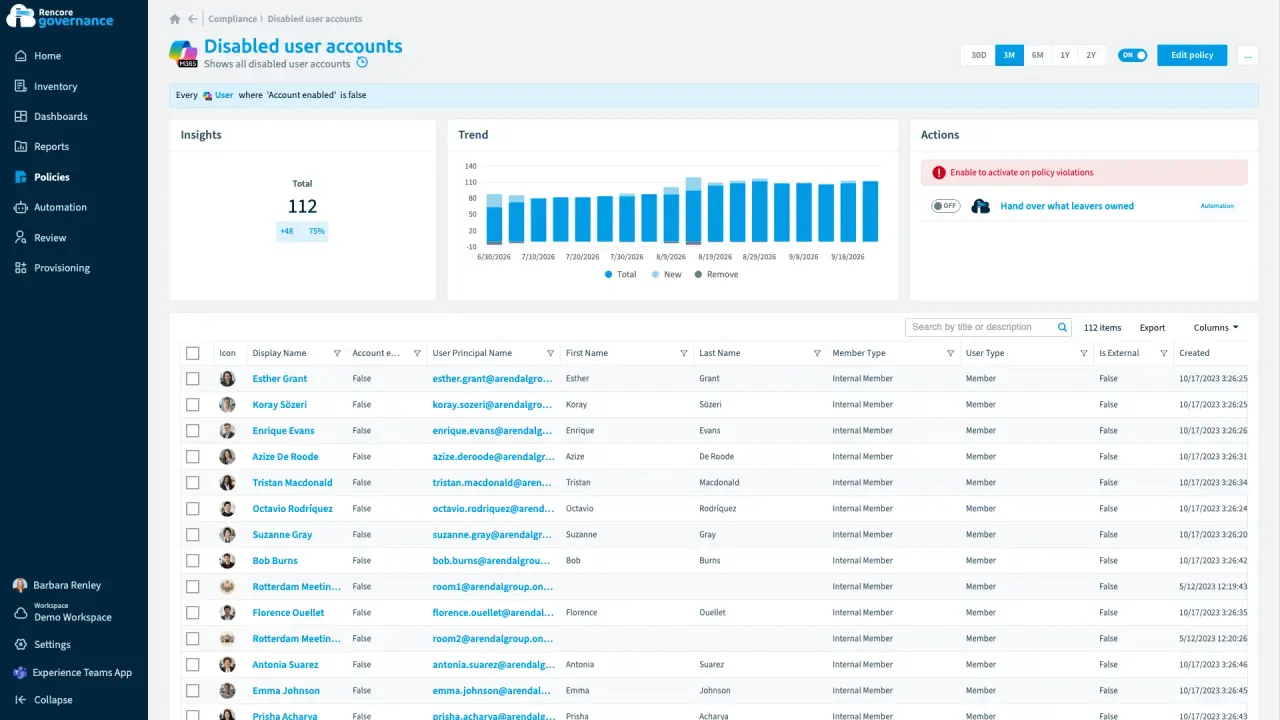
The leaver who owned half the workplace
Length: 4 minWhen someone leaves, the teams they co-owned, the community only they owned, a mailbox rule and a shared plan stay behind with nobody answering for them.
- Microsoft 365
- Entra ID
- Teams
- OneDrive
- Exchange
- Planner
 Viva Engage
- Sprawl & Lifecycle
- Policies
- Automation
-
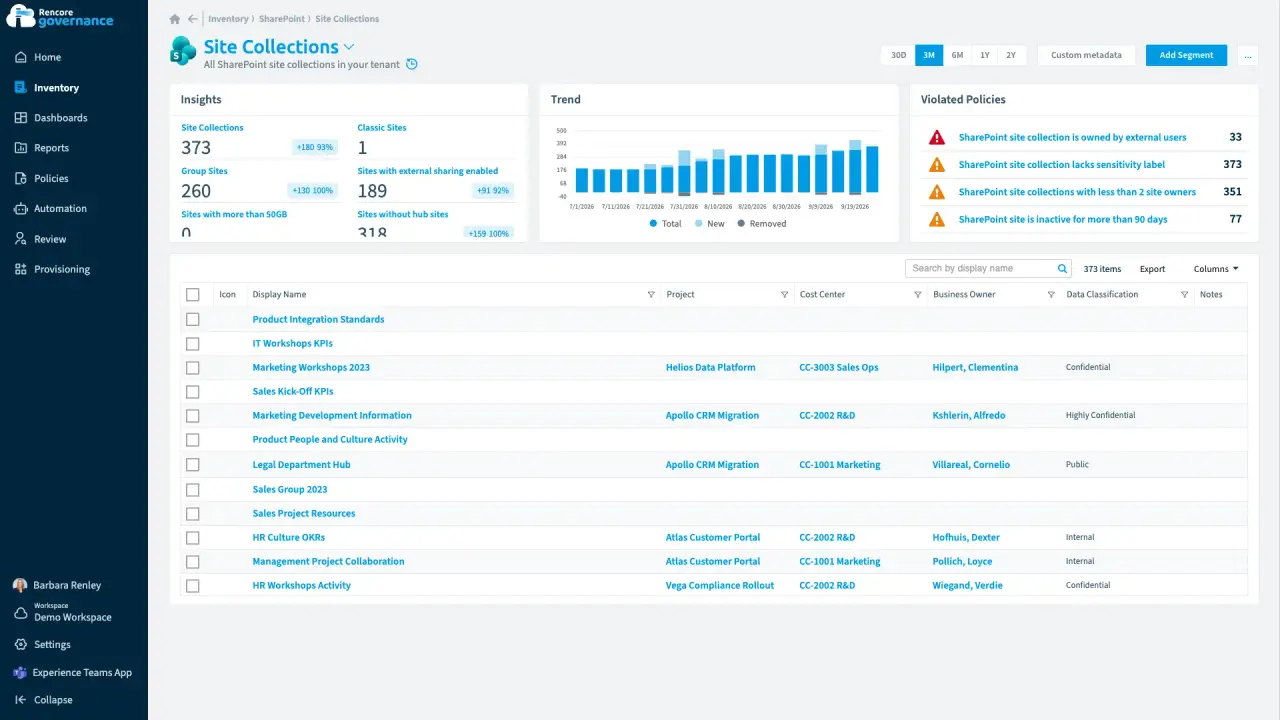
Who pays for this site?
Length: 4 minMicrosoft 365 knows who owns a site but not which cost center pays for it, so finance has nothing to start a chargeback from.
- SharePoint
- Teams
- Licences & Costs
- Reviews
-
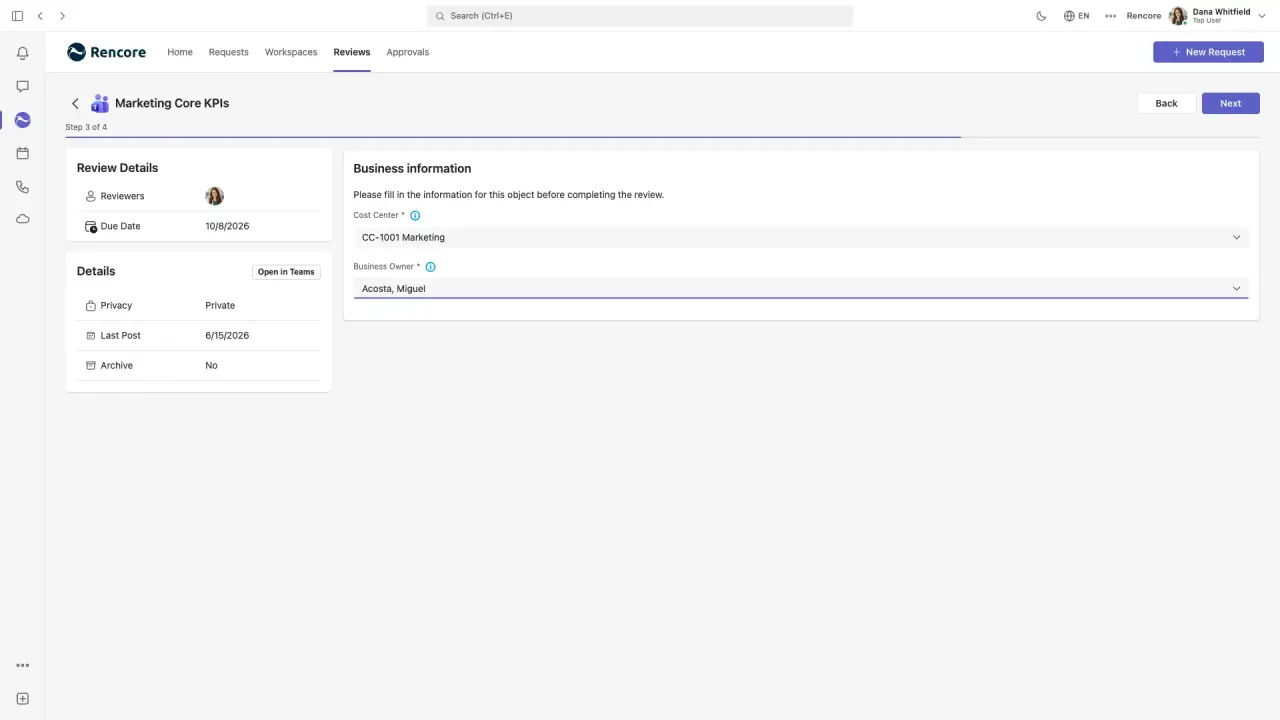
Owners correct the business context in their review
Length: 4 minCost centers and business owners on record go wrong as teams change hands, and only the people who own each team know the right values.
- Teams
- Reviews
No guide matches these filters.
Frequently asked questions
What is an interactive product guide?
Each guide is a short, narrated walkthrough of one real problem in Rencore Governance, from finding it to fixing it.
Do I need to sign in to play a guide?
No. Guides play on the docs page with no sign-in.
How many interactive product guides are there?
44 guides, such as Recertify guest and external access, Escalate unanswered reviews and 42 more.
Which connectors do the guides cover?
Teams, SharePoint, Entra ID, Copilot, Power Platform, Microsoft 365 and 11 more.
How do I find a guide?
Filter by service, use case, capability or solution, or search by title.