Getting help
AI summary
Find the support option you need for Rencore Governance, from quick answers and support tickets to system status information and security documentation.
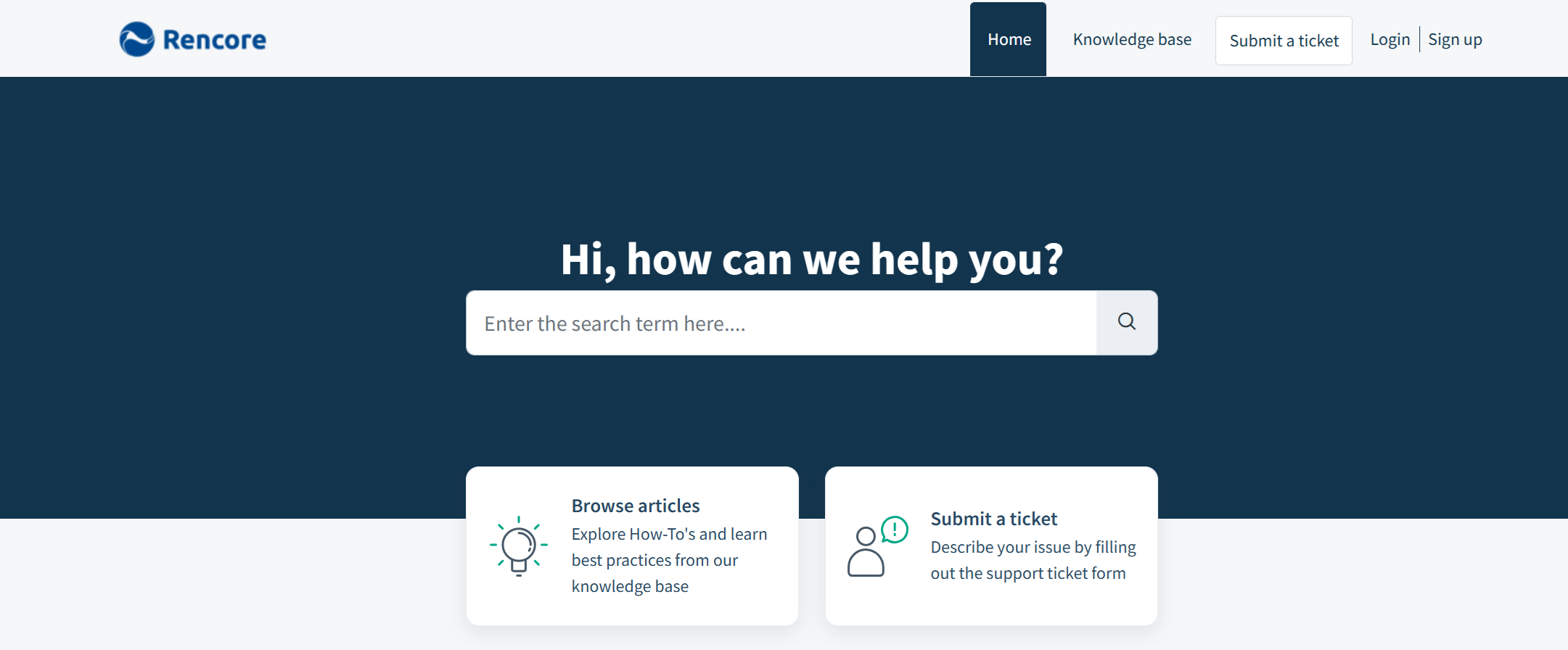
Where to find help with Rencore Governance, from a quick answer to a full support ticketSupport Portalcom is where you raise a support ticket with Rencore and follow its progress.Read more. Start with Get help to see every support channel and when to use which one. To raise a ticket and follow its progress, use the Support Portal; the pages below show how to set up your account and work with your tickets.
To see whether Rencore Governance is running normally, check status.rencore.com. For certifications and security reports, visit the Rencore Trust Center.
Start with
- Get help The support channels for Rencore Governance: the service status page, live chat, in-app feedback, email and the Support Portal, and when to use each.
- Create a support conversation Open a new support conversation with the Rencore Support team from the Support Portal.
- Create a Support Portal account Sign up for the Rencore Support Portal so you can raise and follow your own support conversations.
All pages in getting help
-
The support channels for Rencore Governance: the service status page, live chat, in-app feedback, email and the…
Before you begin: Email and the Support Portal do not depend on your Rencore Governance role. (+1 more)
Support Portal 6 pages
How to create a Support Portal account and use it to raise and track support conversations.
-
Access the Rencore Support Portal
Where to sign in to the Support Portal and what you can do there.
Before you begin: A Support Portal account.
-
Create a Support Portal account
Sign up for the Rencore Support Portal so you can raise and follow your own support conversations.
Before you begin: A company email address.
-
Reset your Support Portal password
Reset a forgotten Support Portal password.
Before you begin: You know the email address of your Support Portal account.
Show 3 pages more
-
Open a new support conversation with the Rencore Support team from the Support Portal.
Before you begin: A Support Portal account.
-
Add details to a ticket you already sent, from the Support Portal or from the notification email.
Before you begin: A Support Portal account.
-
Access company support conversations
Ask Support to let chosen colleagues see every support conversation from your company.
Before you begin: You are the main point of contact for your company with Rencore. (+1 more)
Frequently asked questions
Where can I check whether Rencore Governance is running normally?
Check status.rencore.com. This service status page shows whether Rencore Governance is running normally.
How do I raise a support ticket and follow its progress?
Use the Support Portal. You can open a new support conversation with the Rencore Support team there and follow it. You need a Support Portal account first.
Where can I find Rencore certifications and security reports?
Visit the Rencore Trust Center. It is the place for certifications and security reports.
Does my Rencore Governance role affect whether I can use email or the Support Portal for help?
No. Email and the Support Portal do not depend on your Rencore Governance role.
How can I add details to a support ticket I already sent?
You can update the ticket from the Support Portal or from the notification email. You need a Support Portal account to use the Support Portal.