Dashboard
AI summary
Create dashboards that group your content from reports, inventory, and policies on single pages for different stakeholders. Use pre-built dashboards, build custom ones, add tiles, and share with colleagues.
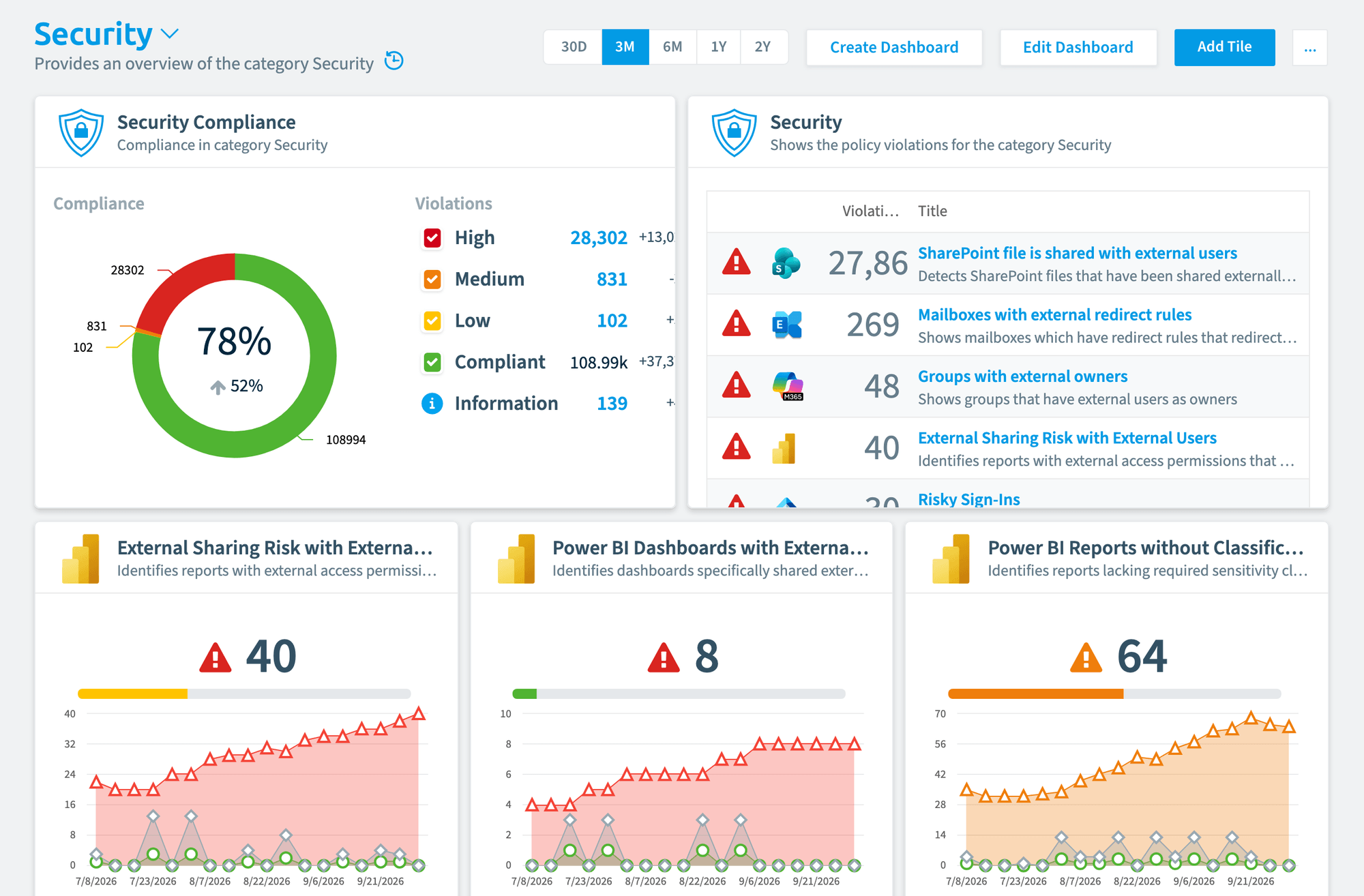
Rencore Governance allows you to group your content from reportsReportA report is a saved query over the inventory that Rencore Governance shows as a chart, list, table or KPI, for example unused SharePoint site collections larger than 1 GB.Read more, inventory, and policies into dashboards tailored to various stakeholders in your organization. A dashboard puts the tiles one audience cares about on one page, for example policy results for the security team or license numbers for IT. Use the dashboards that come with the product, build your own, add tiles and share them with colleagues.
Start with
All guides in dashboard
-
Build your own dashboard next to the ones Rencore Governance ships with.
Before you begin: Your Rencore role includes the Create Dashboard permission.
-
Add report, policy and inventory tiles to a dashboard.
Before you begin: Your Rencore role includes the Edit Dashboard permission.
-
Share a dashboard with other users of your workspace.
Before you begin: Your Rencore role includes the Share Dashboard permission.
Show 2 guides more
-
Save a dashboard as a file to copy it to another workspace or Environment.
Before you begin: Your Rencore role includes the Export Dashboard Schema permission.
-
Add a dashboard exported from another workspace or Environment.
Before you begin: Your Rencore role includes the Import Dashboard Schema permission. (+1 more)
Frequently asked questions
Which permission does my Rencore role need to create a dashboard?
Your Rencore role must include the Create Dashboard permission. Adding tiles to a dashboard needs the Edit Dashboard permission, and sharing a dashboard needs the Share Dashboard permission.
What kinds of tiles can I add to a dashboard in Rencore Governance?
You can add report, policy and inventory tiles to a dashboard. This lets you put the content one audience cares about on one page, such as policy results for the security team or license numbers for IT.
How can I copy a dashboard to another workspace or Environment?
Export the dashboard to save it as a file, then import that file in the other workspace or Environment. Exporting needs the Export Dashboard Schema permission, and importing needs the Import Dashboard Schema permission.