Create a dashboard
AI summary
Create a custom dashboard when the preconfigured ones do not show what your audience needs. You can start from a template or blank dashboard.
Create your own DashboardDashboardA dashboard groups reports, policies and KPIs on one page as tiles, so each stakeholder sees the governance data that matters to them.Read more when the ones that come with Rencore Governance do not show what your audience needs. You can start from a preconfigured template or from a blank Dashboard.
Before you begin
- Your Rencore role includes the Create Dashboard permission. Owner, Admin and Contributor have it. See Rencore roles.
Steps
-
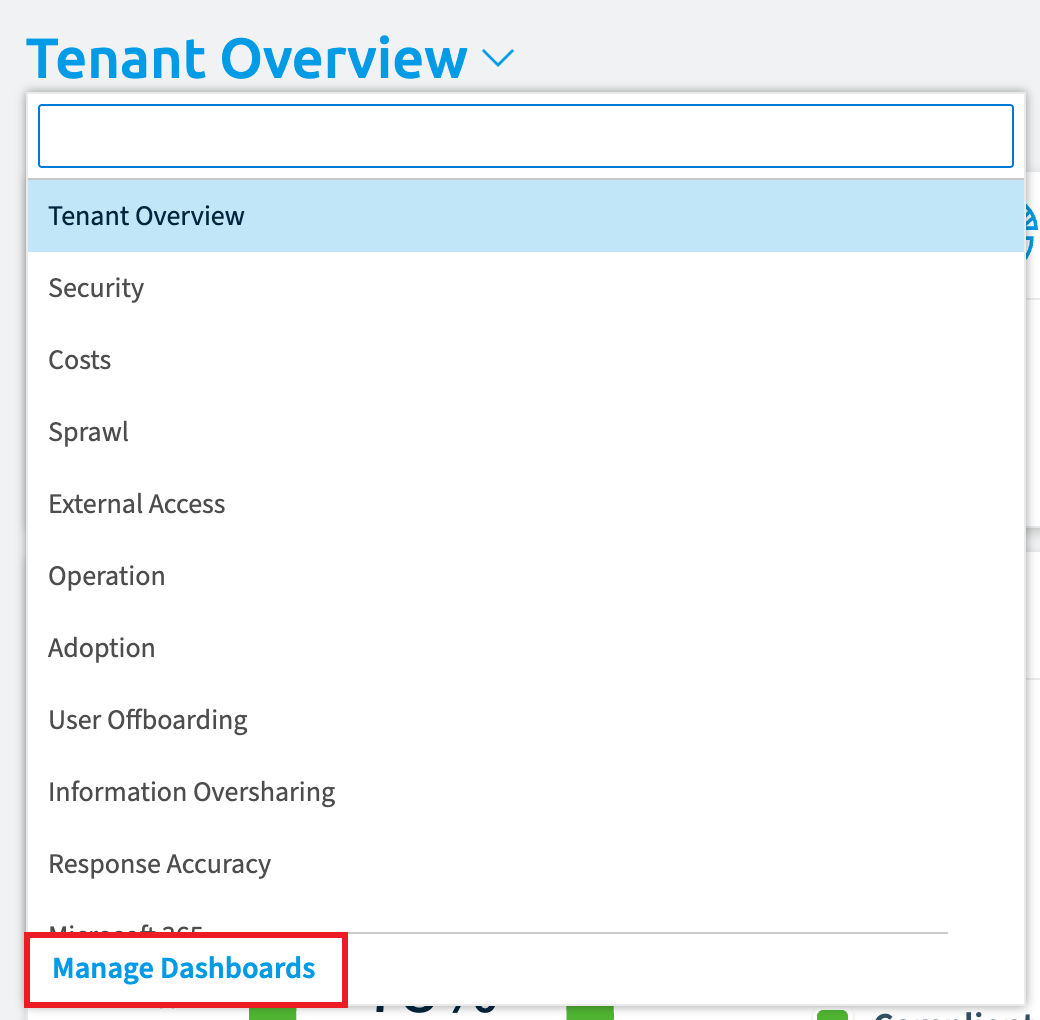
Open the Dashboard selector and click Manage Dashboards.
-
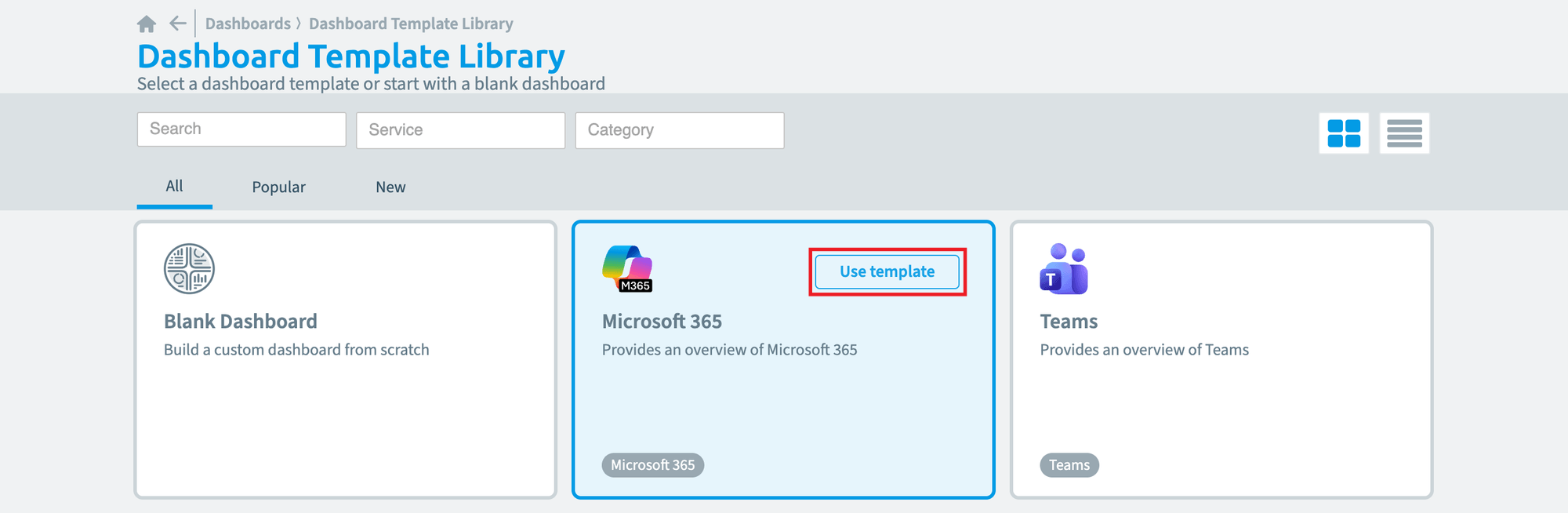
Click Create Dashboard in the top right. The Dashboard Template LibraryTemplate libraryA template library is the catalog of prebuilt items you start from when you add something new in Rencore Governance.Read more opens.
-
Choose a preconfigured template or the blank template, then follow one of the two paths below.
From a preconfigured template
-
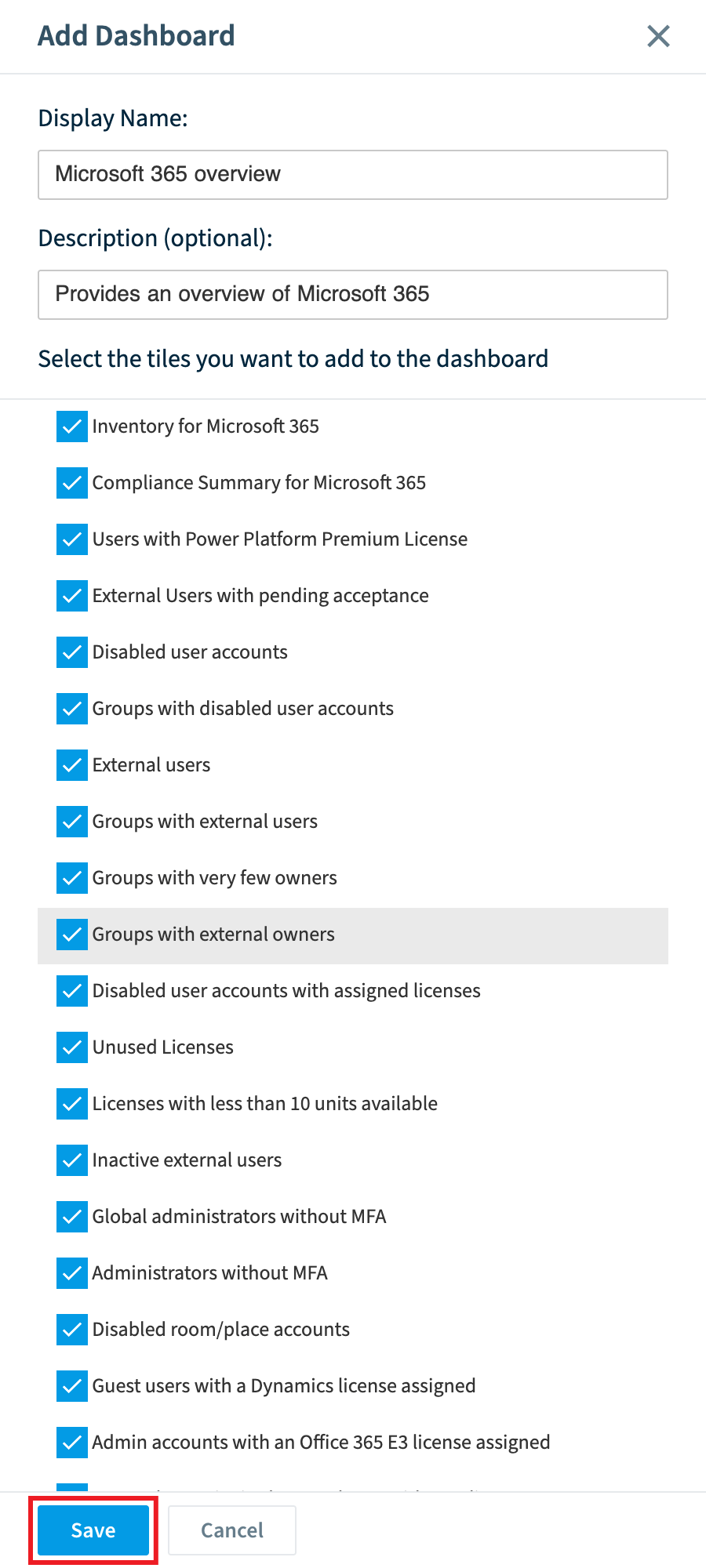
Select a preconfigured Dashboard from the list (e.g. Costs). A side panel opens on the right.
-
Enter a name for the Dashboard.
-
Enter a description.
-
Choose which tiles to include.
-
Click Save. Rencore Governance creates the Dashboard and opens it.
From a blank dashboard
-
Select Blank Dashboard. A side panel opens on the right.
-
Enter a name for the Dashboard.
-
Enter a description.
-
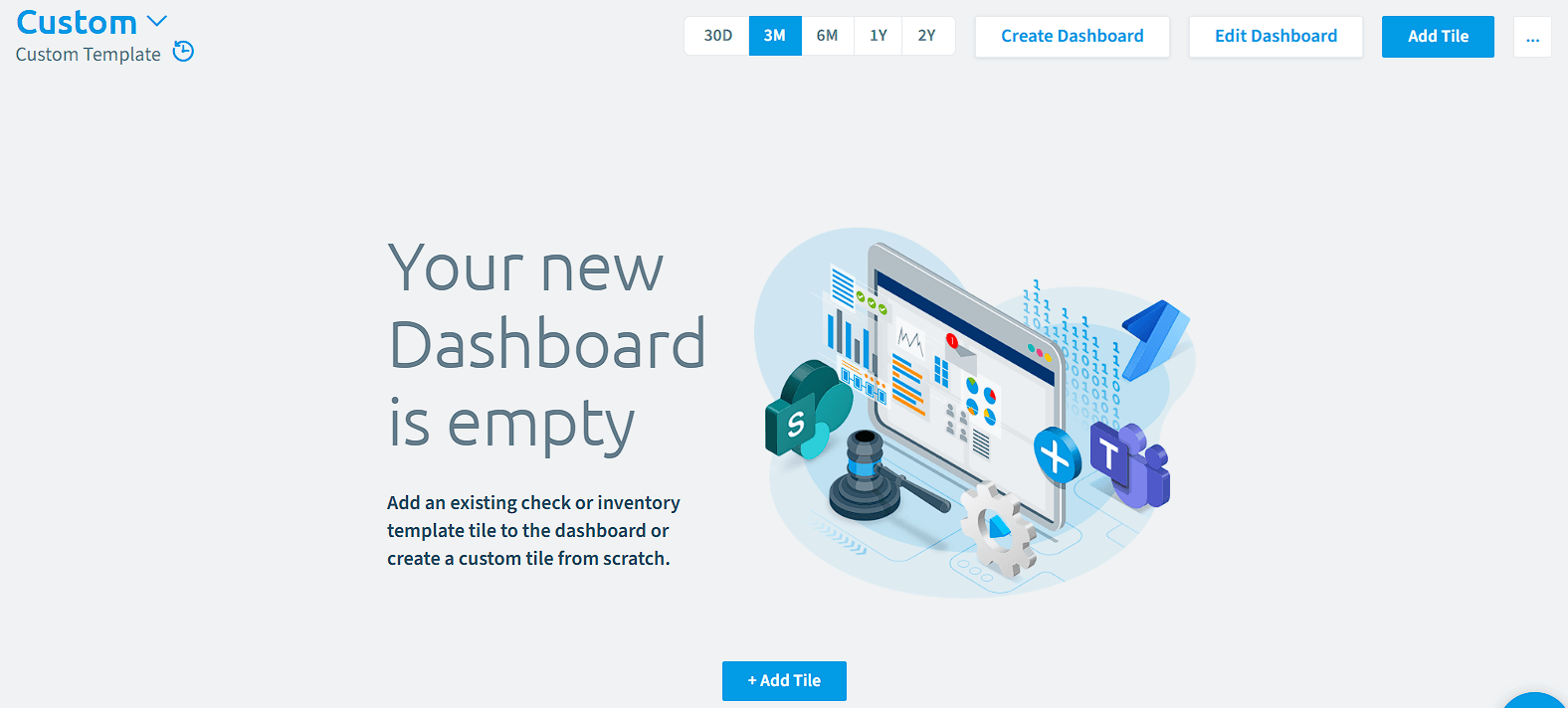
Click Save. Rencore Governance creates an empty Dashboard and opens it.
-
Add the tiles you want. See Add tiles to a dashboard.
Frequently asked questions
Which Rencore roles can create a dashboard?
Owner, Admin and Contributor can create a Dashboard. Your Rencore role needs to include the Create Dashboard permission.
How do I start creating a new dashboard in Rencore Governance?
Open the Dashboard selector and click Manage Dashboards. Then click Create Dashboard in the top right, which opens the Dashboard Template Library where you choose a template or the blank template.
Can I choose which tiles to include when I create a dashboard?
Yes, when you start from a preconfigured template, the side panel lets you choose which tiles to include. A blank Dashboard is created empty, so you add the tiles afterward.
Was this page helpful?
Thanks for the feedback.
Thanks. What was wrong?