Provisioning
AI summary
Provisioning lets your users request new workspaces (teams, SharePoint sites, Microsoft 365 groups, Planner plans, or Viva Engage communities) from templates you control. You can customize the provided templates or create your own, setting naming rules, channels, metadata, and approval requirements.
Provisioning lets people request new workspaces from templates you control. A provisioning templateProvisioning templateA provisioning template defines how a new Microsoft 365 workspace is created through Rencore Governance.Read more creates a team, a SharePoint site, a Microsoft 365 groupMicrosoft 365 groupA Microsoft 365 Group is the membership object behind many Microsoft 365 workspaces.Read more, a PlannerMicrosoft PlannerMicrosoft Planner is the Microsoft 365 app for task plans and boards. The Planner connector of Rencore Governance, part of the Digital Workplace module, inventories plans.Read more plan or a Viva Engage communityViva Engage communityA Viva Engage community is a group in Viva Engage where people share posts, files and events around a team, project or interest.Read more. It sets the naming rules, settings, channels and metadata of every new workspace, and who approves the request. People send requests from Rencore Governance or from the Rencore Teams AppRencore Teams AppThe Rencore Teams App (formerly Rencore Nova) brings Rencore Governance into Microsoft Teams for the people who own and use workspaces.Read more.
Provisioning is part of the Premium and Enterprise PlansPlanA Plan is the edition of Rencore Governance in your Subscription: Professional, Premium or Enterprise.Read more.
Templates
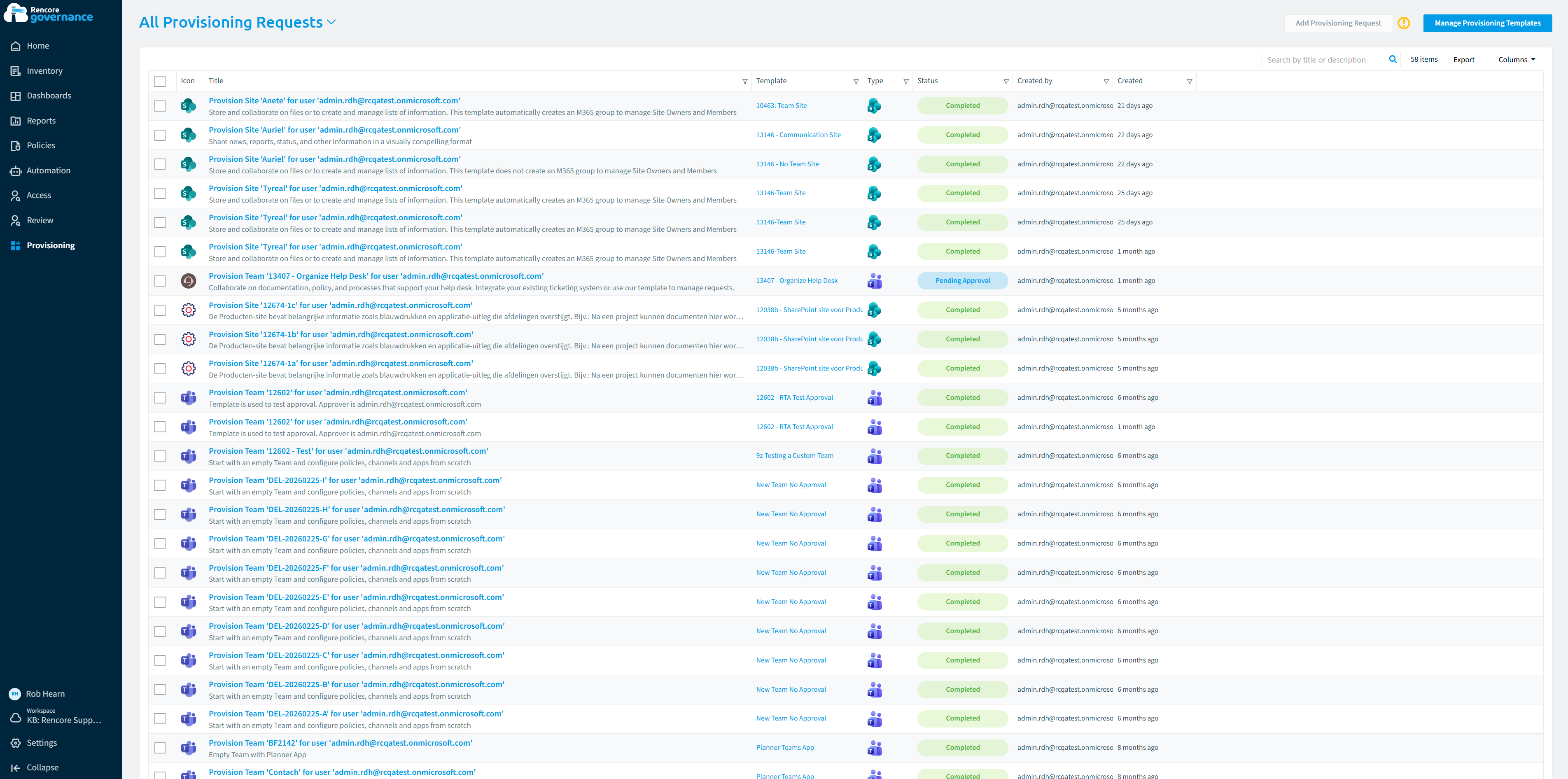
Rencore Governance comes with out-of-the-box provisioning templates for each of these workspace types. Use one as it is, change its settings, or create your own provisioning templates. Team templates can also use a PnP provisioning template.
Start with
- Create a provisioning team template Set up a template that decides how new teams are named, configured and approved.
- Create a provisioning request Request a new team from a provisioning template in Rencore Governance.
- Enable or disable a provisioning template Make a provisioning template available to requesters, or take it away.
- Request provision of a workspace Request a new workspace (Microsoft 365 Group, Team or SharePoint site) in the Rencore Teams App, from a template or a Smart Template on the Home page.
All guides in provisioning
Set up templates 6 guides
Decide how new workspaces are named, built and approved, and which templates requesters see.
-
Create your own provisioning templates
Build a provisioning template of your own when the built-in ones do not fit.
Before you begin: Your Rencore role includes the Create Provisioning permission. (+2 more)
-
Create a provisioning team template
Set up a template that decides how new teams are named, configured and approved.
Before you begin: Your Rencore role includes the Create Provisioning permission. (+2 more)
-
Create a suggested Teams channel
Add pre-defined channels that teams created from a provisioning template get.
Before you begin: Your Rencore role includes the Edit Provisioning permission. (+1 more)
9 steps
 Teams
Teams
Show 3 guides more
-
Use a PnP provisioning template
Apply a PnP template so new SharePoint sites start with your lists, pages and settings.
Before you begin: Your Rencore role includes the Edit Provisioning permission. (+3 more)
-
Enable or disable a provisioning template
Make a provisioning template available to requesters, or take it away.
Before you begin: Your Rencore role includes the Enable\Disable Provisioning permission. (+1 more)
-
Check provisioning naming limits
The characters and lengths Microsoft allows in names of provisioned workspaces.
Before you begin: Your Rencore role includes the Create Provisioning or Edit Provisioning permission to change a Provisioning Template. (+1 more)
Request a workspace 1 guide
Ask for a new team from a template.
-
Request a new team from a provisioning template in Rencore Governance.
Before you begin: Your Rencore role gives you access to Provisioning. (+2 more)

Import and export 2 guides
Copy provisioning templates between workspaces and EnvironmentsEnvironmentAn Environment is the connected Microsoft 365 tenant inside a Workspace.Read more as files.
-
Export a provisioning template
Save a provisioning template as a file to copy it to another workspace or Environment.
Before you begin: Your Rencore role includes the Export Provisioning Schema permission. (+1 more)
-
Import a provisioning template
Add a provisioning template exported from another workspace or Environment.
Before you begin: Your Rencore role includes the Import Provisioning Schema permission. (+2 more)
Frequently asked questions
What types of workspaces can a provisioning template create?
A provisioning template can create a team, a SharePoint site, a Microsoft 365 group, a Planner plan or a Viva Engage community. Rencore Governance includes out-of-the-box templates for each of these workspace types.
Where can people send a workspace request?
People can send requests from Rencore Governance or from the Rencore Teams App. In the Rencore Teams App, they can request a Microsoft 365 Group, Team or SharePoint site from a template or a Smart Template on the Home page.
Can I change a built-in provisioning template or create my own?
Yes. You can use a built-in template as it is, change its settings, or create your own provisioning templates. Team templates can also use a PnP provisioning template.
What does a provisioning template control for new workspaces?
A provisioning template sets the naming rules, settings, channels and metadata of every new workspace. It also sets who approves the request.
How can I move a provisioning template to another workspace or Environment?
Export the provisioning template as a file, then import it in the other workspace or Environment. Your Rencore role needs the Export Provisioning Schema permission to export and the Import Provisioning Schema permission to import.