Guide
Set Default Date, Time, and Number Format
To change the date, time, and number format as a user.
You will need to:
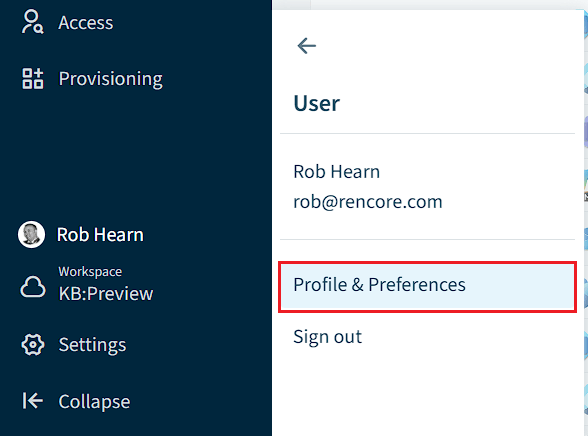
- Click on “User Profile”, then click “Profile & Preferences”.
- Scroll down to the bottom of the “Profile” screen.
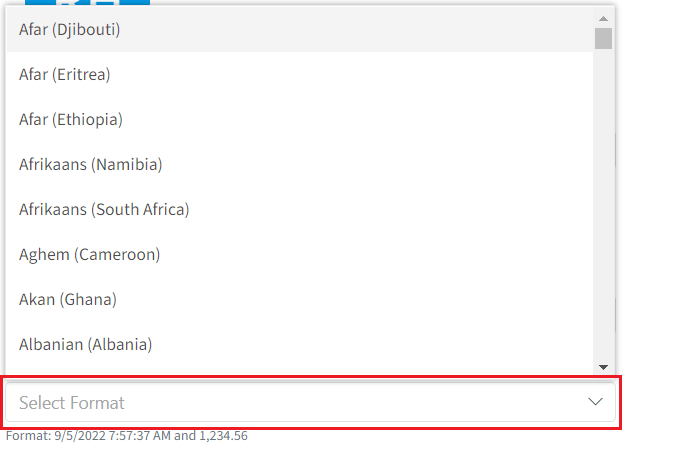
- Under “Date, Time and Number Format”, click the drop-down and choose the region you want to use (e.g. English (United Kingdom).
- Scroll back up to the top of the Profile screen and click “Save”.