Guide
Tracking your Requests
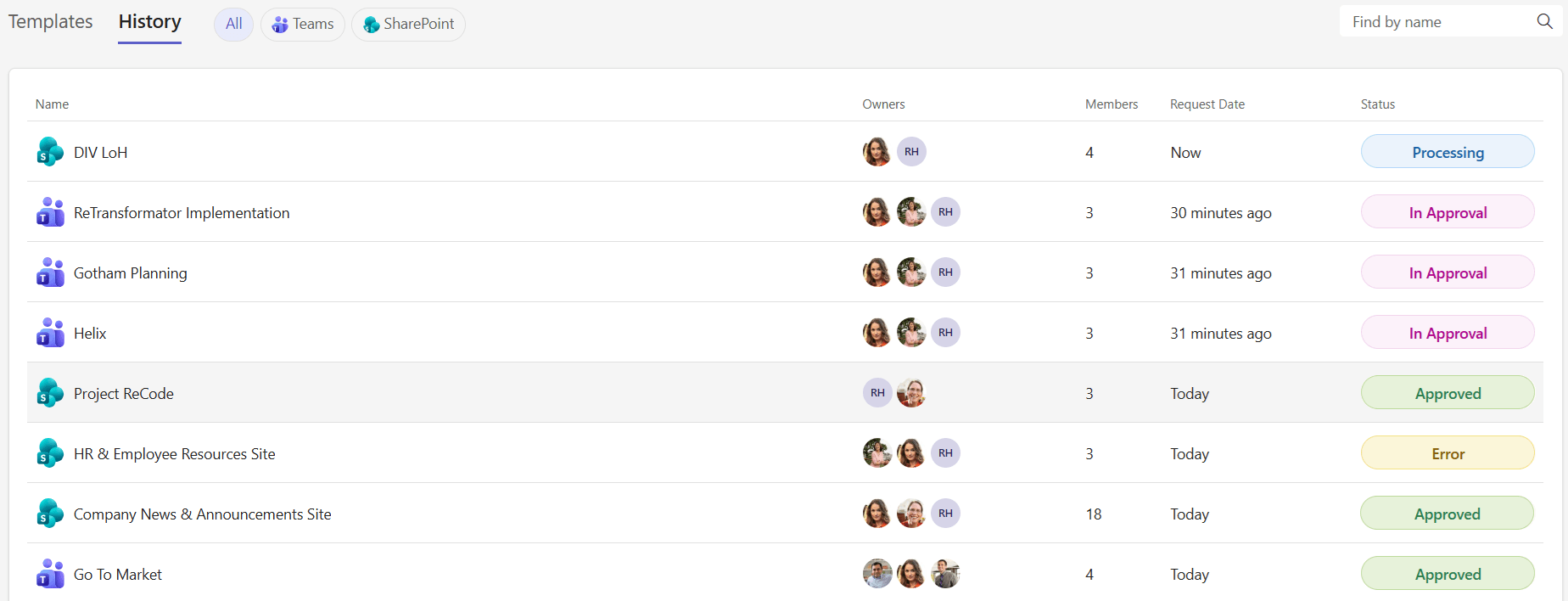
Switch to the History tab to see all your submitted requests. The table shows:
Column | Description |
|---|---|
Name | Workspace name with service icon |
Owners | Profile pictures of designated owners |
Members | Number of members added |
Request Date | When you submitted the request (shown as relative time, e.g., "2 days ago") |
Status | Current state of the request (Processing, In Approval, Approved, Declined, Error) |
Use the search bar and service filter chips to find specific requests.