Guide
Enabling and Configuring My Objects
The feature is currently available in preview. If you would like to get access, please reach out to your Customer Success Manager or Support.
To enable the feature “My Objects” in Rencore Nova, you will need to do the following.
-
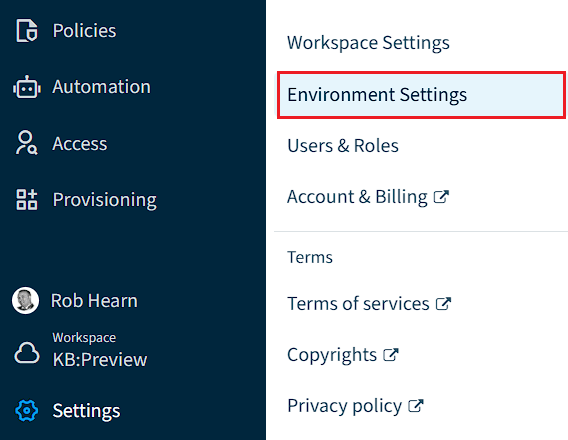
Click on “Settings”.
-
Click on “Environment Settings”.
-
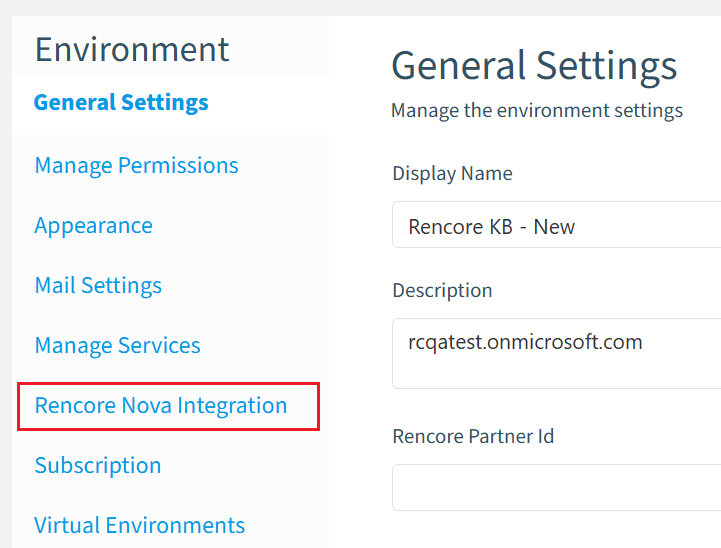
Click on “Rencore Nova Integration”.
-
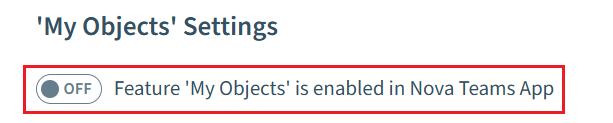
Toggle the “Feature ‘My Objects’ is enabled in Nova Teams App” to on.
-
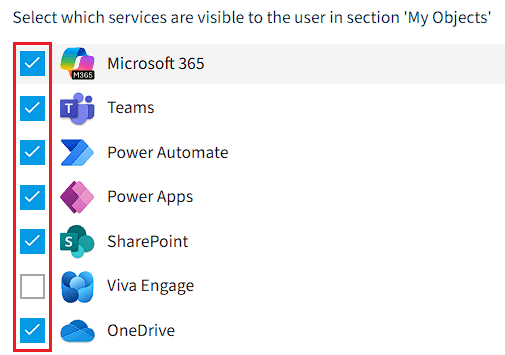
Select the desired Services.
-
Click “Save” at the top of the page.