Guide
View Audit Logs
The Audit Log feature for workspaces shows actions performed in Rencore Governance. This feature is extremely helpful for identifying when an action (create a check, delete a check, add a user, update a dashboard, invite a user…) has been performed and by whom.
Note: Only Owners and Custom roles with "Workspace: View Audit Log" enabled. Audit Logs are retained for 1 year.
To access Audit Logs, you will need to:
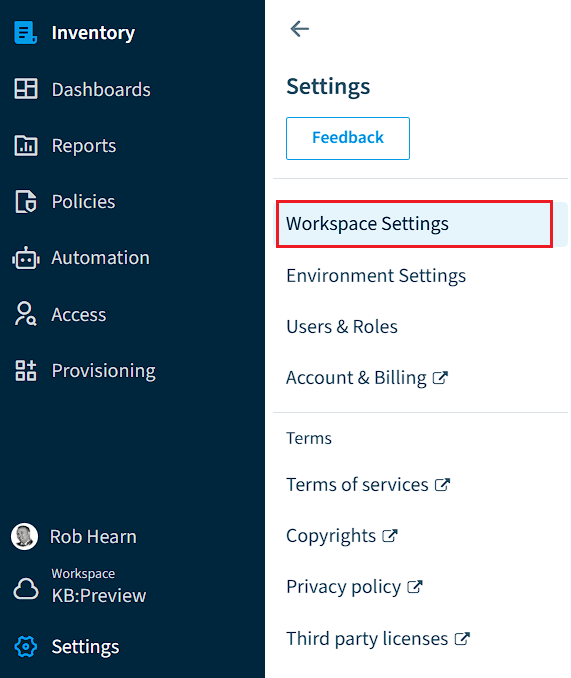
- Click on “Settings”.
- Click on “Workspace Settings”.
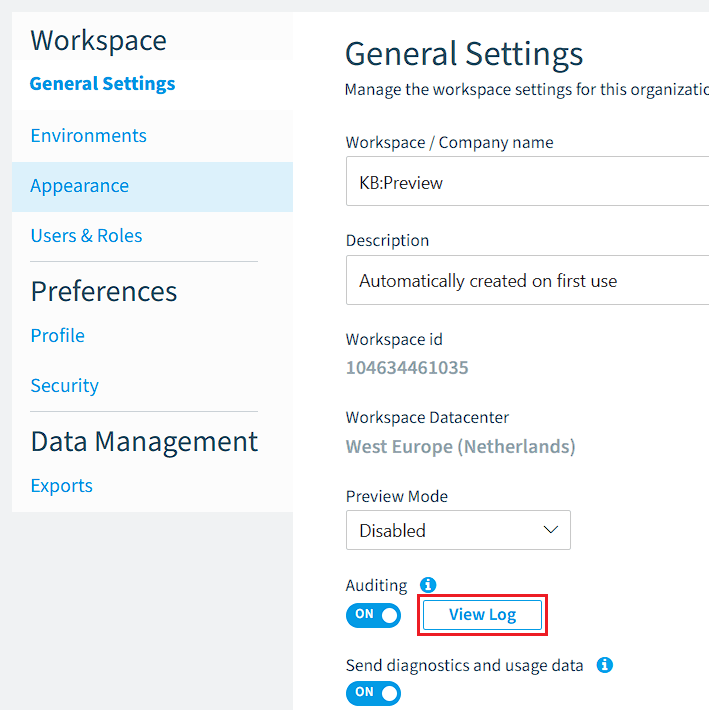
- Under “General Settings”, scroll down to “Auditing” and click “View Log”.
As with all DataGrids, you can export the Audit Log.