Guide
Export a Dashboard
Dashboards are great for grouping reports, checks, and inventories together. Although Rencore Governance comes with a good array of dashboards, you may want to create unique ones and want to share these between workspaces.
To do this, you will need to export a dashboard, which will also export any custom tiles and checks. To export a dashboard, you will need to:
-
First, navigate to the dashboard you want to export using the “Dashboard Selector”.
-
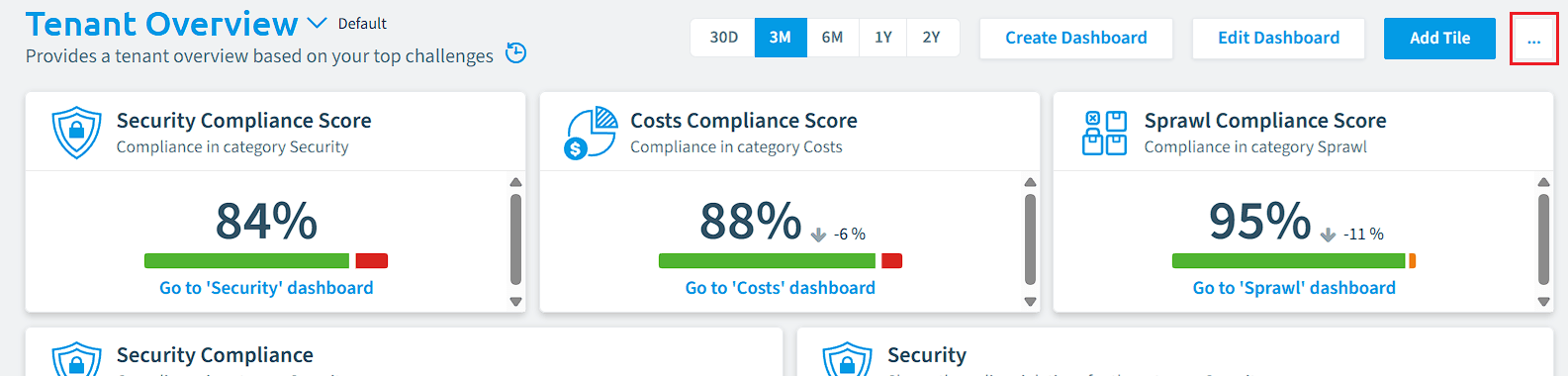
Click on the “Dashboard Menu ” button (ellipses) in the top-right of Rencore Governance.
-
Select “Export Dashboard”. This will download a JSON file with the extension .dashboard and be named the same as your dashboard.