Guide
View Scan Job History
Rencore Governance allows you to view the complete scan job history for an environment, including jobs that have completed and ones that are currently running.
To view these details, you will need to:
-
Click on “Inventory” on the Nav Panel.
-
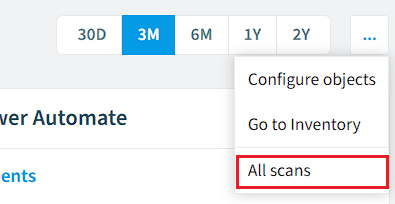
Click “Inventory Options”([…]), then select “All scans”.
-
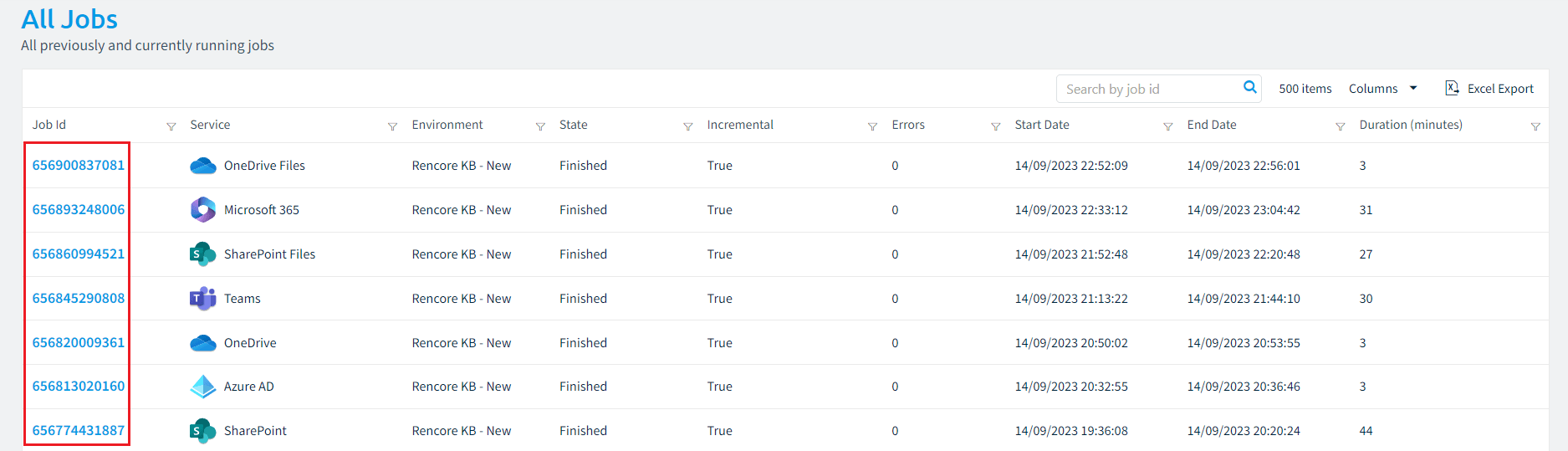
A new screen will load, showing all advanced details of the scan jobs.
It is possible to "Export" the details of "All Jobs" by clicking "Excel Export" in the top right of the screen. -
To see the “Impacted Inventories” and “Properties” click on the “JobID”.
-
This will show:
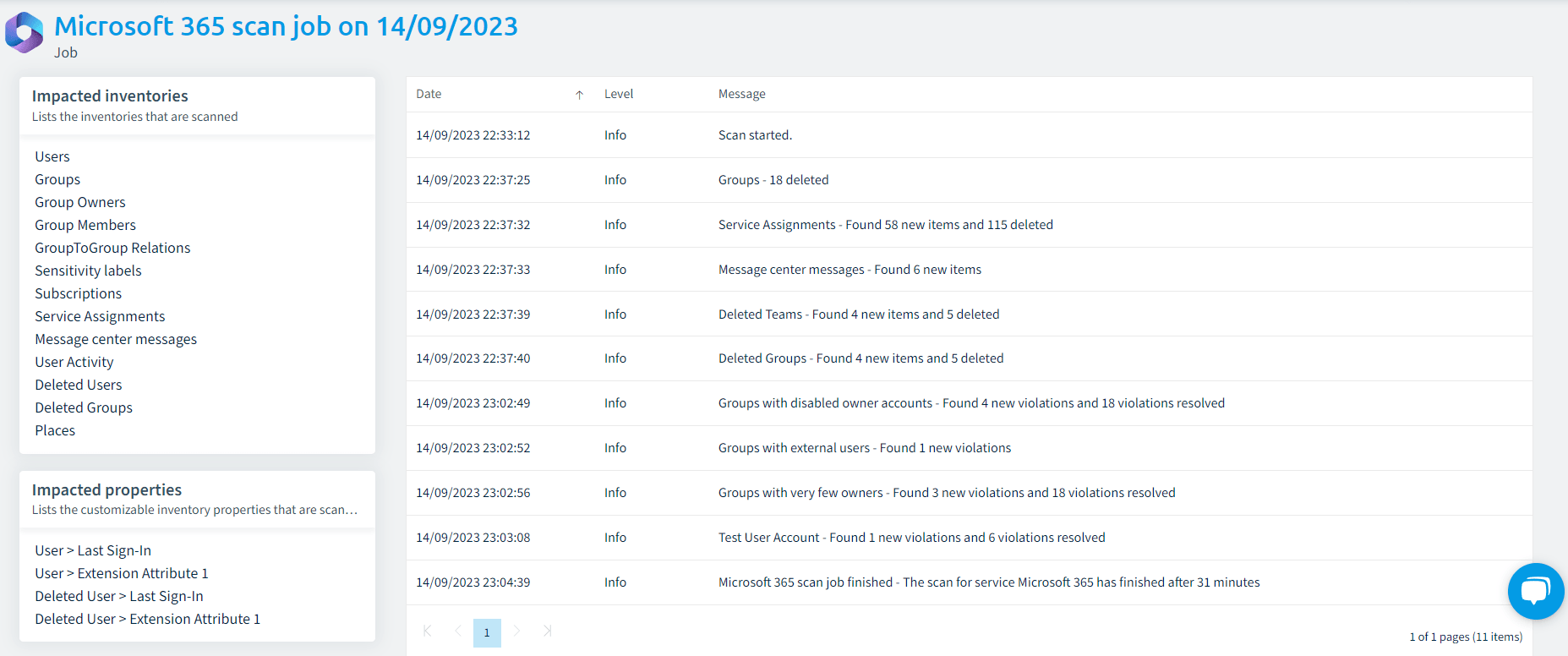
- The “Impacted inventories” are on the top left.
- The “Impacted properties” are on the bottom left.
- The Job details are on the right.
-