Guide
Import a Segment
Rencore Governance has been developed to permit the sharing of segments between different environments. As such, this article will explain how to import a segment from another workspace.
To import a Segment into Rencore Governance, you will need to:
-
Click on “Inventory” on the Nav Panel.
-
Either hover over the desired Service and click “Go to Inventory” or click “Inventory Options”([…]), then select “Go to Inventory”.
-
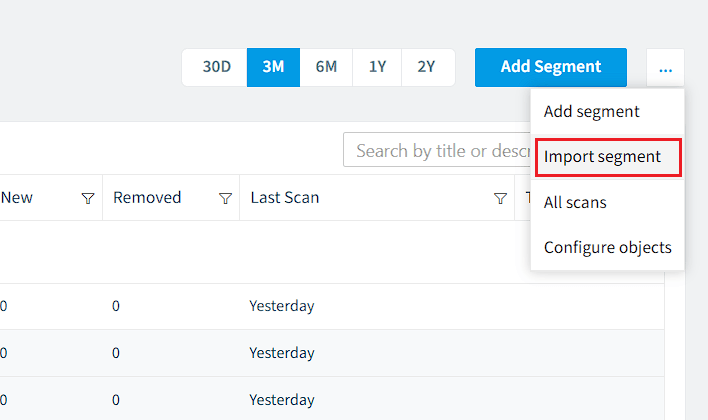
Click on the “Inventory Action Menu” and click “Import segment”.
-
Click “Browse”. Navigate to the .segment (.json) file that you want to import.
-
Click “Open”, then click “Import”
-
The segment will be loaded into the “Segment Builder”. To import the segment as is, click “Next” at the top of the screen, then click “Save”.
Tip: If you want to make changes to the Logic and Details of the segment, do this in the steps above before clicking "Next" and "Save".
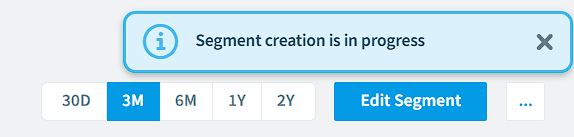
The new segment will be opened, and the system will gather the data for the segment.