Guide
Stopping a Review Cycle
Stopping a cycle
If you need to cancel an active cycle,
-
Click on “Reviews”.
-
Click on the Review schedule.
-
Open the cycle Details page and select “Stop Review Cycle” from the ellipsis menu.

-
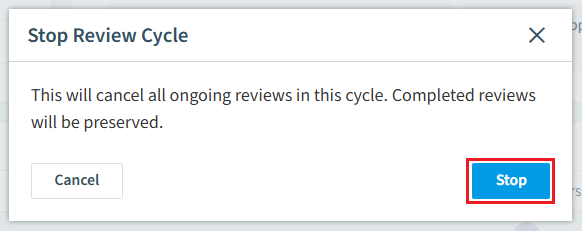
A confirmation dialog explains the impact:
-
Click “Stop” to cancel the cycle.
-
Pending and in-progress object reviews will be canceled, while completed and expired reviews will retain their existing decisions.
For manually triggered reviews, the parent review schedule will also be automatically disabled.
Note: Stopping a cycle cannot be undone. Completed reviews and their changes are not affected.