Guide
Review History
The History tab shows all your past reviews. Use the filter pills at the top to filter by service type, and the search bar to find a specific workspace by name.
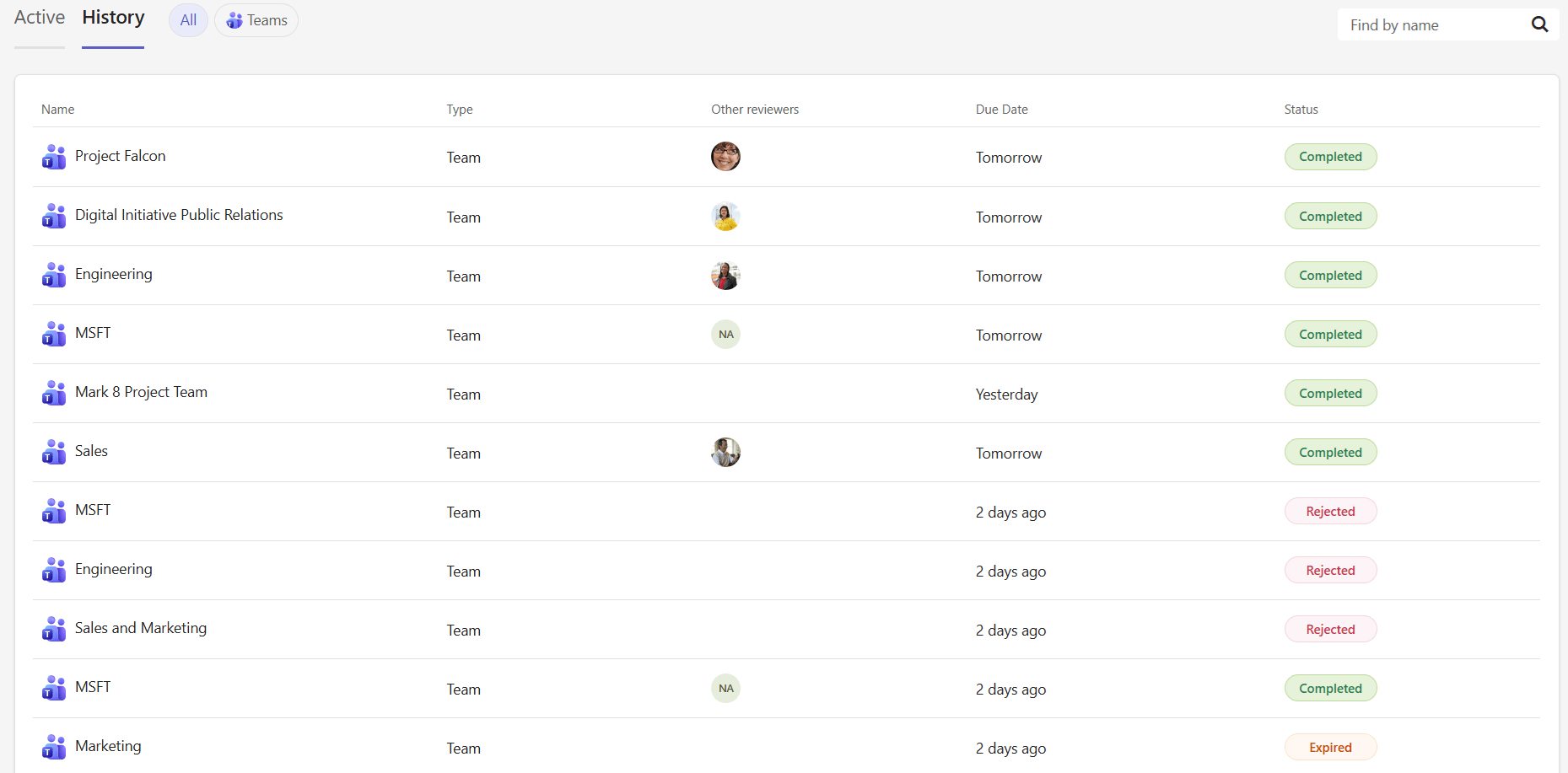
Each entry shows the workspace name, type, other reviewers, due date, and status:
Status | Meaning |
|---|---|
Completed | You finished the review and your changes were applied |
Expired | The review due date passed before you completed it |
Rejected | You declined the review assignment |
Cancelled | Your admin cancelled the review before it was due |
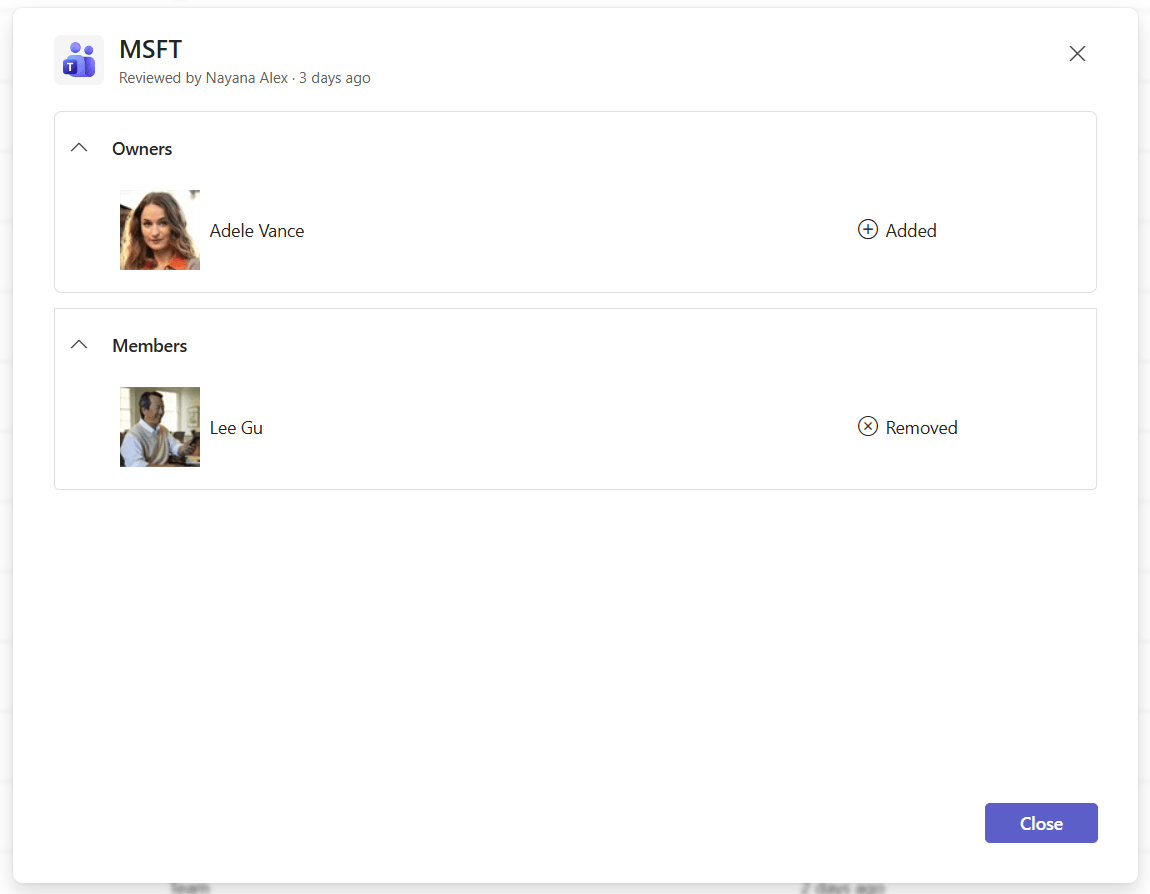
Click any row to open a summary modal showing what changes were made during the review, organized by step. Each change shows whether a person or permission was added or removed.