Guide
Create a Custom Team
To create a team, you will need to:
-
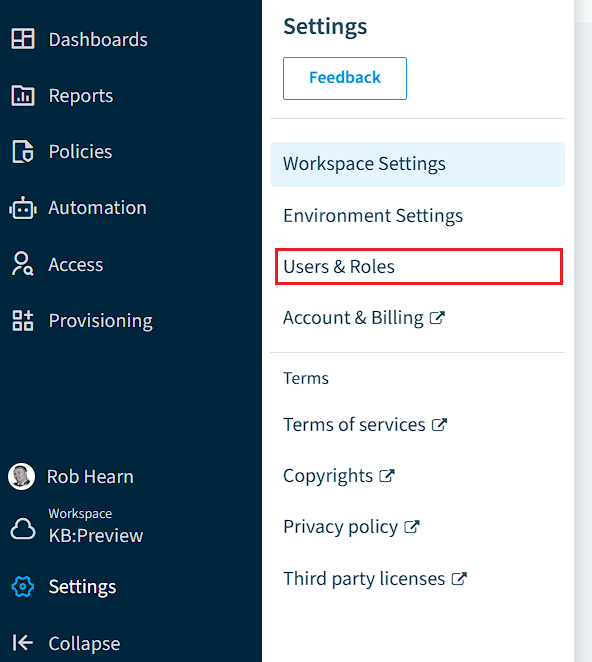
Click on “Settings”.
-
Click on “Users & Roles”.
-
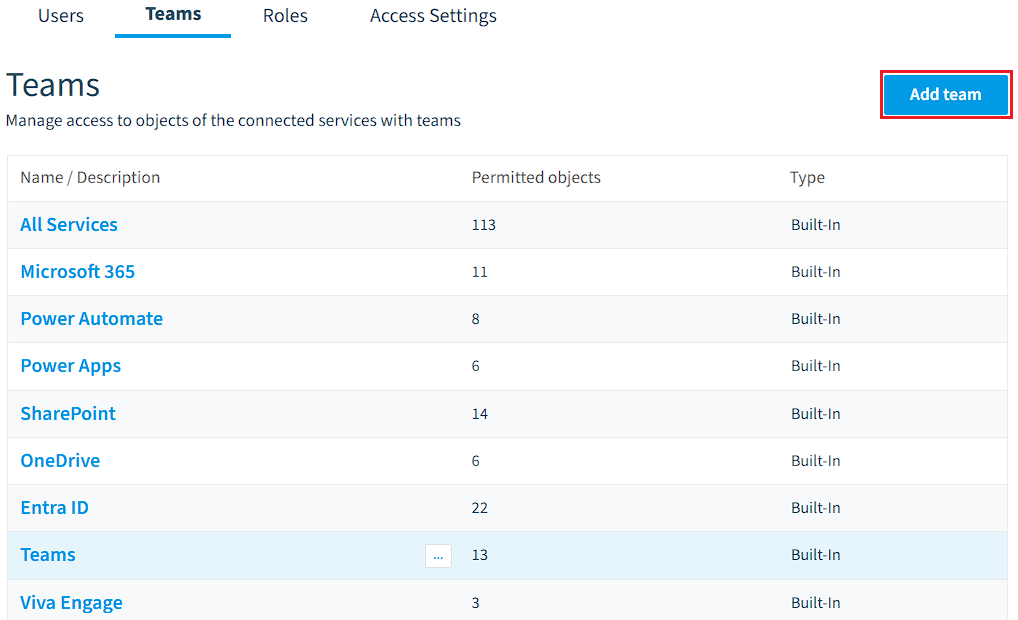
Next, click on “Teams” and then “Add Team”.
-
In the new Dialogue window, enter a name and description for the team and assign the desired Services and Entities (which are listed here) that the team will have access to:
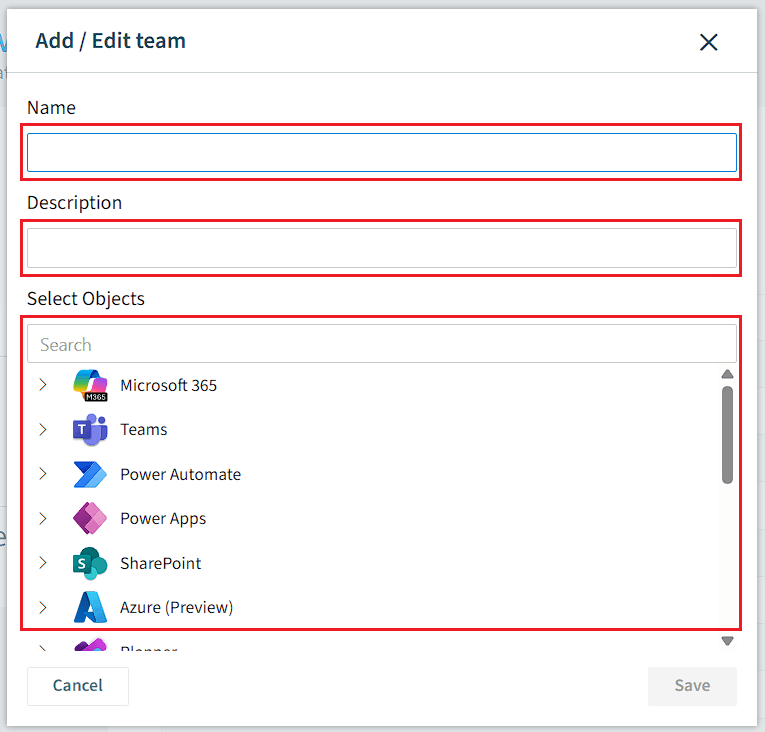
- Once happy, click “Save”.