Guide
Declining a Review
If you are unable to complete a review, click “Reject” Review in the top-right corner. You will need to provide a reason explaining why you are declining. Once you reject, you are removed as a reviewer for this workspace.
Note: The "Reject" option is only available if this was set during configuration of the Review Schedule. If the "Reject" option is not present, you will need to contact your Rencore Governance Admin team.
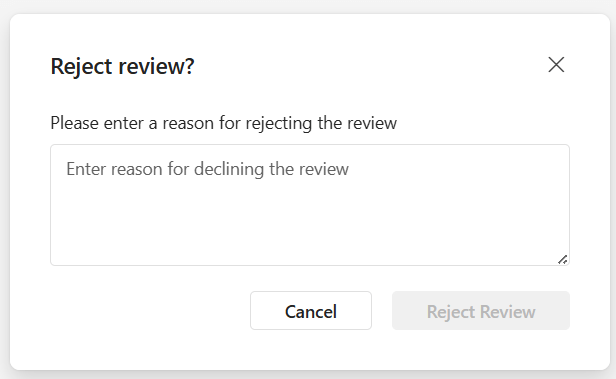
Enter the reason why you are declining the review and click “Reject Review”.