Guide
Updating Explore & Learn Links
Info: Rencore Teams App is currently in a Closed Preview. If you are not currently part of the closed preview and are interested, please reach out to your Customer Success Manager to be kept informed when it moves to open preview.
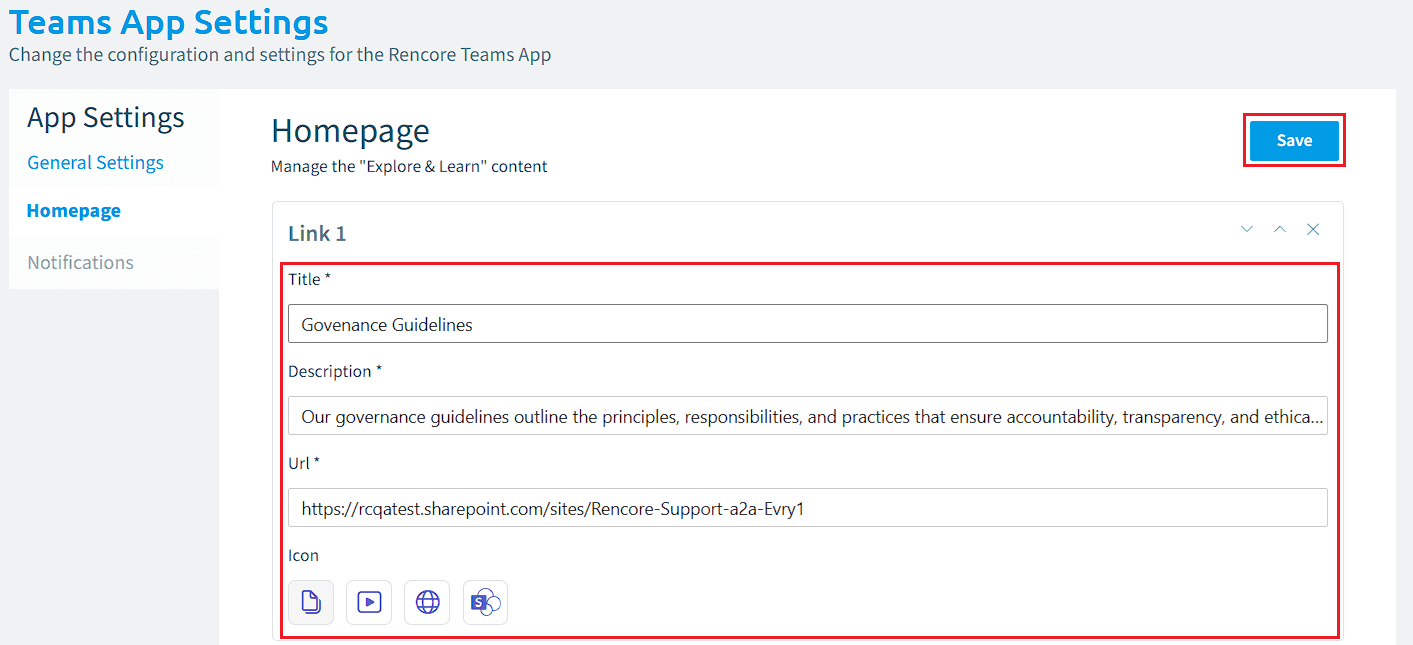
Explorer & Learn provides administrators with the ability to link to external sources (outside Rencore), such as an internal SharePoint site with guidance on company Governance Guidelines, Documents, or YouTube videos. As there is a maximum of 5 links available on the Homepage, you may wish to update an existing link from time to time. To update the link:
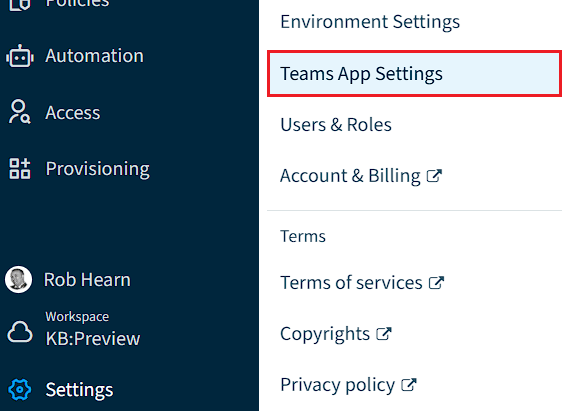
- Click on “Settings”.
- Click on “Teams App Settings”.
- Click on “HomePage”.
- For each link, enter a title, description, URL, and select an icon.
- Click “Save”.