Guide
Change an Environment Currency
Changes for currency values will be applied with the next scan for the affected areas (e.g. M365 scan for licenses). Until then all currency values will still show old values for currency (e.g. License Costs).
To change the currency in an environment, you will need to:
-
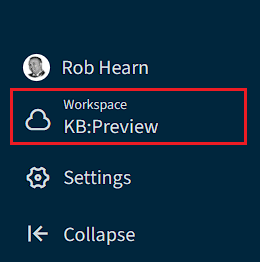
Select the desired environment using the “Workspace & Environment selector”.
-
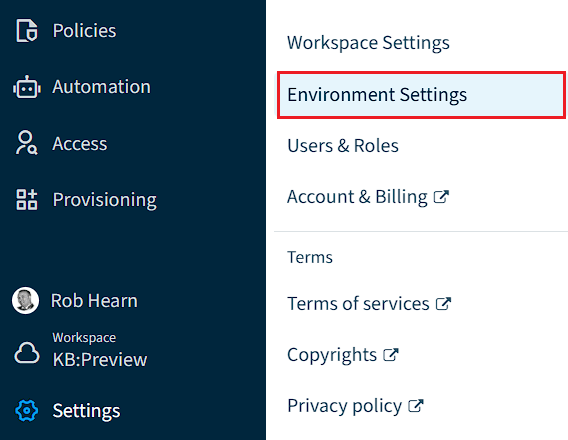
Click on “Settings” on the Nav Panel.
-
Click on “Environment Settings”.
-
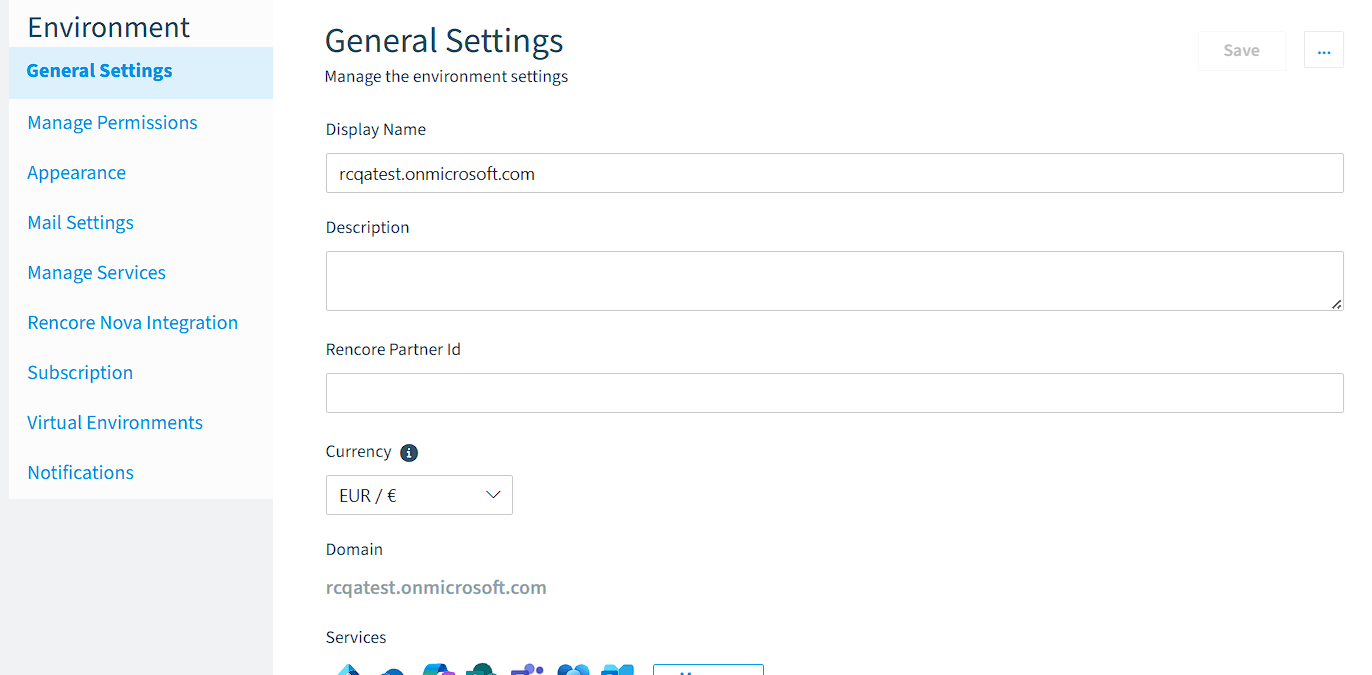
On “General Settings”, change the currency to the desired amount and click “Save”.