Guide
Rencore Nova
Rencore Nova allows users from a tenant who do not have direct access to Rencore Governance to see Rencore Governance content (e.g. Dashboards). The application is opened in Microsoft Teams.
Rencore Nova has three sections Workspaces, Access, and Approvals.
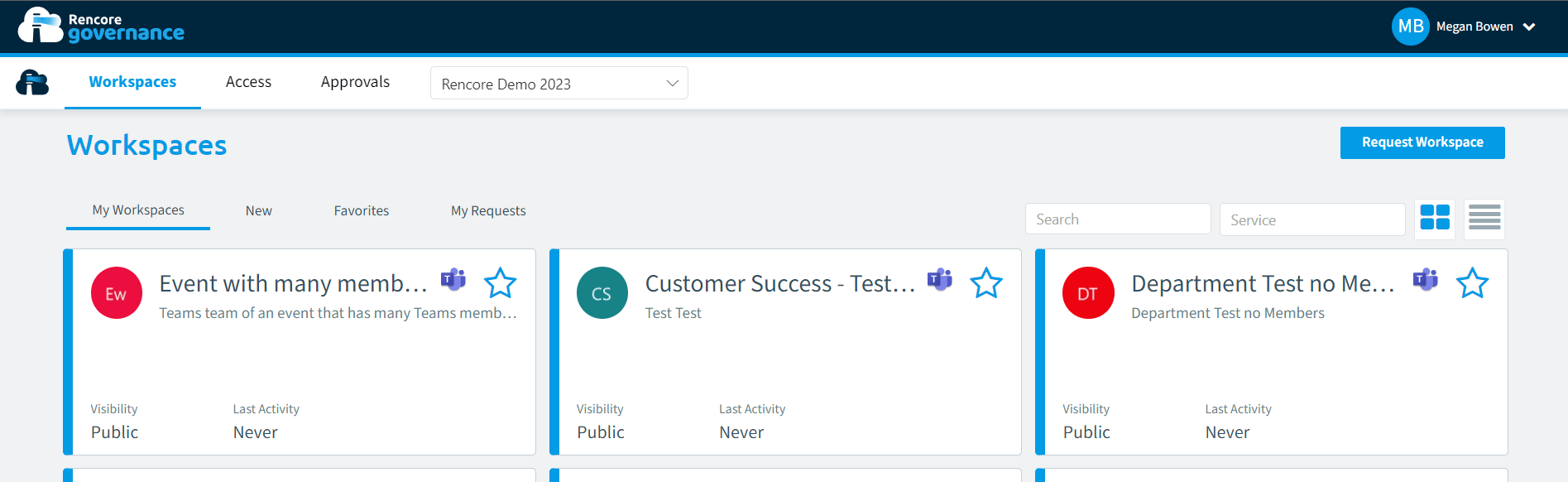
Workspaces
Workspaces are the area that deals with the Teams of which you are a member.
My Workspaces: This shows all the Teams you are a Member of
New: This shows teams that have been created recently (last 30 days)
Favorites: This shows Teams that have been tagged as a favorite.
My Requests: This shows the Teams that I have requested previously.