Guide
Change Azure Subscription Plan
Rencore does not have control over Azure Subscriptions, and the subscriptions do not change automatically to suit the number of active users. You must choose the most cost-effective plan for your needs.
To change the plan that your Azure Subscriptions are signed up for, you will need to:
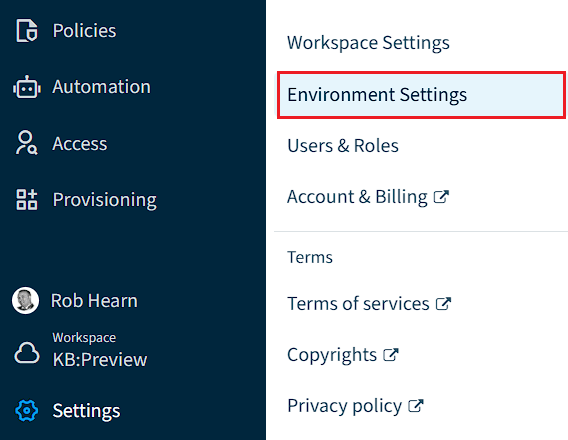
- Click on “Settings”.
- Click on “Environment Settings”.
- Click on “Subscription”.
- Click “Manage”, which will take you to the Azure Subscriptions. Click the corresponding Subscription.
- At the top of the page, click “Change plan”.
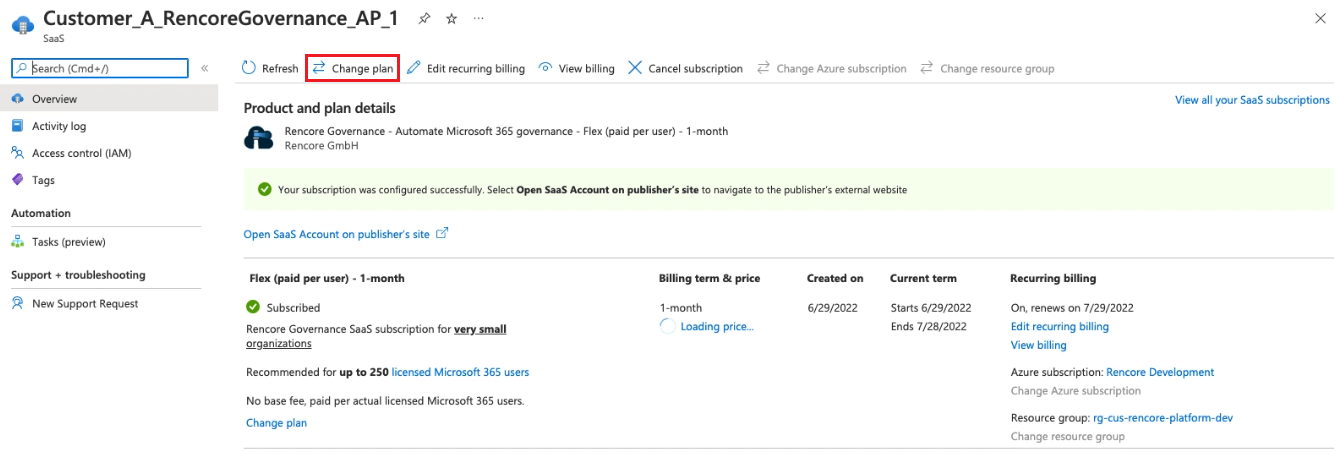
- Select the desired plan and click “Change Plan”.