Guide
Select a Default Workspace
If you manage or have access to more than one Workspace, you can select which is the default one that is loaded when signing into Rencore Governance.
You will need to:
-
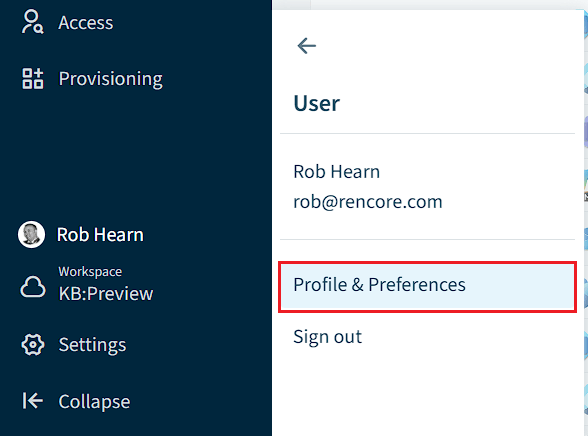
Click on “User Profile”, then click “Profile & Preferences”.
-
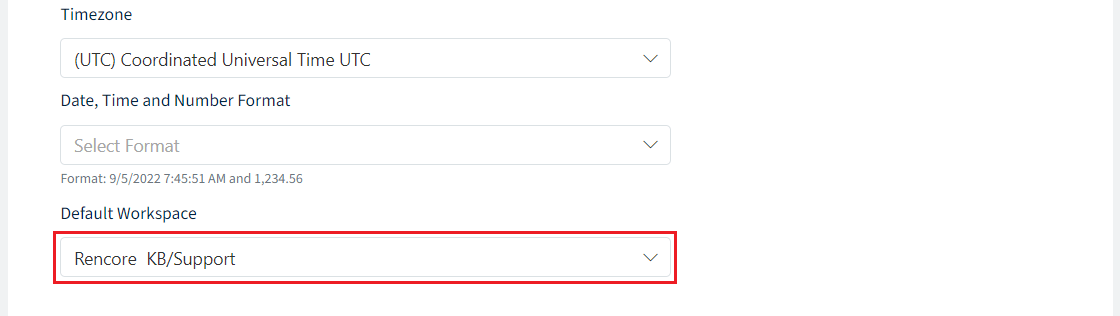
Scroll down to the bottom of the “Profile” screen.
-
Select the desired workspace in the drop-down.
-
Scroll back up to the top of the Profile screen and click “Save”.