FAQ
Changes to Related Objects
With Release 7.4.2 the way that we show related objects is changing with two distinctive changes.
Changes to Related Objects
With Release 7.4.2 the way that we show related objects is changing with two distinctive changes.
Removal of Related Objects Quick Reference
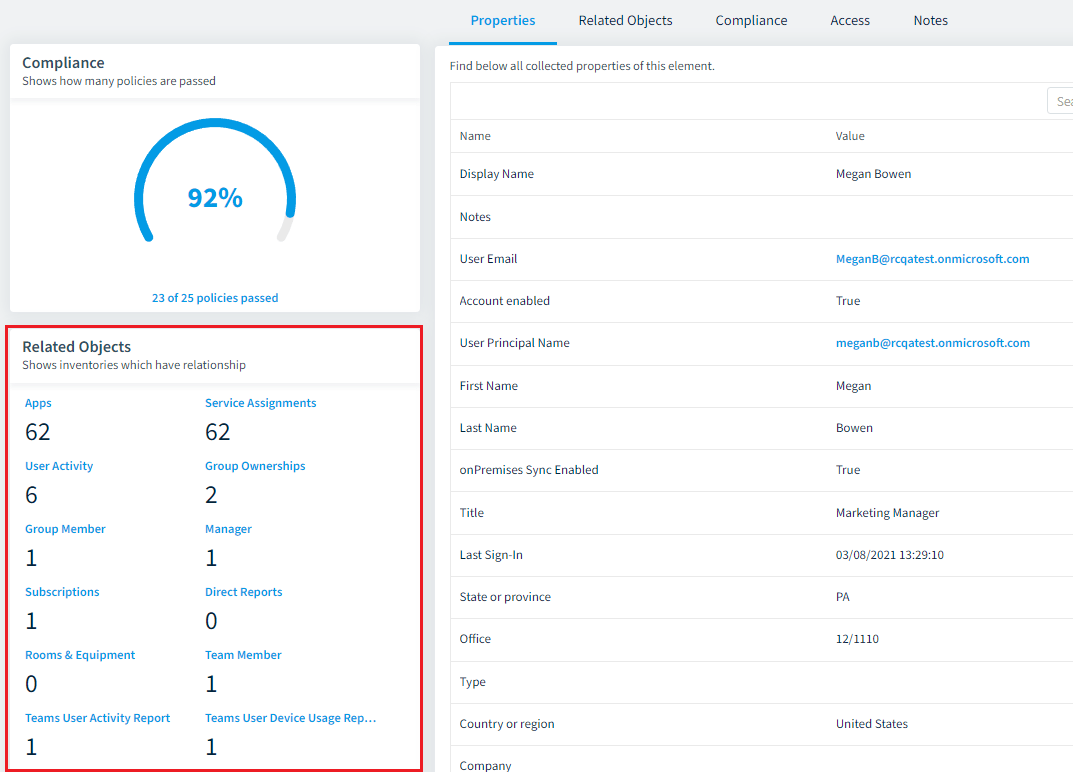
We have removed the “Related Objects” Quick reference on the left of the Inventory details “Properties” page and the “Related Objects” page.
For Example
- On the User Inventory details “Properties” and “Related Objects” page the component on the left that shows the number of relations is removed.
Improved Layout of the Related Objects Page
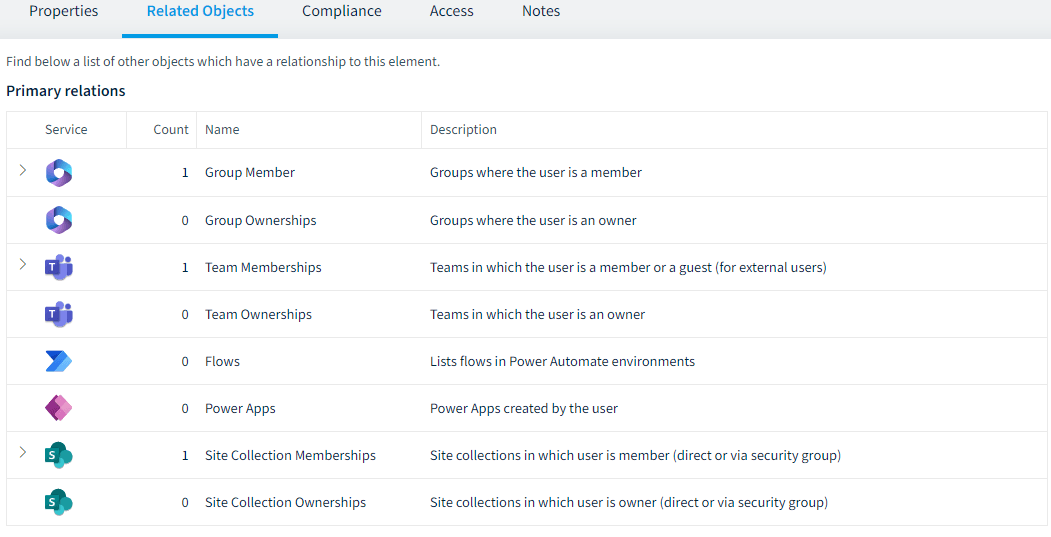
We have improved the layout of the “Related objects” page. We now split all previous relations into subgrids for primary relations and other relations.
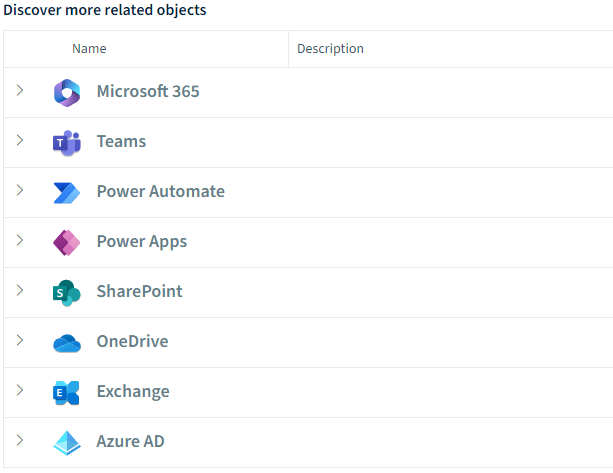
Only primary relations are pre-aggregated and show a total number. Expanding them shows the relations (as it was previously). Other relations are grouped into the service types and are now loaded on demand; expanding them will load the data as required.
For Example
-
On the User Inventory details “Related Objects” page the “Primary relations” will be pre-loaded.
-
The other related object will be under the heading “Discover more related objects” and will not be pre-loaded and in a cascade structure based on the service.
-
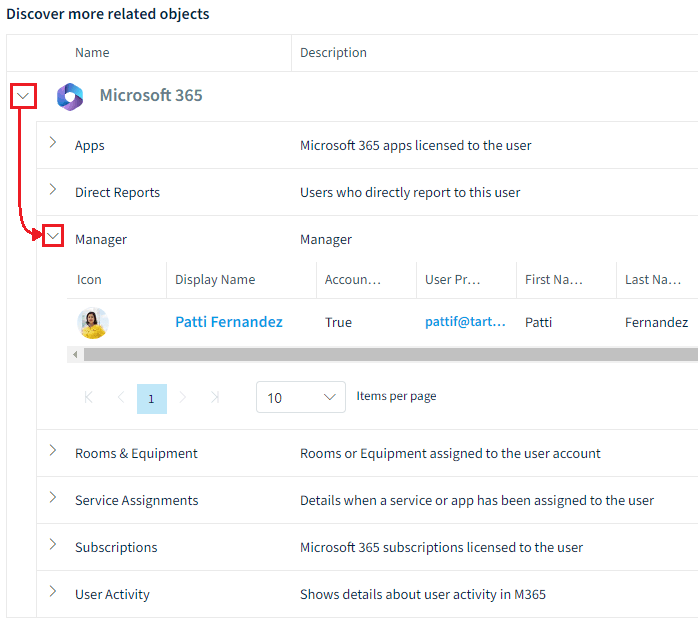
Selecting a related object will then load the data.