Guide
Troubleshooting (Duplicate)
Rencore Governance not found
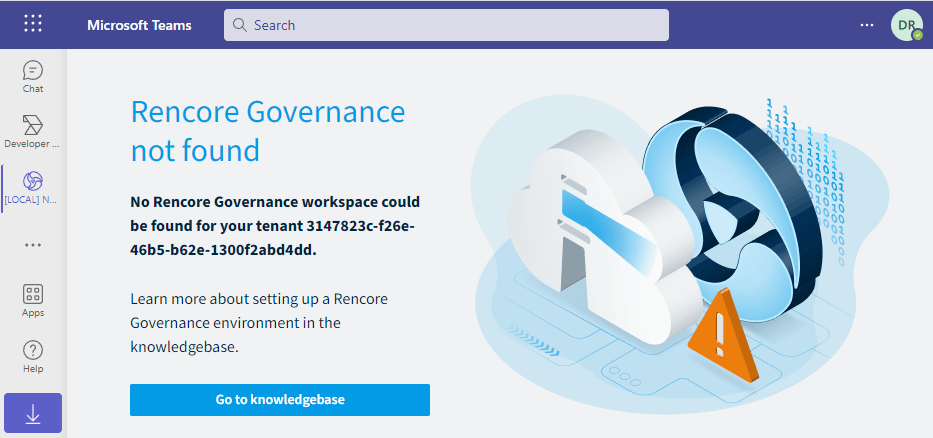
This message will be displayed in the Rencore Teams App for users of the given tenant if the “Environment Connected to Rencore Nova” feature is not enabled.
Click here for instructions on how to enable the feature.
Connection to Rencore Nova failed
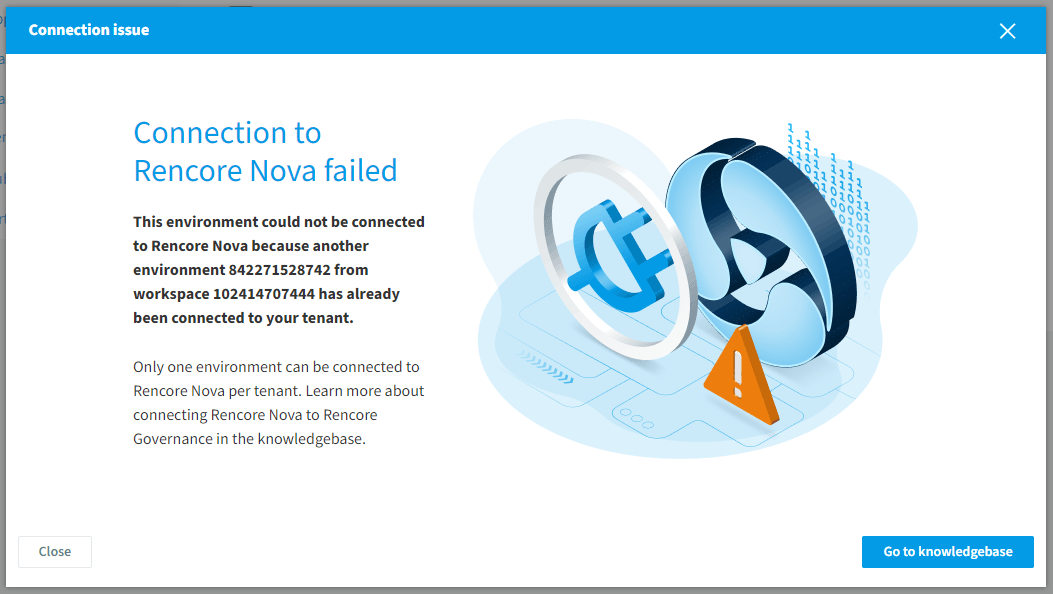
If the tenant is already connected to the Rencore Teams App via a different environment, this message will be displayed. A tenant can only be connected to Rencore Nova through a single environment at a time.
Rencore Nova not enabled
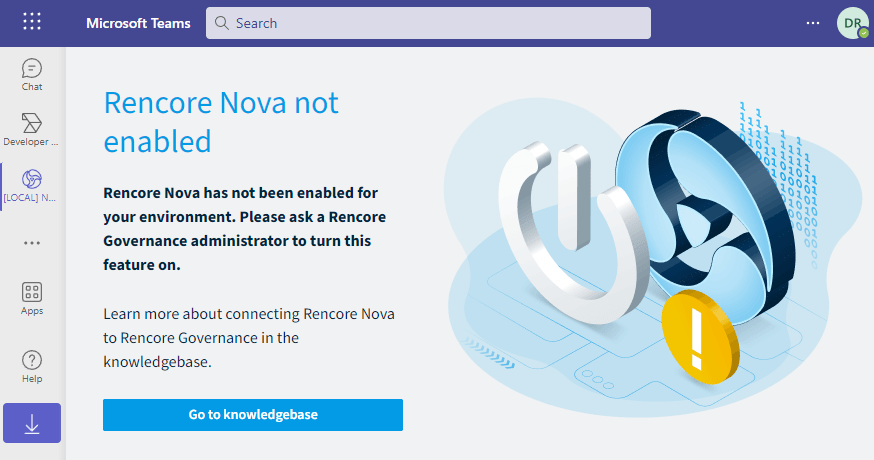
This message will be displayed in the Nova app for users of the given tenant if the “Rencore Nova Teams App enabled for all users of the connected Microsoft 365 tenant” feature is not enabled. Click here for instructions on how to enable the feature.
Download Teams App Manifest button inactive
The button will become inactive only when Rencore Nova is not connected to the environment.