How are related objects shown on an object's page?
On an object’s “Related ObjectsRelationA relation links one inventory object to another, such as a Team to its owners, members and channels.Read more” page, primary relations load straight away with a count. Other relations are grouped by connector and load when you open them. The quick reference of related objects on the left of the page has been removed.
Removal of the related objects quick reference
We have removed the “Related Objects” quick reference on the left of the InventoryInventoryThe inventory is the record of every object Rencore Governance scans from your tenant, with their properties and the relations between them.Read more details “Properties” page and the “Related Objects” page.
For example, on the User Inventory details “Properties” and “Related Objects” page, the component on the left that shows the number of relations is removed.
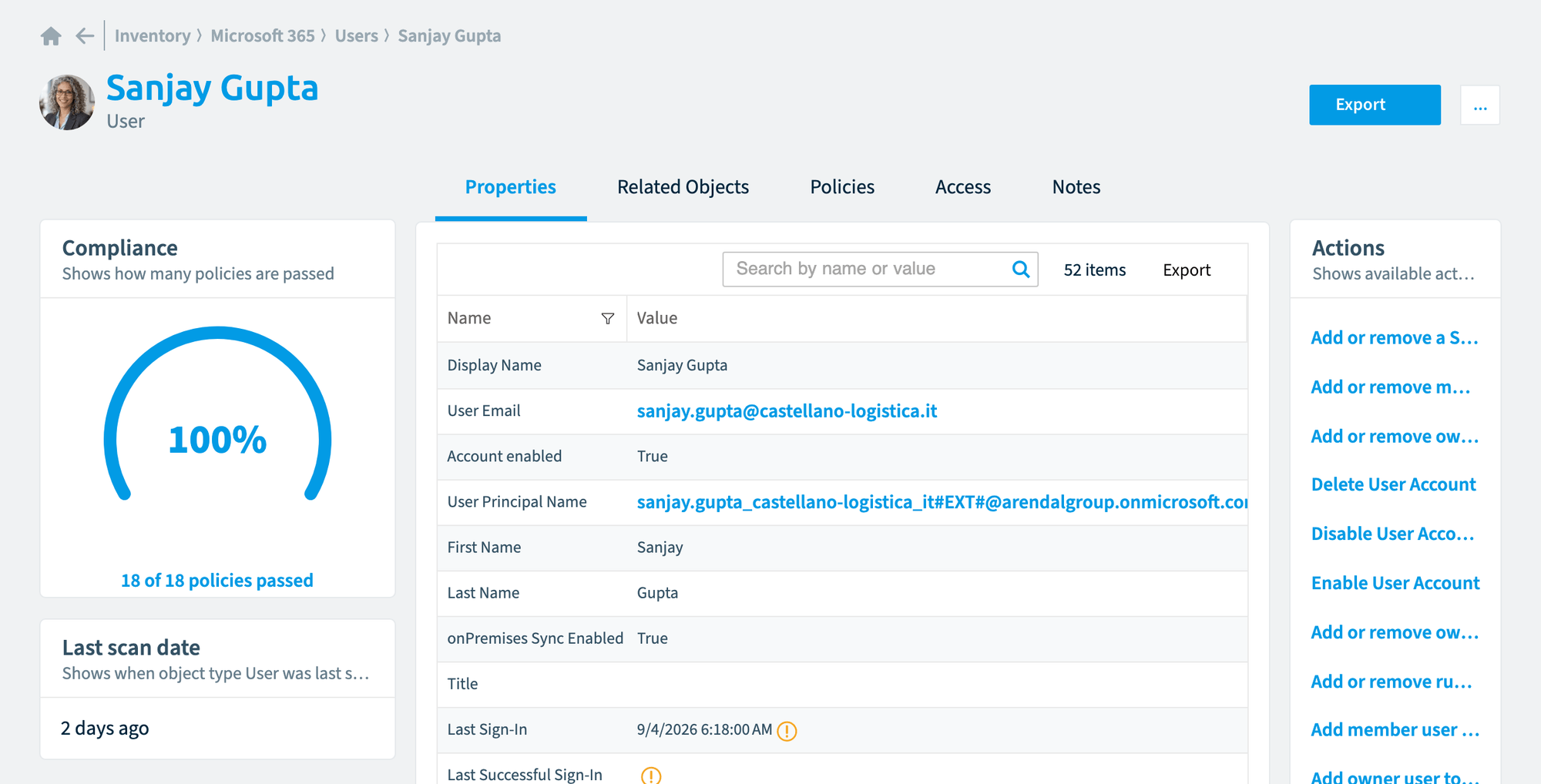
Improved layout of the related objects page
We have improved the layout of the “Related objects” page. We now split all previous relations into subgrids for primary relations and other relations.
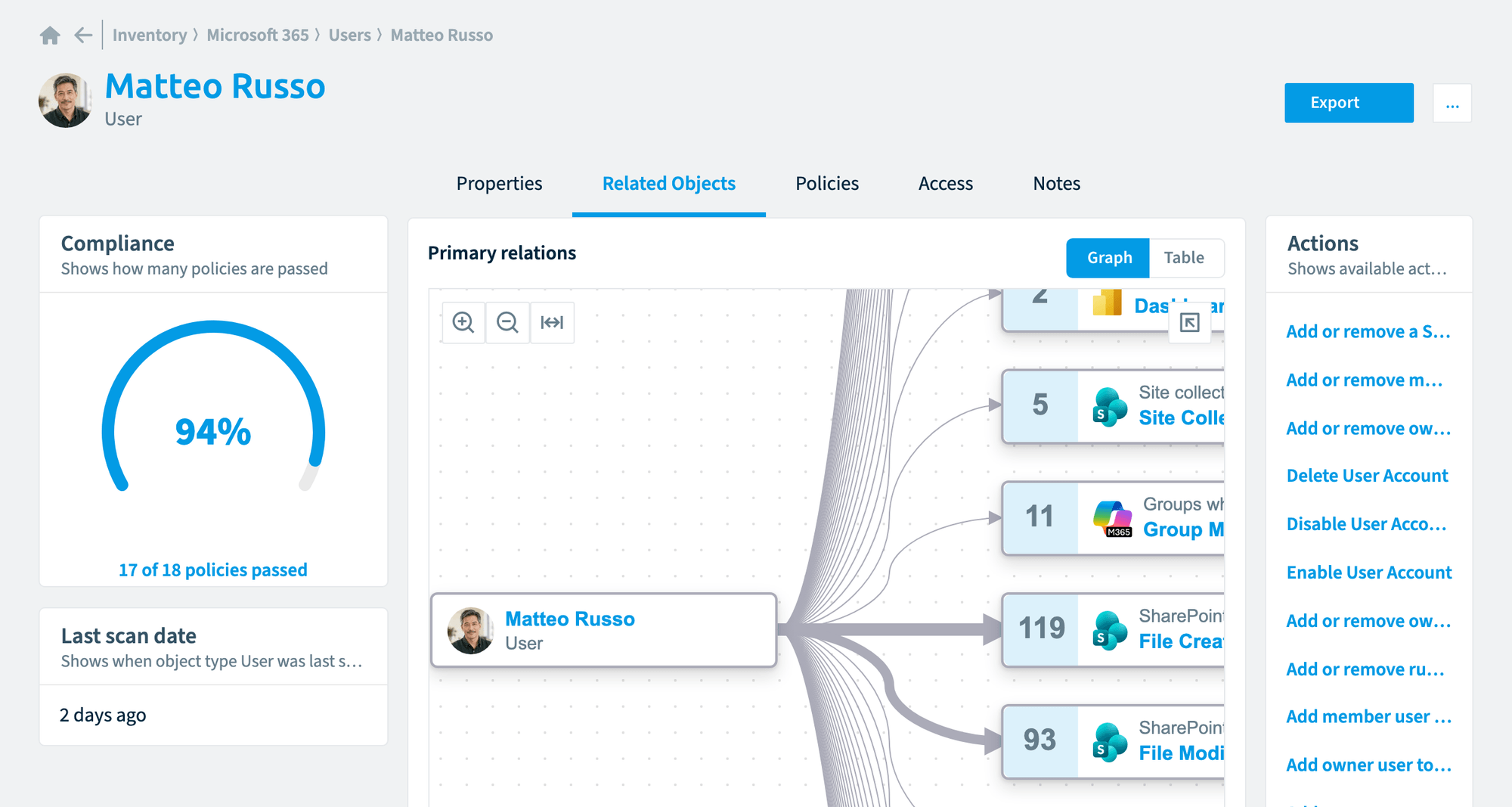
Only primary relations are pre-aggregated and show a total number. Expanding them shows the relations (as it was previously). Other relations are grouped into the service types and are now loaded on demand. Expanding them loads the data as required.
For example:
-
On the User Inventory details “Related Objects” page, the “Primary relations” are pre-loaded.
-
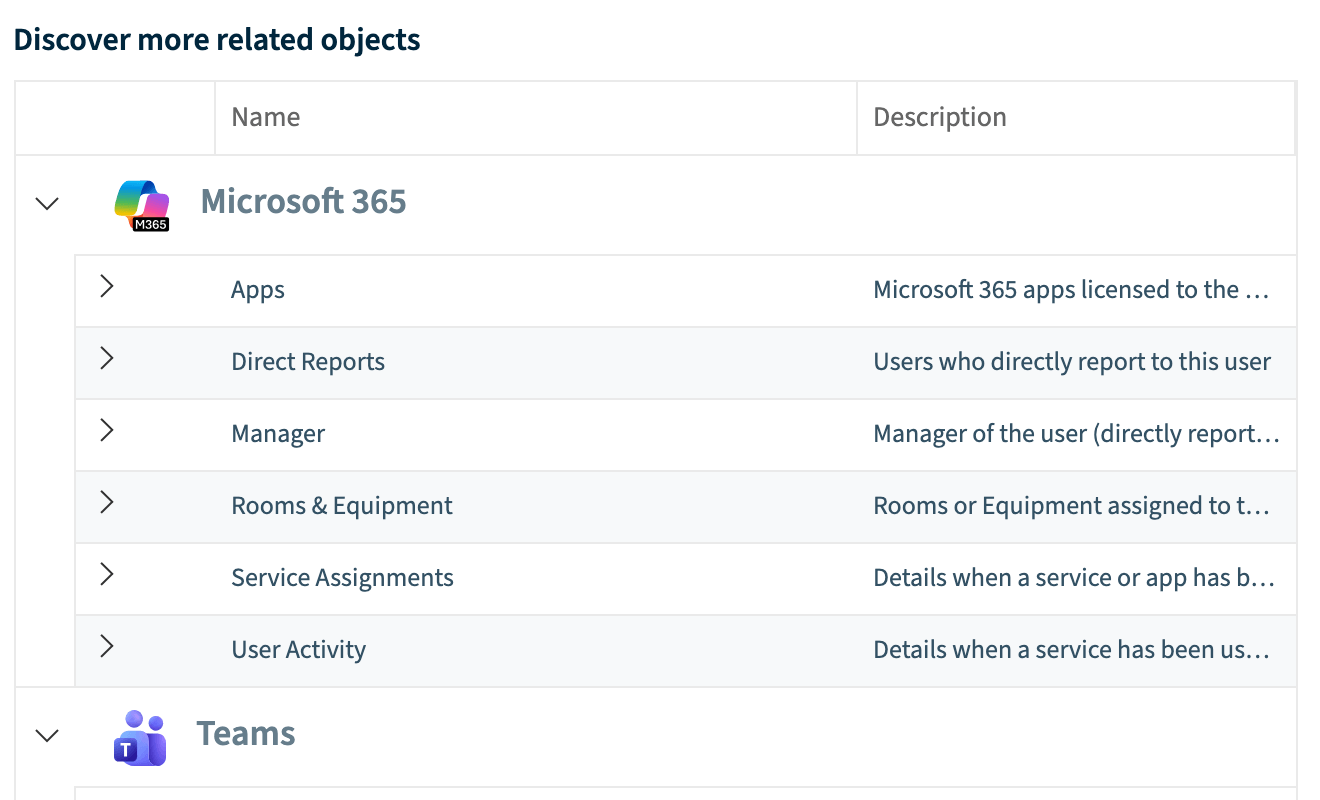
The other related objects are under the heading “Discover more related objects”. They are not pre-loaded and sit in a cascade structure based on the service.
-
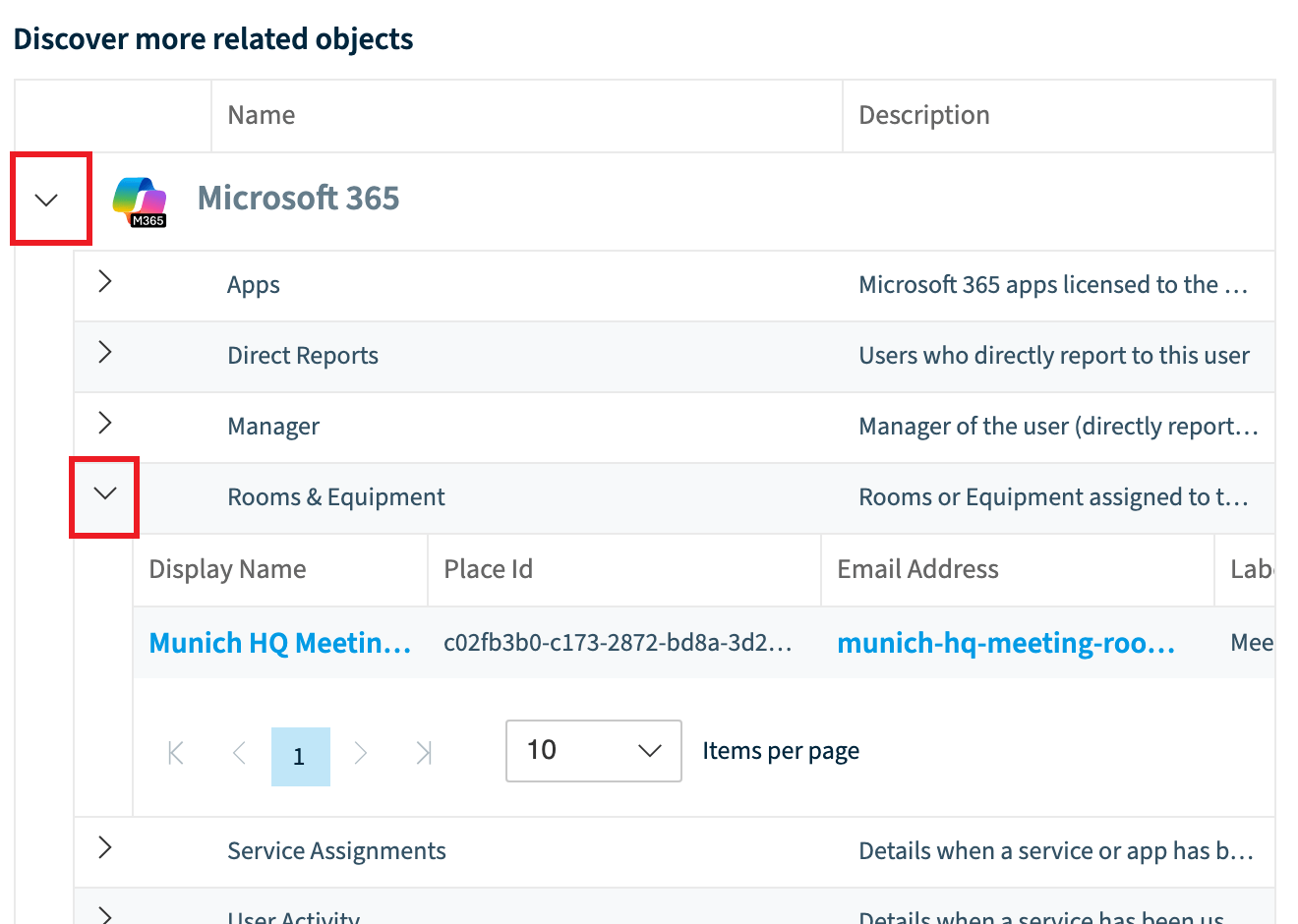
Selecting a related object then loads the data.
Was this page helpful?
Thanks for the feedback.
Thanks. What was wrong?