
No spend limit configured
AI summary
A detection rule alerts you when Claude scopes lack explicit spend limits, which can accumulate unbounded costs if a security incident or inefficient job occurs. Configure explicit spend limits at the organization or workspace scope to prevent this risk.
What it detects
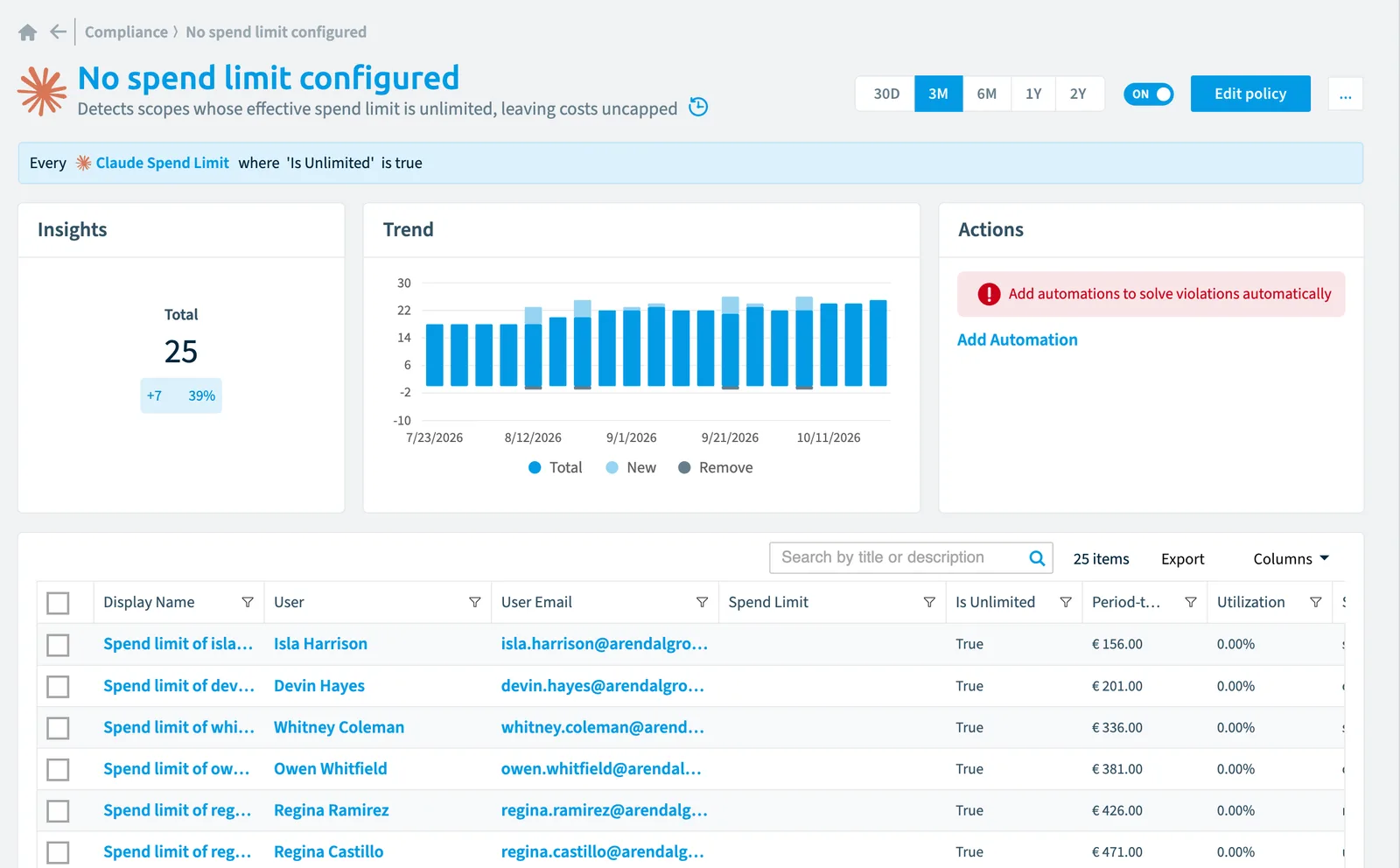
Detects scopes whose effective spend limit is unlimited, leaving costs uncapped.
Why it matters
A spend limit reported as unlimited means no financial guard rail exists at that scope: a leaked API key, a runaway agent or an inefficient batch job can accumulate unbounded costs before anyone notices. Configure an explicit limit at the organization or workspace scope so that anomalies are capped.
The rule
Every Claude Spend Limit where Is Unlimited is true
In Rencore Governance
Details
| Applies to | Claude spend limit |
|---|---|
| Connector | Claude Enterprise |
| Severity | Medium |
| Category | Costs |
| Recommended | Yes |
| Recommended automation | None |
| License type | Standard |
Related policies
Other policies that check Claude spend limit objects:
Frequently asked questions
What does the no spend limit configured policy detect?
The No spend limit configured policy detects scopes whose effective spend limit is unlimited, leaving costs uncapped.
Which objects does the no spend limit configured policy check?
The No spend limit configured policy checks Claude spend limit objects from the Claude Enterprise inventory and reports each one that matches its rule as a violation.
How severe is a violation of the no spend limit configured policy?
Violations of the No spend limit configured policy have Medium severity. The policy is in the Costs category.
Which module includes the no spend limit configured policy?
The No spend limit configured policy comes with the Claude Enterprise connector (in preview) in the AI & Agents module of Rencore Governance, an add-on module on the Premium and Enterprise Plans.
Was this page helpful?
Thanks for the feedback.
Thanks. What was wrong?