
Resource Groups with too many services
AI summary
Move Copilot agents into separate resource groups to track their costs clearly in Azure Cost Management. Since Copilot agent costs grow with usage, separating them helps you monitor spending accurately and set budgets per resource group.
What it detects
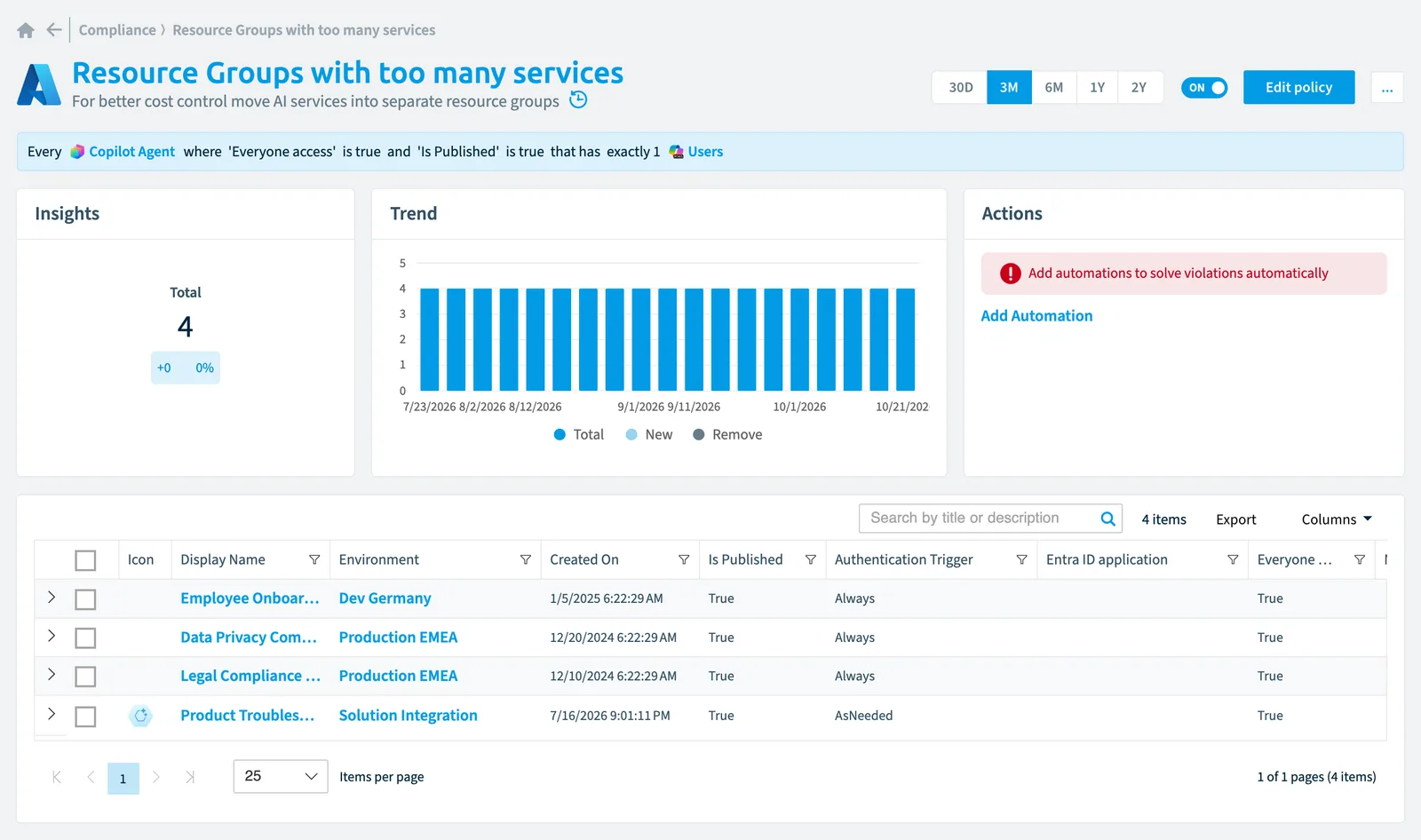
For better cost control move AI services into separate resource groups.
Why it matters
AzureMicrosoft AzureMicrosoft Azure is the Microsoft cloud platform for virtual machines, web apps and other cloud resources.Read more costs are easiest to follow per Resource Group: Cost Management can filter and group costs and set budgets by Resource Group. When AI services share a Resource Group with other services, their spend, which grows with usage, is hard to tell apart from the rest. Move AI services into Resource Groups of their own so you can see and cap what they cost.
The rule
Every Copilot Agent where Everyone access is true and Is Published is true that has exactly 1 Users
 Copilot
 Users
UsersIn Rencore Governance
Details
| Applies to | Copilot agent |
|---|---|
| Connector | Azure |
| Severity | High |
| Category | Costs |
| Recommended | No |
| Recommended automation | None |
| License type | Standard |
Related policies
Other policies that check Copilot agent objects:
- Autonomous Copilot agent risk (Medium)
- Autonomous Copilot agent with scheduled trigger (High)
- External web content dependency risk (Medium)
- Orphaned Copilot agent ownership gap (Medium)
- Stale unpublished Copilot agents - 30 days (Medium)
- Unauthenticated public agent security risk (High)
- Unused agent cleanup candidate - 90 days (Medium)
Frequently asked questions
What does the Resource Groups with too many services policy detect?
For better cost control move AI services into separate resource groups.
Which objects does the Resource Groups with too many services policy check?
The Resource Groups with too many services policy checks Copilot agent objects from the Azure inventory and reports each one that matches its rule as a violation.
How severe is a violation of the Resource Groups with too many services policy?
Violations of the Resource Groups with too many services policy have High severity. The policy is in the Costs category.
Which module includes the Resource Groups with too many services policy?
The Resource Groups with too many services policy comes with the Azure connector in the AI & Agents module of Rencore Governance, an add-on module on the Premium and Enterprise Plans.
Was this page helpful?
Thanks for the feedback.
Thanks. What was wrong?