
Disabled room/place accounts

AI summary
Use this rule to find rooms and places with disabled accounts that disrupt scheduling and prevent meeting space bookings. Verify these represent active resources and activate the accounts with proper calendar configurations to maintain resource availability across your organization.
What it detects
Shows rooms/places with disabled accounts.
Why it matters
Disabled room and place accounts can disrupt scheduling systems, prevent resource bookings, and create confusion for users trying to reserve meeting spaces. Re-enable these accounts after verifying they represent active physical resources, ensure proper calendar configurations are in place, and establish a process to maintain accurate resource availability across your organization.
The rule
Every Rooms & Equipment that has any User Places where Account enabled is false
In Rencore Governance
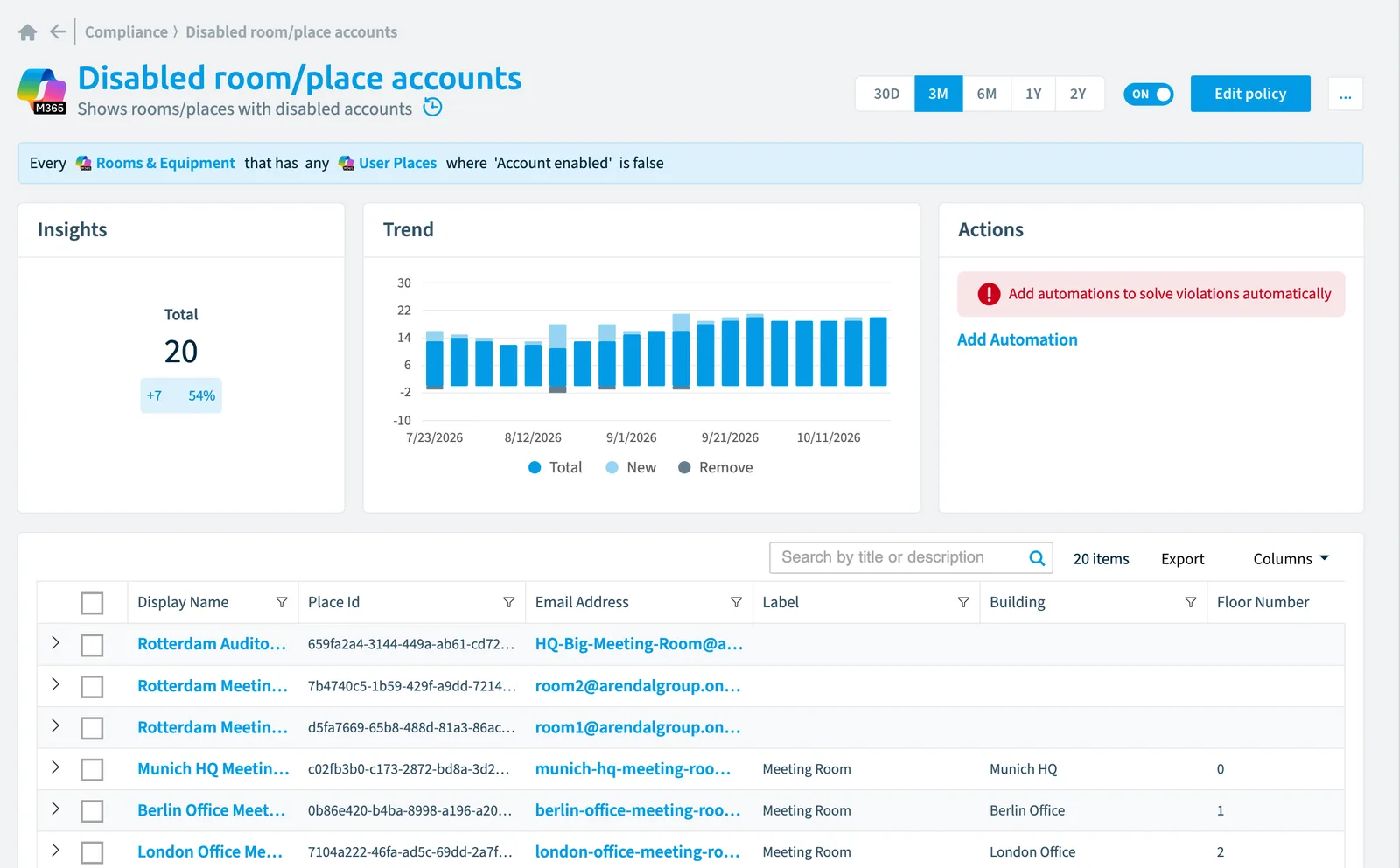
Details
| Applies to | Rooms & equipment |
|---|---|
| Connector | Microsoft 365 |
| Severity | Low |
| Category | Operation |
| Recommended | No |
| Recommended automation | None |
| License type | Standard |
Frequently asked questions
What does the disabled room/place accounts policy detect?
The Disabled room/place accounts policy shows rooms/places with disabled accounts. The Disabled room/place accounts policy checks Rooms & equipment objects from the Microsoft 365 inventory and reports each match as a violation.
How severe is a violation of the disabled room/place accounts policy?
Violations of the Disabled room/place accounts policy have Low severity. The policy is in the Operation category.
Which module includes the disabled room/place accounts policy?
The Disabled room/place accounts policy comes with the Microsoft 365 connector in the Digital Workplace module of Rencore Governance, which every Plan includes.
Was this page helpful?
Thanks for the feedback.
Thanks. What was wrong?