
Sites with disabled search
AI summary
SharePoint sites with the No Crawl setting will not appear in search results, even for people with access permissions. You should verify that each site's search exclusion is still needed, since these settings are often old and nobody remembers them.
What it detects
Shows SharePoint Sites where search has been disabled.
Why it matters
Content on a site that is excluded from search does not appear in SharePoint or Microsoft Search results. Sometimes that is intended, but often it is an old setting nobody remembers, and people cannot find pages and documents they have access to. Hiding a site from search is not access control: anyone with permissions can still open it. Check whether each exclusion is still wanted.
The rule
Every Site where No Crawl is true
In Rencore Governance
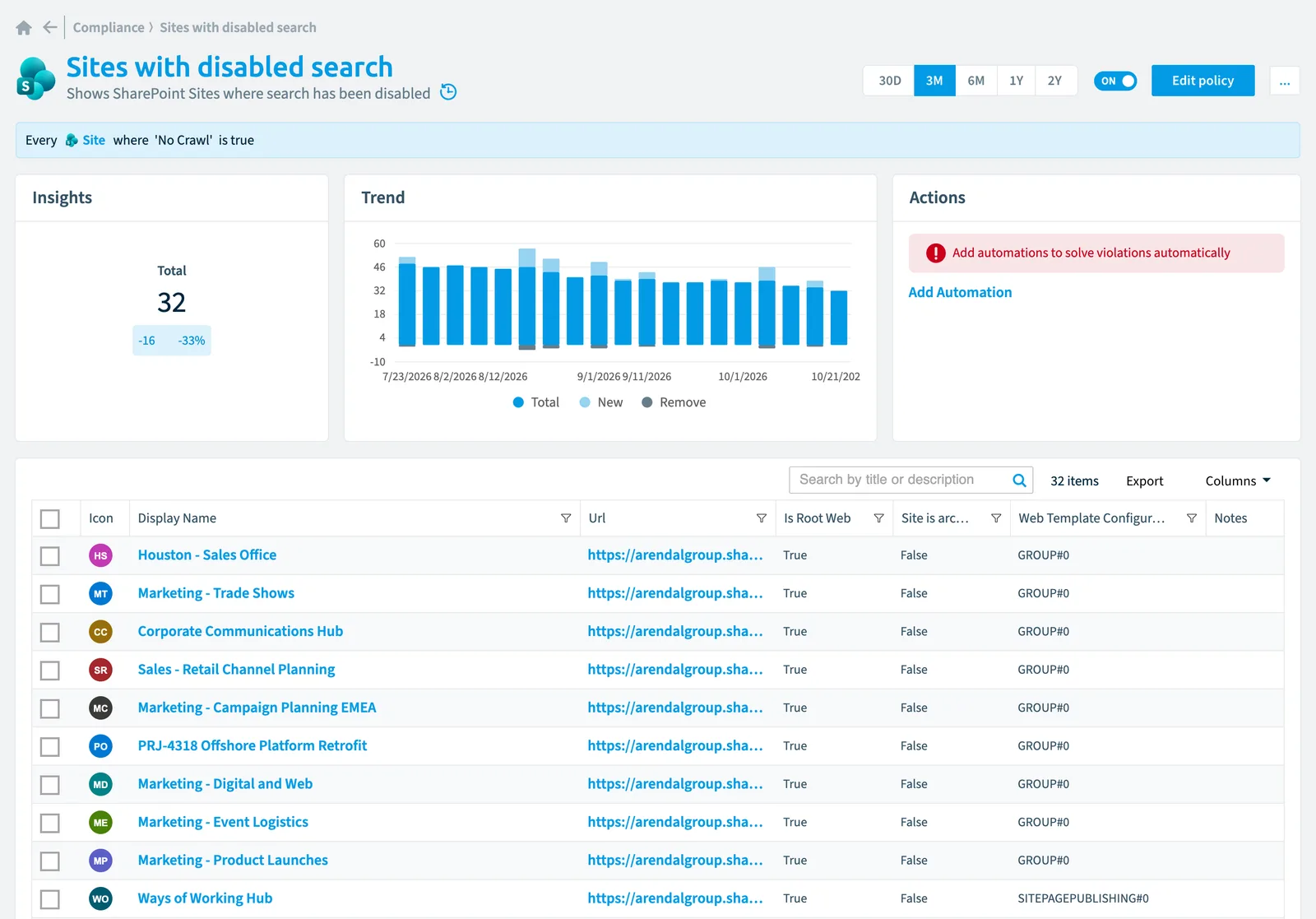
Details
| Applies to | Site |
|---|---|
| Connector | SharePoint |
| Severity | Information |
| Category | Operation |
| Recommended | No |
| Recommended automation | None |
| License type | Standard |
Related policies
Other policies that check Site objects:
Frequently asked questions
What does the sites with disabled search policy detect?
The Sites with disabled search policy shows SharePoint Sites where search has been disabled.
Which objects does the sites with disabled search policy check?
The Sites with disabled search policy checks Site objects from the SharePoint inventory and reports each one that matches its rule as a violation.
How severe is a violation of the sites with disabled search policy?
Violations of the Sites with disabled search policy have Information severity. The policy is in the Operation category.
Which module includes the sites with disabled search policy?
The Sites with disabled search policy comes with the SharePoint connector in the Digital Workplace module of Rencore Governance, which every Plan includes.
Was this page helpful?
Thanks for the feedback.
Thanks. What was wrong?